Avery
®
Personal Label Printer
122
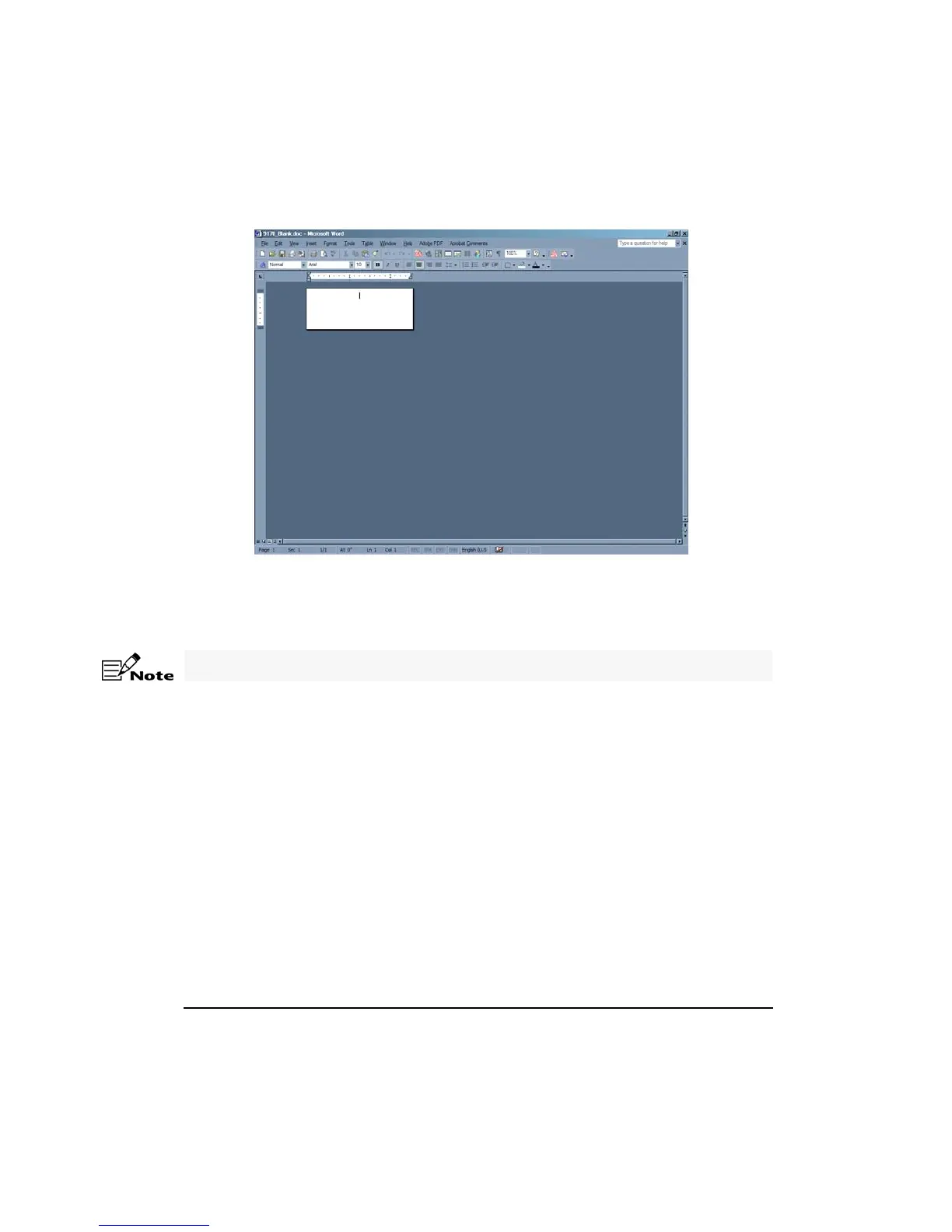
3. Increase the Zoom to 200.
4. Select View > Toolbars > Mail Merge for Microsoft
®
Word 2003 & 2002 or select View >
Toolbars > Database for Microsoft
®
Word 2000 & 97.
5. Click Open Data Source on the Mail Merge toolbar.
6. From the Select Data Source dialog box, select an existing database file and click Open.
7. Click Insert Merge Fields on the Mail Merge toolbar.
The remaining steps will vary for the Microsoft
®
Word 2000 and 97.










 To Next Page