Avery
®
Personal Label Printer
123
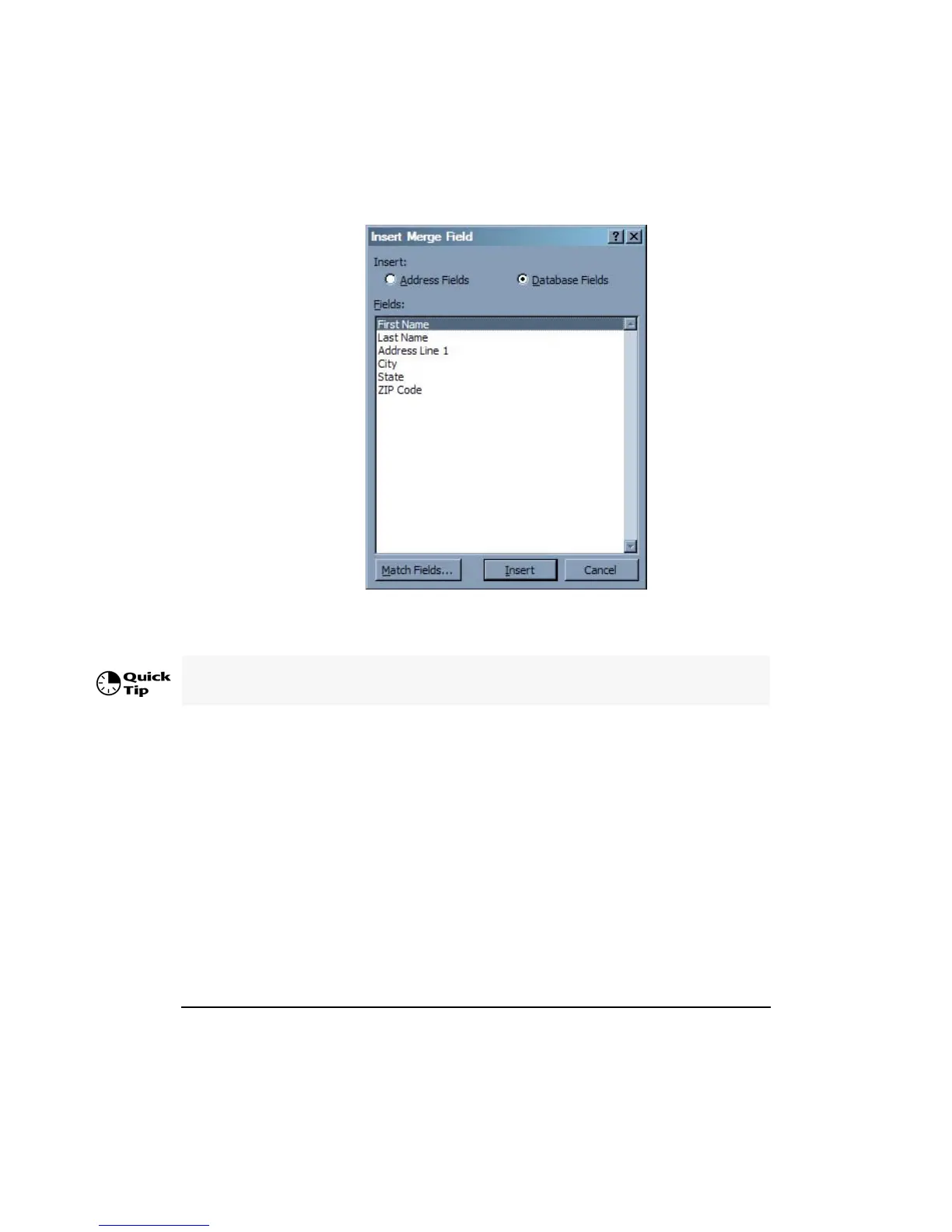
8. To insert a merge field name, select the merge field name, click Insert then click Close.
Insert the desired merge field names on the label similar to the following:
Insert all the desired merge field names then click Close to return to the label design. Add
the needed returns, spaces and punctuation on the label.










 To Next Page