Avery
®
Personal Label Printer
124
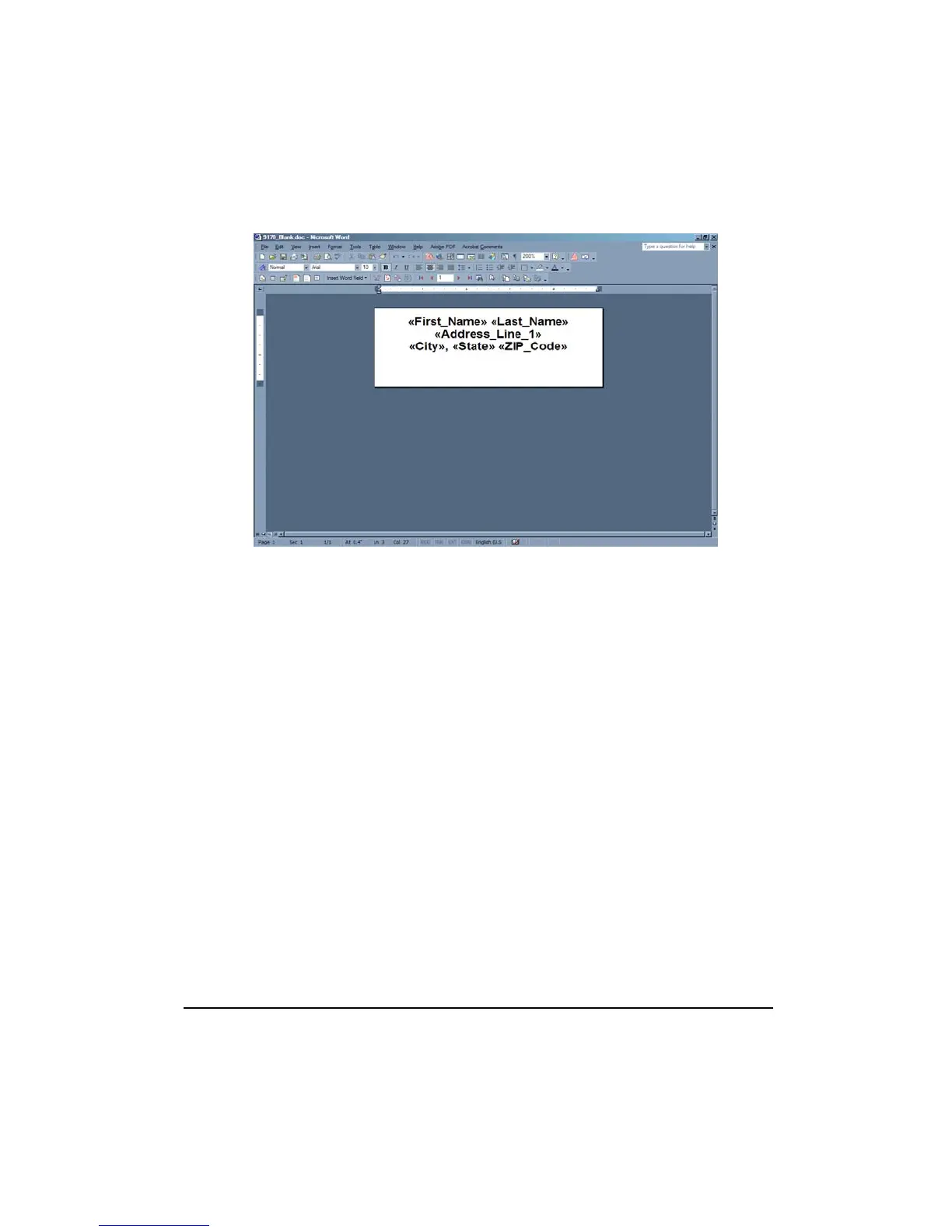
9. Format the merge field names as desired.
10. To view the merged names and address, click the View Merged Data button the the Mail
Merge toolbar.
11. Click the Next Record button to navigate through the merged names and addresses.
12. Select File > Save. Navigate to the drive and folder where the label project is to be saved.
13. Type the File name and click Save.
14. Select File > Print. Change the Printer Name to Personal Label Printer from the drop
down list.
15. Click OK to print the label.










 To Next Page