Chapter 4: Using Pro Tools | SYNC HD 25
Down and Up
The Down and Up switches scroll through param-
eter names or values:
When a parameter name is visible
Press the
Down and Up switches to scroll through the pa-
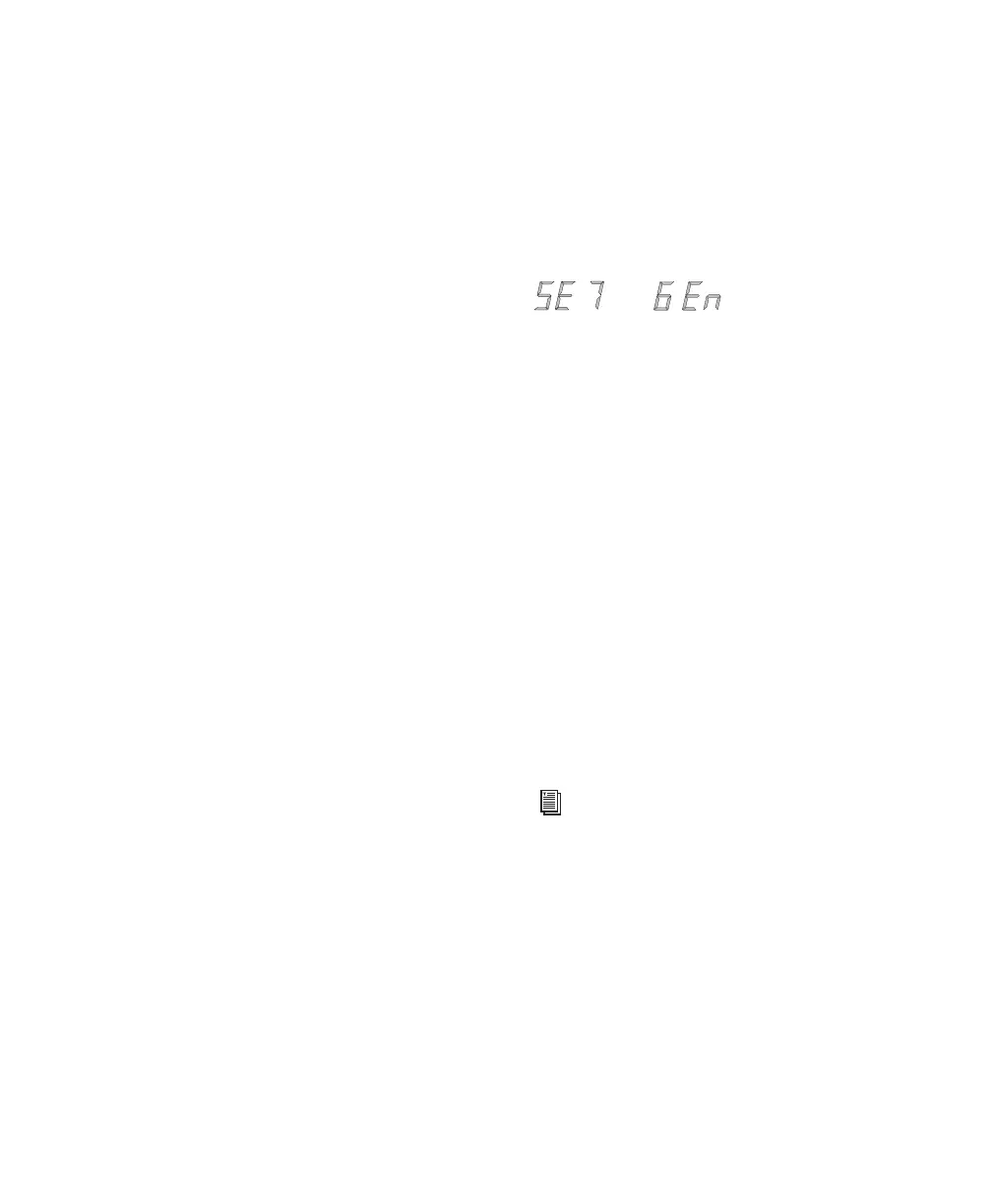
rameter names (for example, from “SET GEn” to
“VIdEo SY”).
When a parameter value is visible
Press the
Down and Up switches to scroll through the range
of values for the current parameter.
When entering timecode values
Press the Down
and
Up switches simultaneously to cycle through
the hours:minutes:seconds:frames fields in the
timecode display.
Run/Stop/Clear/Esc
The Run/Stop/Clear/Esc switch has several func-
tions, depending on the current mode:
While generating timecode
Press
Run/Stop/Clear/Esc to start or stop the timecode
generator when the SYNC HD is in Generator Pre-
set mode.
While timecode is being displayed
Press
Run/Stop/Clear/Esc to reset the counter whenever
timecode is visible in the LED Timecode display.
Otherwise, the
Run/Stop/Clear/Esc switch serves
as a Cancel switch.
Edit Mode
To enter Parameter/Value Edit mode:
Press Set (when timecode numbers are visible
in the LED Timecode Display). The first press
displays the first parameter name, “Set Gen,”
(for the timecode generator).
A different parameter may be displayed, depend-
ing on the previous SYNC HD settings.
To scroll through parameter choices:
Press the Up or Down switches to scroll through
available parameters. Holding the switch scrolls
through the parameters.
To select a parameter to edit:
When the desired parameter is displayed, press
Set. This will access that parameter’s current
setting.
To edit parameter values:
With parameter values displayed, press the Up
or
Down switches to cycle through the available
values.
The first page of Generator Parameter controls
For a complete listing of front panel Gener-
ator/Parameter controls, see Chapter 5,
“Additional Operational Information.”



 To Next Page