Pro Tools | SYNC HD Guide24
Front Panel
Generator/Parameter
Switches
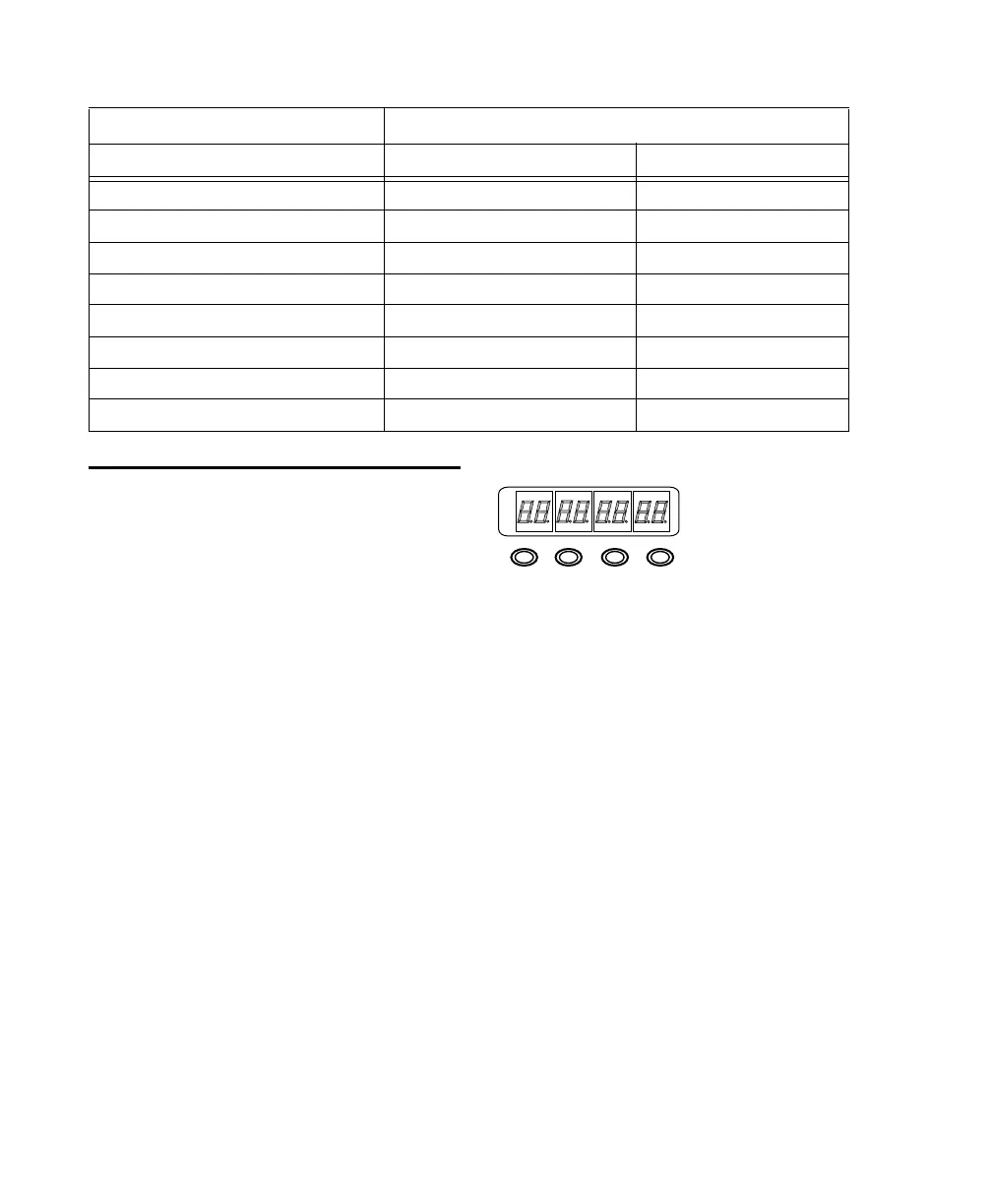
The Generator/Parameter controls are labeled Set,
Down, Up, and Run/Stop/Clear/Esc. In addition
to their primary generator functions, these
switches provide front panel access to most
SYNC HD parameters.
Features Not Accessible from the Front Panel
Controls
The front panel provides access to all SYNC HD
features except the following, which can be con-
trolled using Pro Tools:
• Remote-Only Mode/Front Panel Lockout
• Changing Window Burn Size, Vertical Position,
Horizontal Position, and Color
• GPI (General Purpose Interface) functions
• Variable Speed Offset (VSO)
For a listing of available parameters, see Table 2
on page 23.
Set
The Set switch has three primary functions:
When timecode is displayed
Press Set once to
change the Display from timecode to parameter
names.
When a parameter name is visible
Press Set once
to change the Display to show parameter values.
When a parameter value is visible
Press Set once
to set the value for that parameter and return the
Display to timecode.
Pitch Memory Enable
yes (Peripherals/Sync) yes
Window Dub
all (Peripherals/Sync) on/off only
Bi-Phase/Tach Pulses/Frame
yes (Peripherals/Sync) yes
Bi-Phase/Tach Wiring
yes (Peripherals/Sync) no
Gen/Bi-Phase Preset
yes (Session Setup) yes
GPI
yes no
VSO
yes (Session Setup) no
Idle MTC Enable
yes (Peripherals/Sync) yes
Table 2. SYNC HD controls in Pro Tools and the front panel
Parameters Available from/in:
Pro Tools Front Panel
Generator/Parameter Switches
DF
SET
DOWN
UP
RUN/STOP
CLEAR
LTC
VITC
BI-PHASE
GENERATE
POSITIONAL
REFERENCE



 To Next Page