Chapter 5: Additional Operational Information 49
Pitch Memory/Hold
Pitch Memory is useful when resolving the
SYNC HD to off-speed, free-running LTC. When
Pitch Memory is enabled, the SYNC HD will re-
main at a pitch (sample rate) that corresponds to
the last known clock reference speed.
To enable or disable the SYNC HD pitch memory
feature:
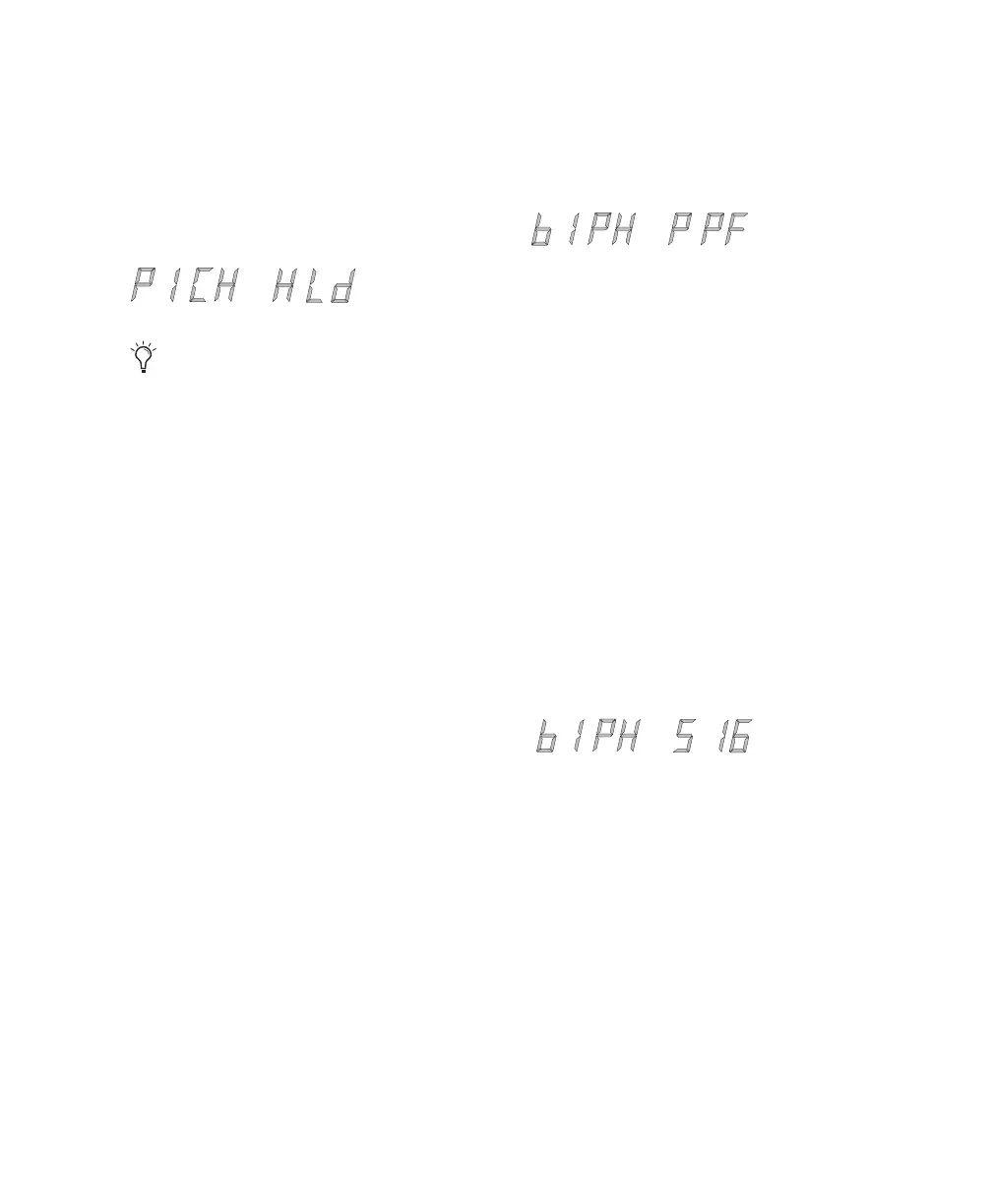
1 Select Pitch Hold (“PICH HLd”), using the Set,
Down, and Up switches.
2 Press Set.
3 Use the Down and Up switches to toggle be-
tween On/Off.
4 Press Set. The SYNC HD retains the setting,
even when powered off, until it is changed.
Bi-Phase/Tach Pulses Per Frame
Bi-Phase/Tach involve several settings, including
pulse per frame. This sets the number of Bi-
Phase/Tach pulses per frame of timecode.
To set the pulses per frame value for a
Bi-Phase/Tach signal:
1 Select Bi-Phase/Tach Pulses Per Frame
(“bIPH PPF”), using the Set, Down, and Up
switches.
2 Press Set.
3 Use the Down and Up switches to scroll param-
eter values.
4 Press Set. The SYNC HD retains the setting,
even when the unit is powered off and on again,
until it is changed.
Bi-Phase/Tach Input Signal
In addition to other Bi-Phase/Tach parameters, the
Input Signal defines the direction of the Bi-
Phase/Tach signal.
For complete instructions, see “Bi-Phase/Tach
Signal” on page 35.
Turn off Pitch Memory if you want to digitally
transfer to another device and to ensure the
receiving device gets the correct sample rate.
Also, turn pitch memory off if you are doing
an analog transfer to Pro Tools and want
to ensure that the recording is made at the ex-
act sample rate set by the Session Setup win-
dow.



 To Next Page