10
Disc Playback & Disc Playable
Disc Load/Eject
Load :
Press to flip down the panel. Insert the disc into
the slot.
Eject :
Press to flip down the panel. Press to eject
the disc.
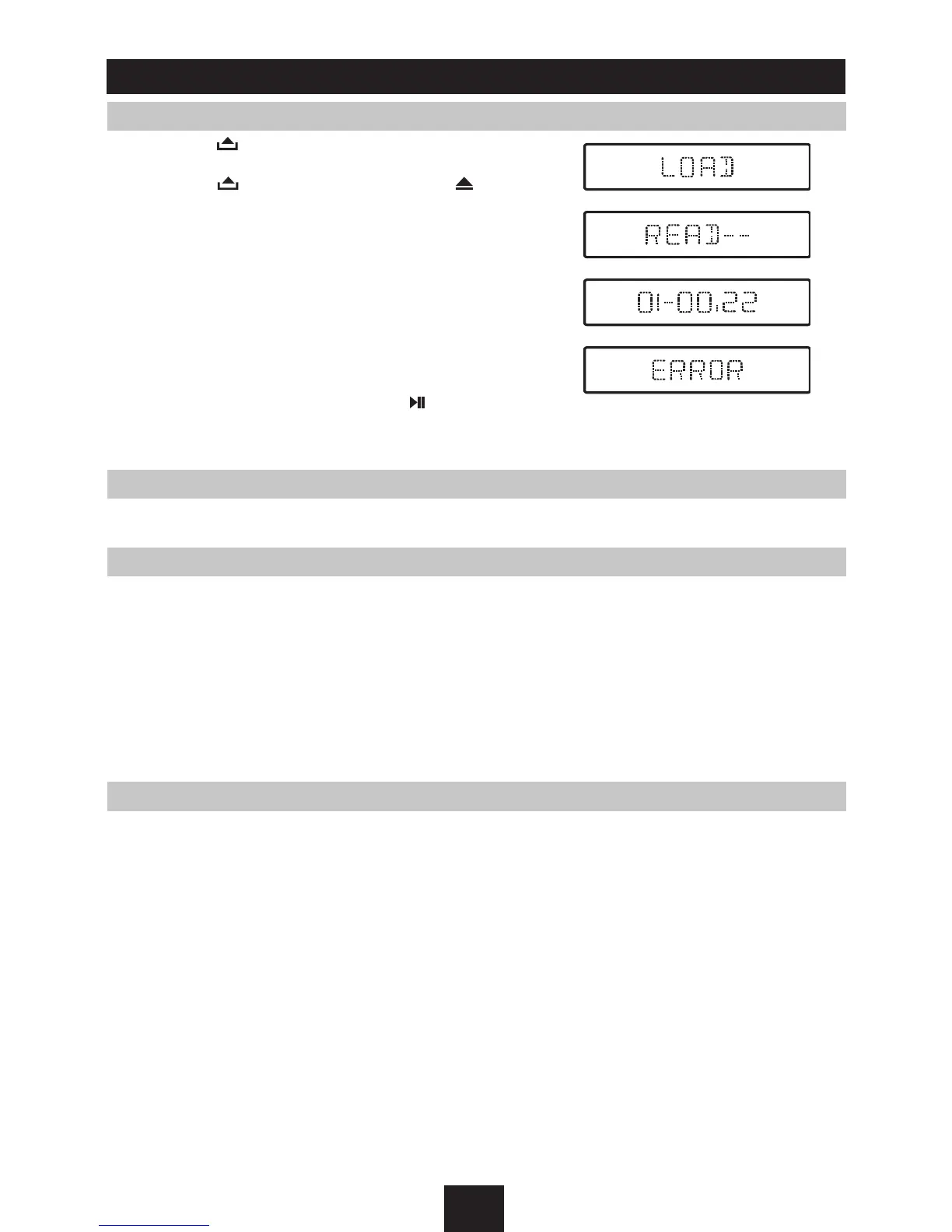
1. When disc inserted, display shows LOAD and then
READ. For MP3 or disc with mixed files, reading time
may exceed 1 minute.
2. For VCD/CD, VCD or CD icon will appear on the
display.
3. While MP3 files playback, MP3 icon will appear on the
display.
4. For DVD, DVD icon will appear on the display and
TITLE will appear. Press
ENTER
or to play.
5. ERROR will be displayed if error found in disc operation.
DISC supported
CD, HDCD, CD-R/RW, VCD, SVCD, DVD, DVD-R, DVD-RW, DVD+R, DVD+RW, DVD-ROM.
File type supported
Audio file: MP3(*.mp3), WMA(*.wma)
Video file: MP4(*.avi), MPEG 2(*.vob), MPEG 1(*.dat)
Picture file: JPEG(*.jpg)
MP3 file: ISO 9660 or ISO 9660 + Joliet format - Max. 30 characters
Max. nested directory is 8 levels
The max. album number is 99
The max. length of each track is 99 minutes 59 seconds
Supported sampling frequency for MP3 disc: 8KHz to 48KHz (44.1KHz preferably)
Supported bit-rates of MP3 disc are: 32 - 320 kbps (128 kbps preferably)
Disc and file NOT supported
*.AAC, *.DLF, *.M3U, *.PLS, MP3 PRO files and files with DRM. Open session discs.



 To Next Page