12
Track Playback
Select desired track
-Press or to skip to next track.
-Use
1-9
and
0
,
10+
buttons on the remote control to select desired track number.
Fast forward/backward during playback
Press or for more than 2 seconds once or more to select X2, X4, X8, X20 to fast backward or
forward track during playback.
-During the fast forward or backward operation, press briefly to playback again.
-During the fast forward or backward operation, the volume will be muted.
Intro (for CD/VCD only)
You can play the beginning of every track for 15 seconds in sequence.
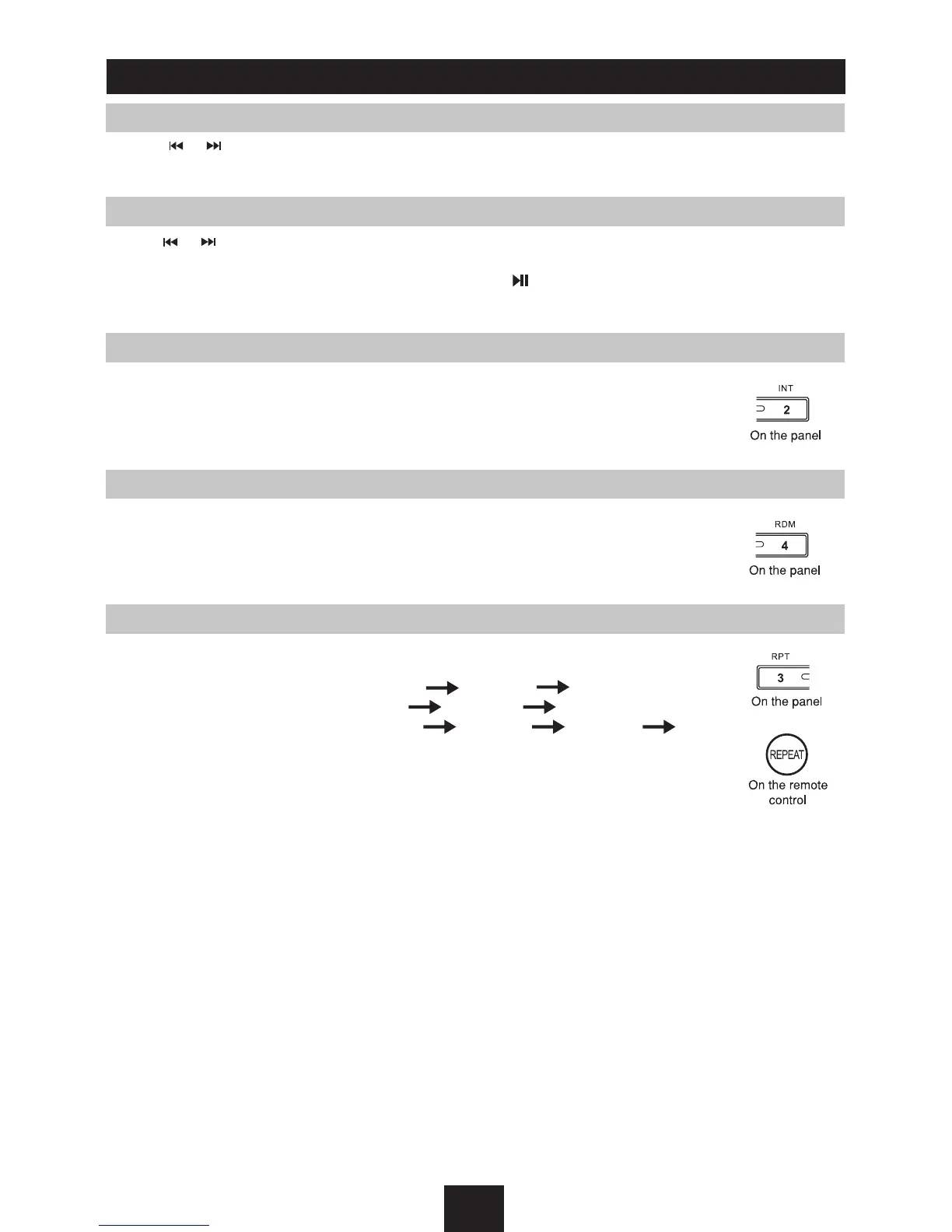
1. During playback, press
INT
once.
-
INT
ON/OFF will appear on the display.
2. Press
INT
again to select the current track.
Random track playback (for CD/VCD/MP3 Only)
You can play all the tracks in random order.
1. During playback, press
RDM
once or more.
RDM
icon will appear on the display.
2. Press
RDM
again to select normal playback.
Repeat
During playback, press
RPT
once or more.
-
RPT
icon will appear on the display.
-For VCD/CD: Display appears
RPT ONE RPT ALL RPT OFF
-For DVD: Display appears
RPT CHAP RPT TITL RPT OFF
-For File disc: Display appears
RPT ONE RPT DIR RPT ALL RPT OFF
Note
: If you do not select RPT on, when the entire disc or TITLE playback has
finished, the system will stop . If no other control, after 5 minutes the unit will
enter into standby mode.



 To Next Page