14
DVD Playback
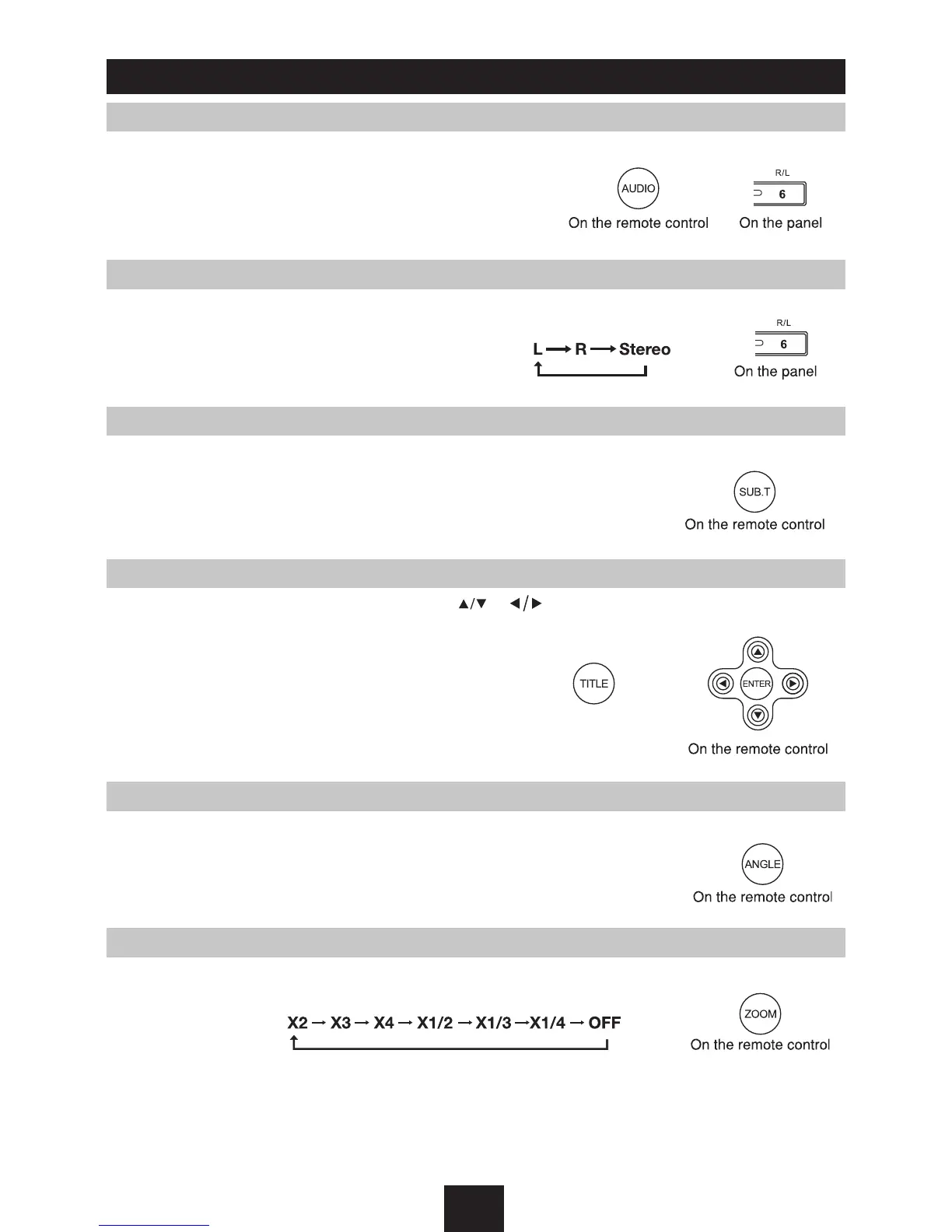
DVD Audio Select
Press AUDIO or R/L to select audio language to listen if the DVD has multiple audio languages.
VCD Audio Select
Press
R/L
to select audio channel to listen.
DVD Subtitle Select
Press
SUB.T
to select the subtitle language to show if the DVD has multiple language subtitles.
DVD Title Select
Press
TITLE
to display title or chapter list, use or cursor or digit number to select, press
ENTER
to play.
DVD Angle Select
Press
ANGLE
to select different angle to view if the DVD has multiple-angle views.
ZOOM
Press
ZOOM
button, the picture will be zoomed accordingly.



 To Next Page