19
DVD Digital Setup
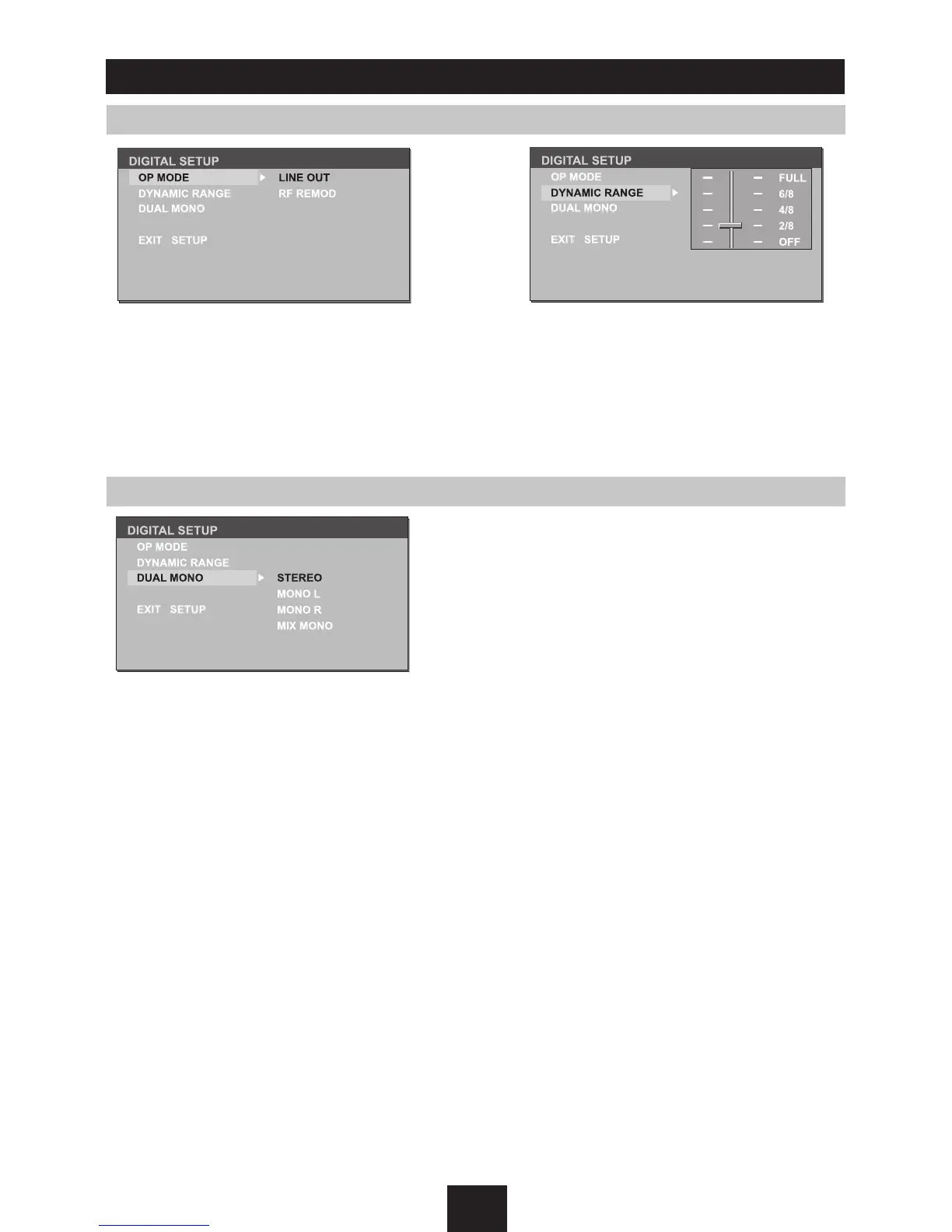
Output Mode Dynamic Range
DUAL MONO
Select the output mode:
LINE OUT:
Compress the input signal.
The volume is small.
RF REMOD:
The volume is large.
When you select the compressed mode
as "line out", select it to adjust the
compression proportion and get the
different compressed effect.
When select FULL, the audio signal is
minimum; when select OFF, the audio
signal is maximum.
Select the audio channel from STEREO,
MONO L, MONO R and MIX MONO.



 To Next Page