8
Menu Mode
Press
MENU
more than 2 seconds to enter menu mode, then each press changes the mode as
follows:
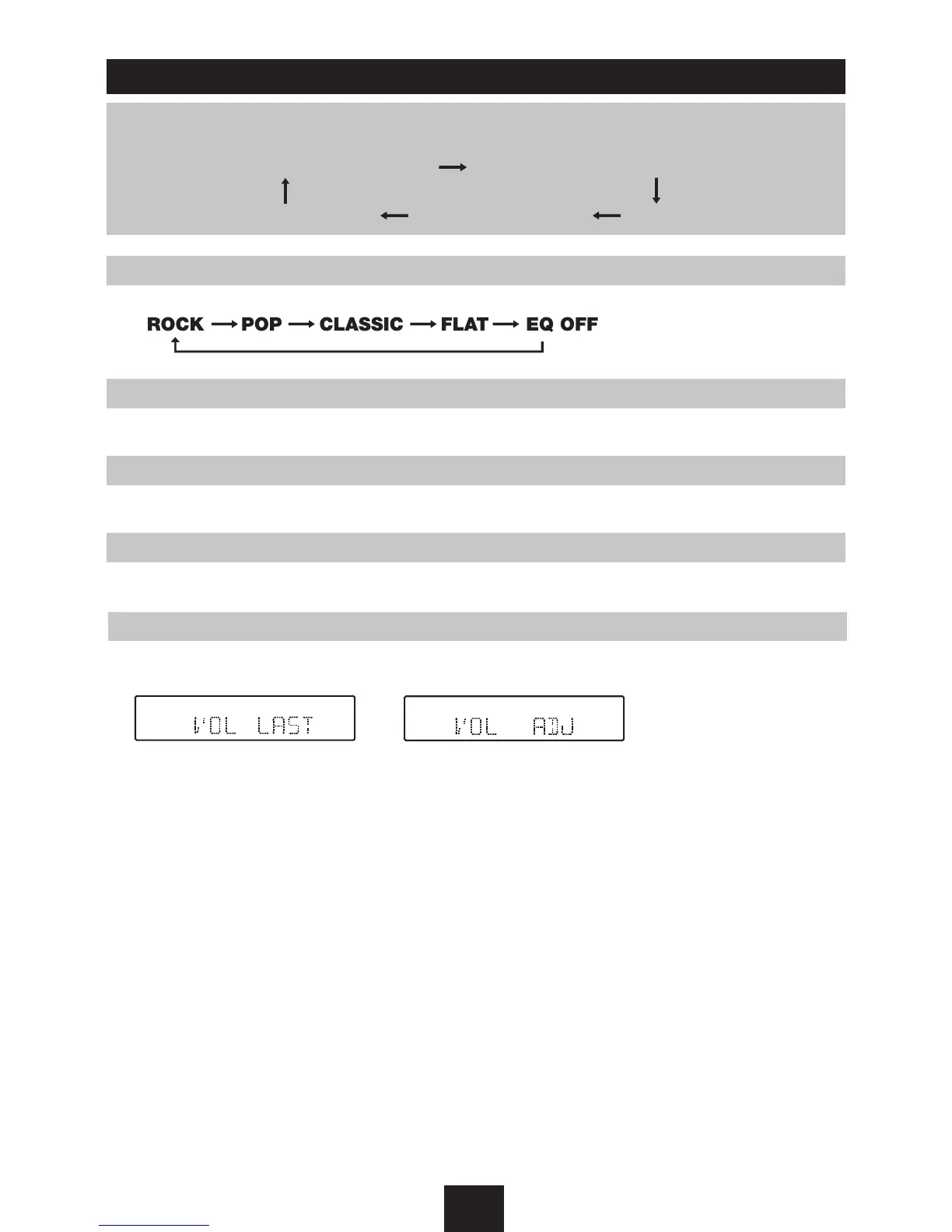
EQ mode
Rotate the knob to select EQ sound effect.
EQ ON/OFF mode BEEP ON/OFF mode
VOL LAST/ADJ mode 12/24 HOUR mode SUBW mode
BEEP on/off mode
Rotate the knob to choose button beep sound on or off.
SUBW ON/OFF mode
Rotate the knob to choose sub-out on or off.
TIME mode
Rotate the knob to choose time mode: 24 hour or 12 hour.
VOL LAST/ADJUST mode
Press knob to choose
VOL LAST
: the turn-on volume level is the volume level of latest power off.
Rotate knob to choose
VOL ADJ
, then rotate the knob to set the turn-on volume level.
EQ ON/OFF mode BEEP ON/OFF mode
VOL LAST/ADJ mode 12/24 HOUR mode SUBW mode



 To Next Page