11
Audio/Video/Picture File Playback
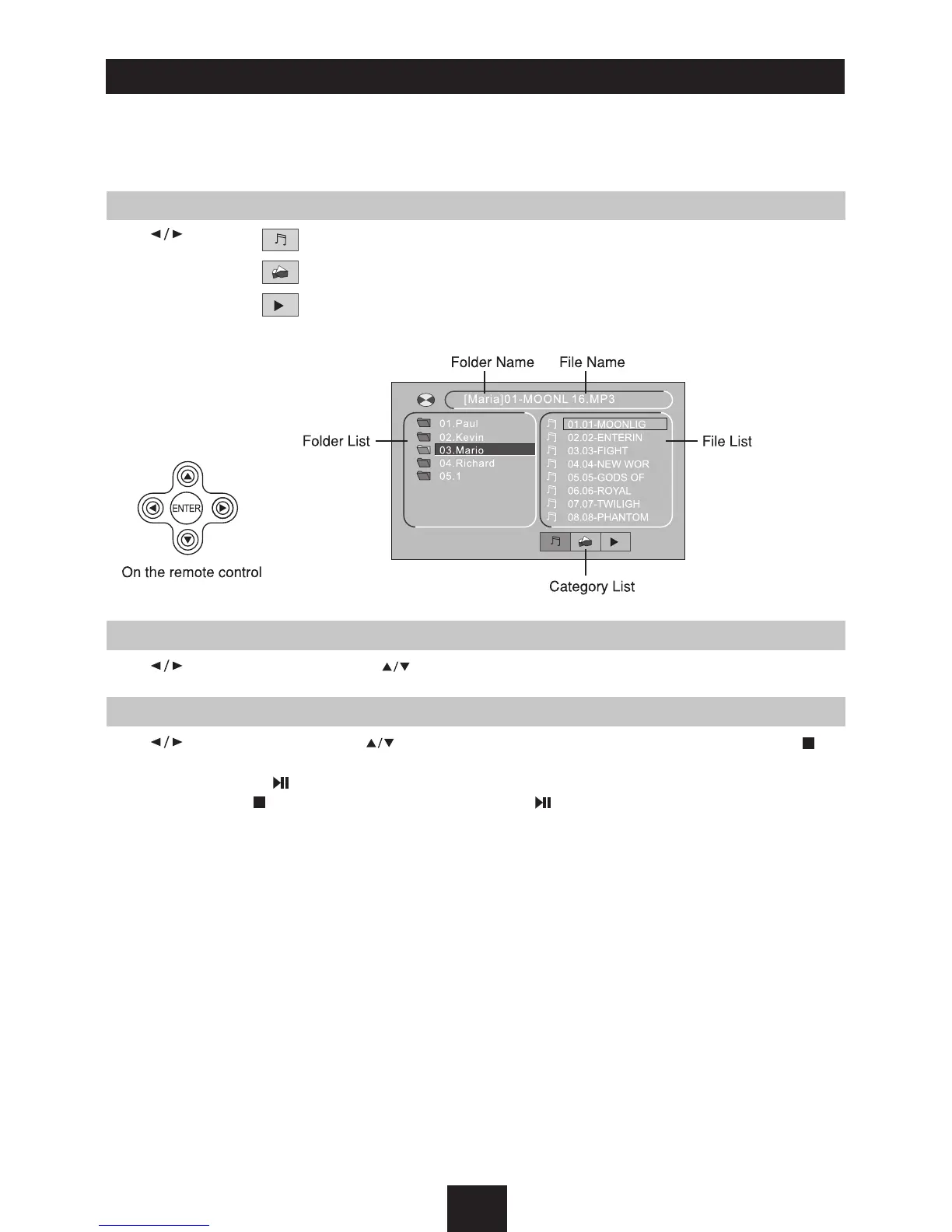
When MUSIC/PICTURE/VIDEO file is played, Category/Folder/File list will be displayed on
the screen, and file/folder name being played will be displayed on top. Current selected
item will be highlighted.
Category Select
Use to select
AUDIO
PICTURE
VIDEO
Press
ENTER
to confirm.
Folder Select
Use to enter folder list and use to select desired folder, press
ENTER
to confirm.
File Select
Use to enter file list and use to select desired file, press
ENTER
to play back, press to
return.
For PICTURE, press to slide show the pictures, press
PROG
to select picture showing style.
For MUSIC, press will enter power on logo, then press to return.



 To Next Page