AXIS M7014
Accessing the product
Note
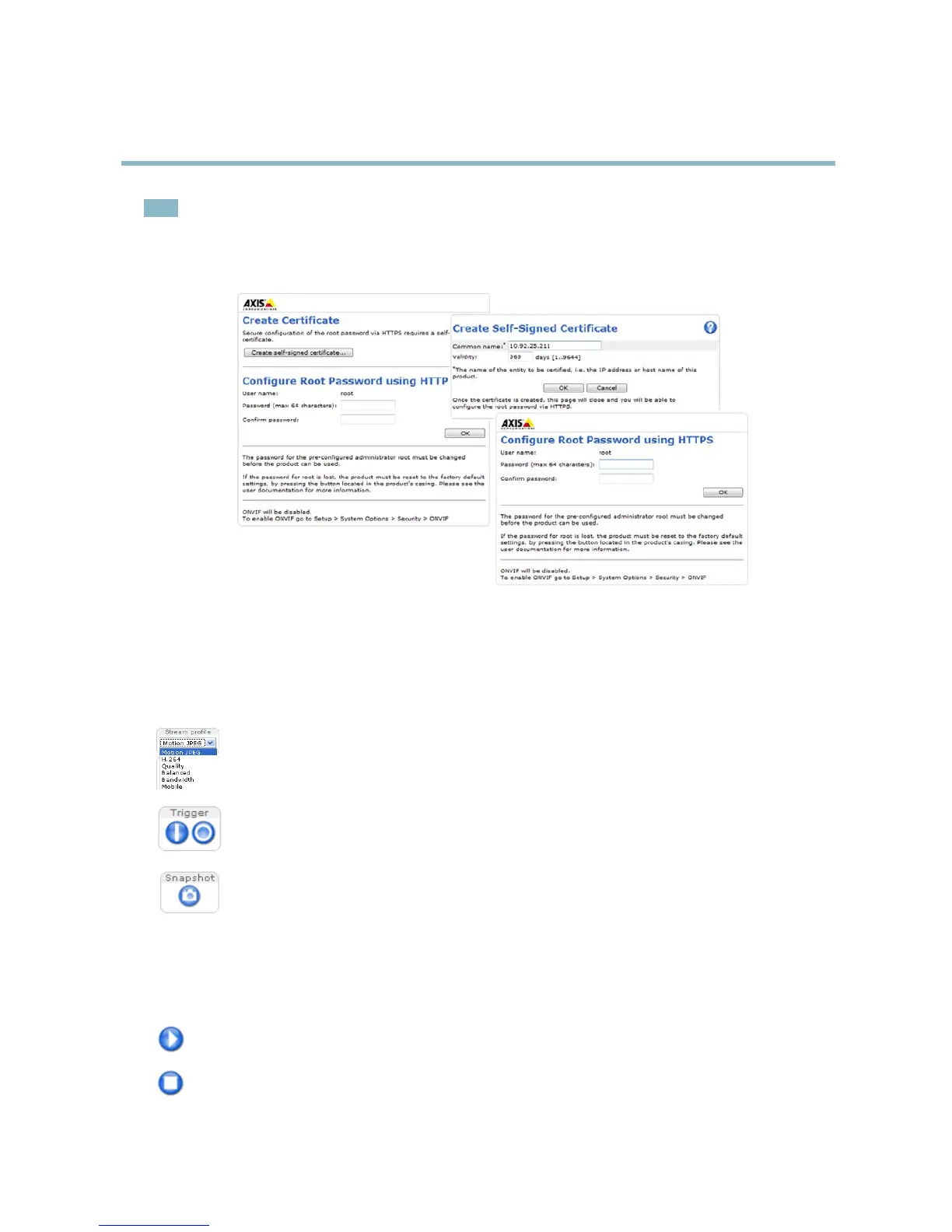
• The default administrator user name root is permanent and cannot be deleted.
• If the password for root is lost, the product must be reset to the factory default settings. See Reset to factory default
settings, on page 38.
The Live View page
If the Axis product has been customized to meet specific requir eme nts, not all the items de s cr ibe d below will appear in the Live View
page. The following provides an overview of each available button.
Controls on the Live View pa ge
The Stream Profile drop-down list allows you to select a customized or pre-programmed stream profile. Stream
profiles are configured under Video > Stream Profiles.SeeStream Profiles, on page 16.
The Manual Trigger button can trigger an event directly from the Live V iew page. The button is configured under
Live View Config > Action Buttons.
Click Snapshot to save a snapshot of the video image. Right-click the video image to save it in JPEG format on your
computer. This button is primarily intended for u s e when the AXIS Media C ontrol viewer toolbar is not available.
Enable this button from Live View Config > Action Buttons.
AXIS Media Control viewer toolbar
The AXIS Media Control viewer toolbar is avail able in Internet Explorer only. See AXIS Media Control (AMC), on page 11 for m ore
information. The toolbar displays the following buttons:
The Play button connects to the Axis product and starts playing a media stream.
The Stop button stops the media stream.
9



 To Next Page