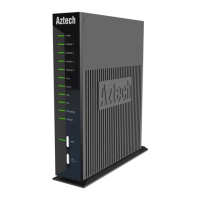
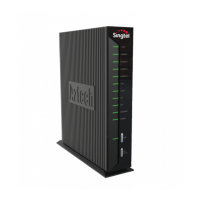
User Manual
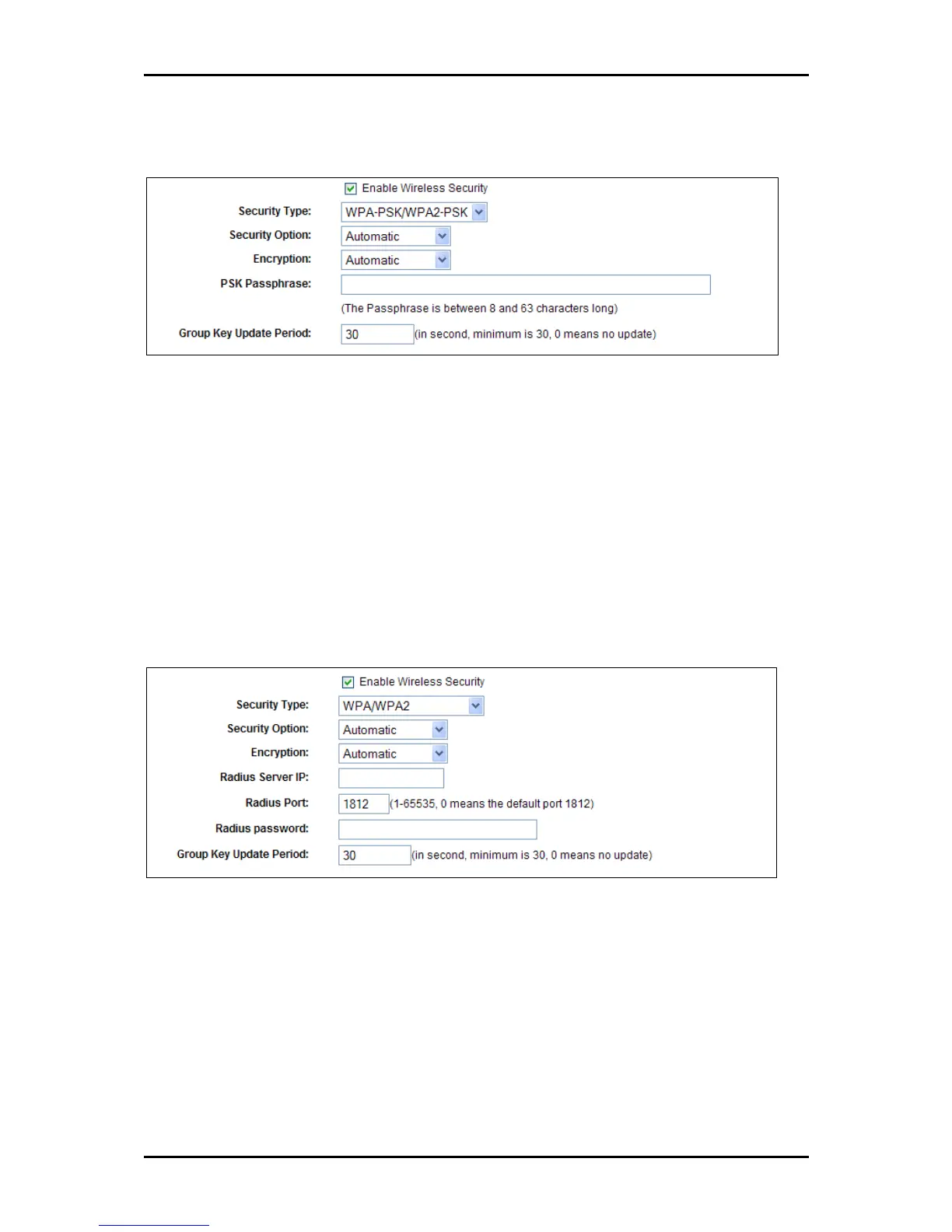
WPA-PSK/WPA2-PSK
WPA-PSK/WPA2-PSK
WPA-PSK/WPA2-PSK Passphrase You can enter a WPA or WPA2 Passphrase
between 8 and 63 characters long composed of letter, numbers or a combination
of both.
Group Key Update Period Specify the group key update interval in seconds. The
value can be either 0 seconds or from 30 seconds and up, 1-29 seconds are not
usable figures. Enter 0 to disable the update.
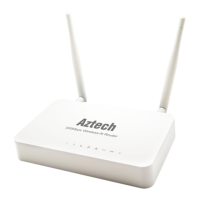
WPA/WPA2
WPA/WPA2
Radius Server IP Enter the IP address of the Radius Server
Radius Port Enter the port number that the radius service used.
Radius Password Enter the password for the Radius Server.
Be sure to click Save to save your settings. The router will reboot automatically
after you click save.
Page 49 of 102


 To Next Page