18
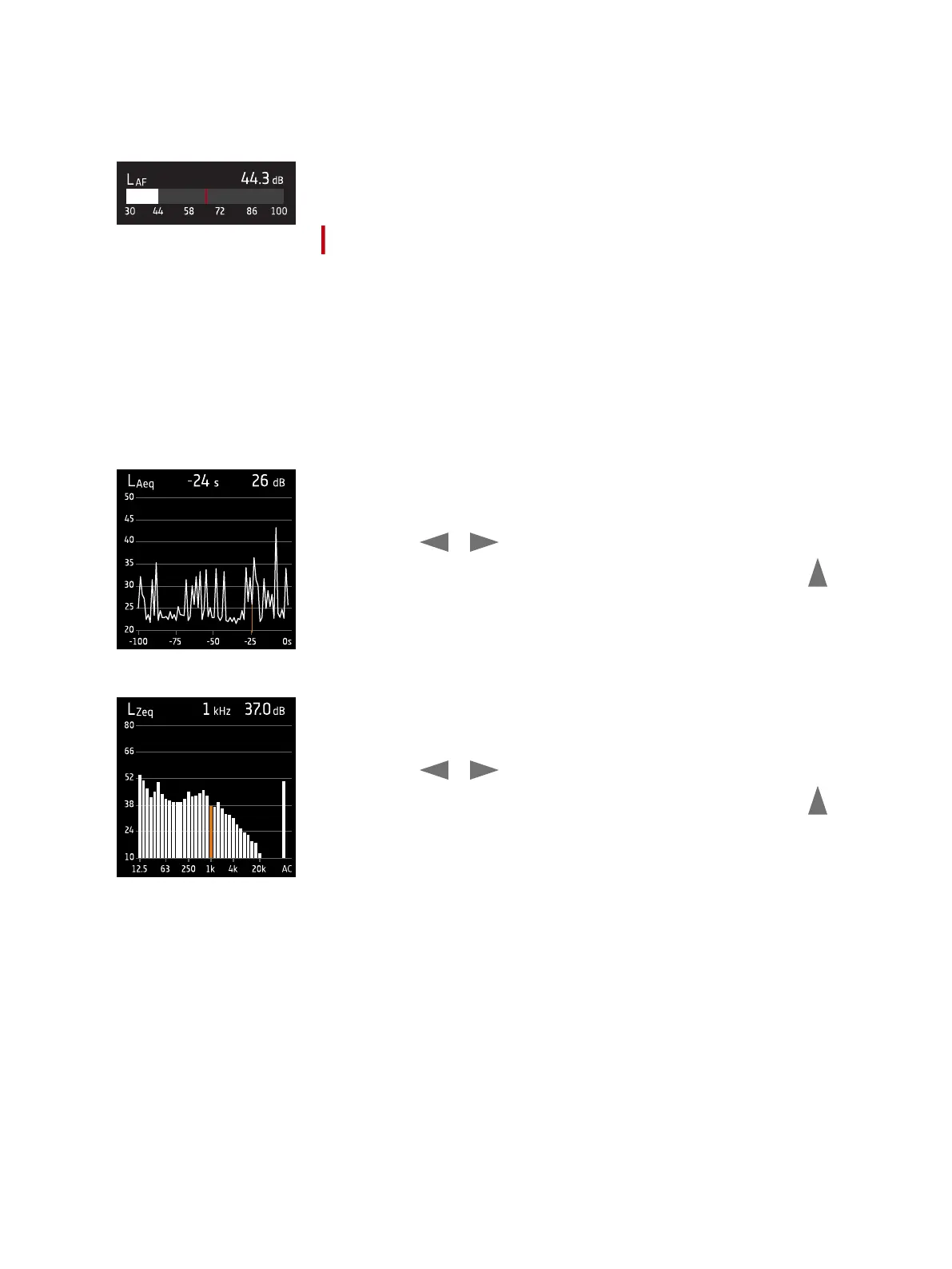
The bar graph shows the instantaneous sound level (L) with frequency and time
weightings. This display is sometimes called the fast bar or fast display.
: Indicates the maximum instantaneous sound level during a measurement.
✐ Note: The bar graphs in SLM view and List view are unique, that is they can each be set to show a different para-
meter.
l Go to Menu > Display settings > SLM view > Graph parameter to set the parameter for the bar graph when dis-
playing one broadband parameter
l Go to Menu > Display settings > SLM view > Graph parameter to set the parameter for the bar graph when dis-
playing a list of broadband parameters
Profile view is the main display for logged measurements because it shows the pro-
file of logged broadband and/or spectrum parameters.
Press and hold or to move the cursor in the display. The readout above the
graph shows the location of the cursor and its decibel level. Press and hold to
auto-scale the Y-axis to fit the data.
Spectrum view displays the frequency analysis of spectrum parameters, shown as
decibel (dB) levels by Hertz (Hz).
Press and hold or to move the cursor in the display. The readout above the
graph shows the location of the cursor and its decibel level. Press and hold to
auto-scale the Y-axis to fit the data.
Get Started: Instrument GUI



 To Next Page