K5902149 /02 MDSC-833110
2.1 Front view
Overview
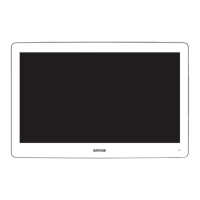
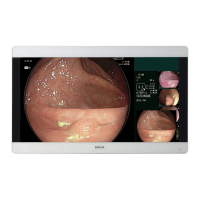
Image 2–1
A 7-key capacitive keypad is located on the front of the display. By default only the stand-by key (7) is visible.
For keyboard activation please refer to “Keyboard locking/unlocking”, page 20.
1. Source shortkey
2. Down key
3. Up key
4. OSD menu / Enter key
5. Left key
6. Right key
7. Stand-by key / Power mode LED
8. Keyboard lock/unlock button (membrane switch at the bottom of the display)
The keyboard lock/unlock button may be activated accidentally when placing the display on a flat
surface with the bottom facing downwards. Persistent key pressures will automatically be ignored
by the keyboard control SW however.
Parts, controls and connectors


 To Next Page