102 Barracuda NG Personal Firewall
9.6.9 Filter Conditions
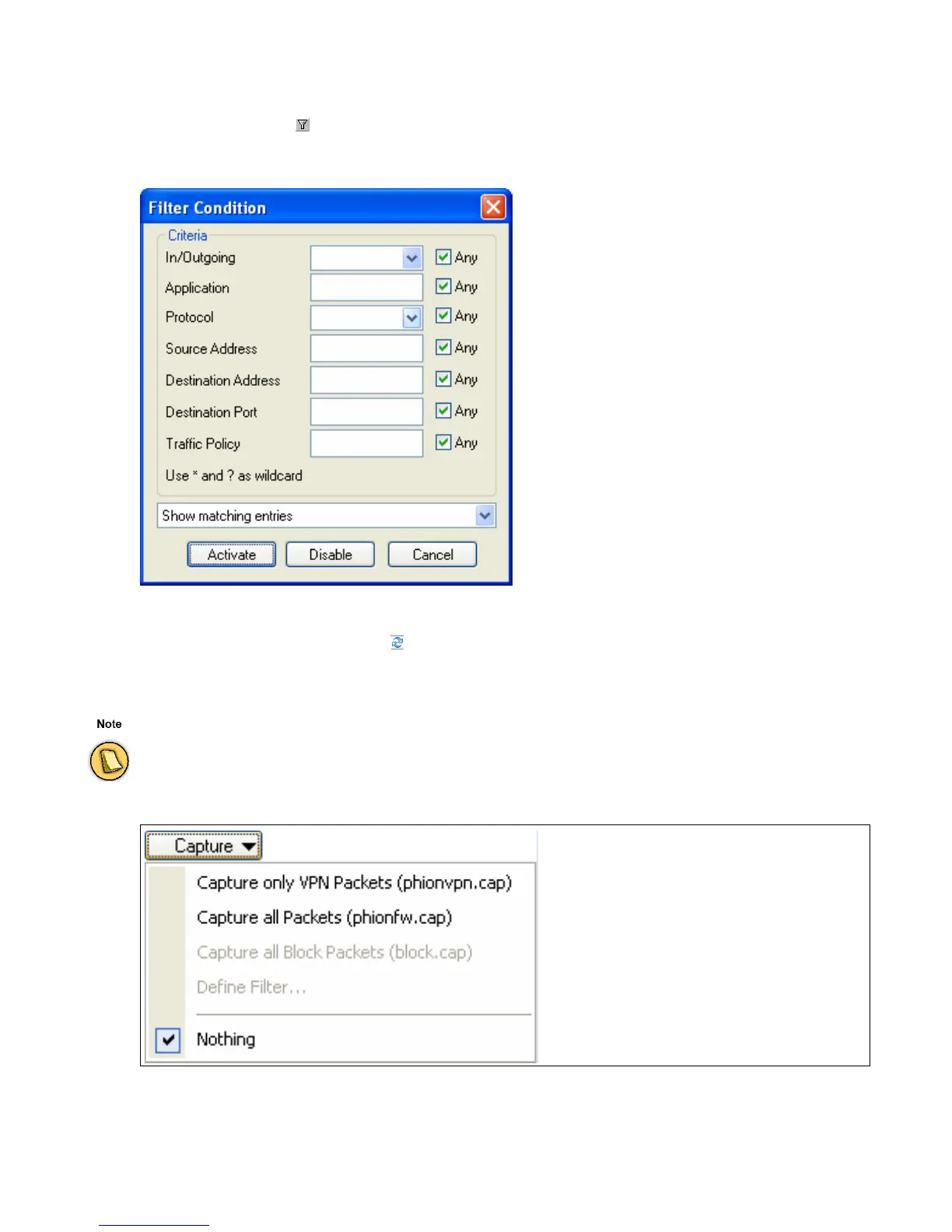
Click the filter button ( ) to open the Filter Condition window. This allows you to specify filter conditions
in order to confine the view to the minimum wanted amount of entries.
Click
Activate to activate the filter settings. Click Disable to deactivate the filter settings.
After having specified a filter, click to refresh the view.
Click
Capture to record traffic processed over the network interface.
Fig. 9–13 Filter condition
Administrator rights are required to use the Capture option.
Fig. 9–14 Capture options



 To Next Page