160 Barracuda NG Access Monitor
11.3.1 Health Agent Connectivity
This section holds all configuration section regarding the connectivity of the Barracuda NG Access
Monitor.
11.3.2 Access Control Server IPs from Registry
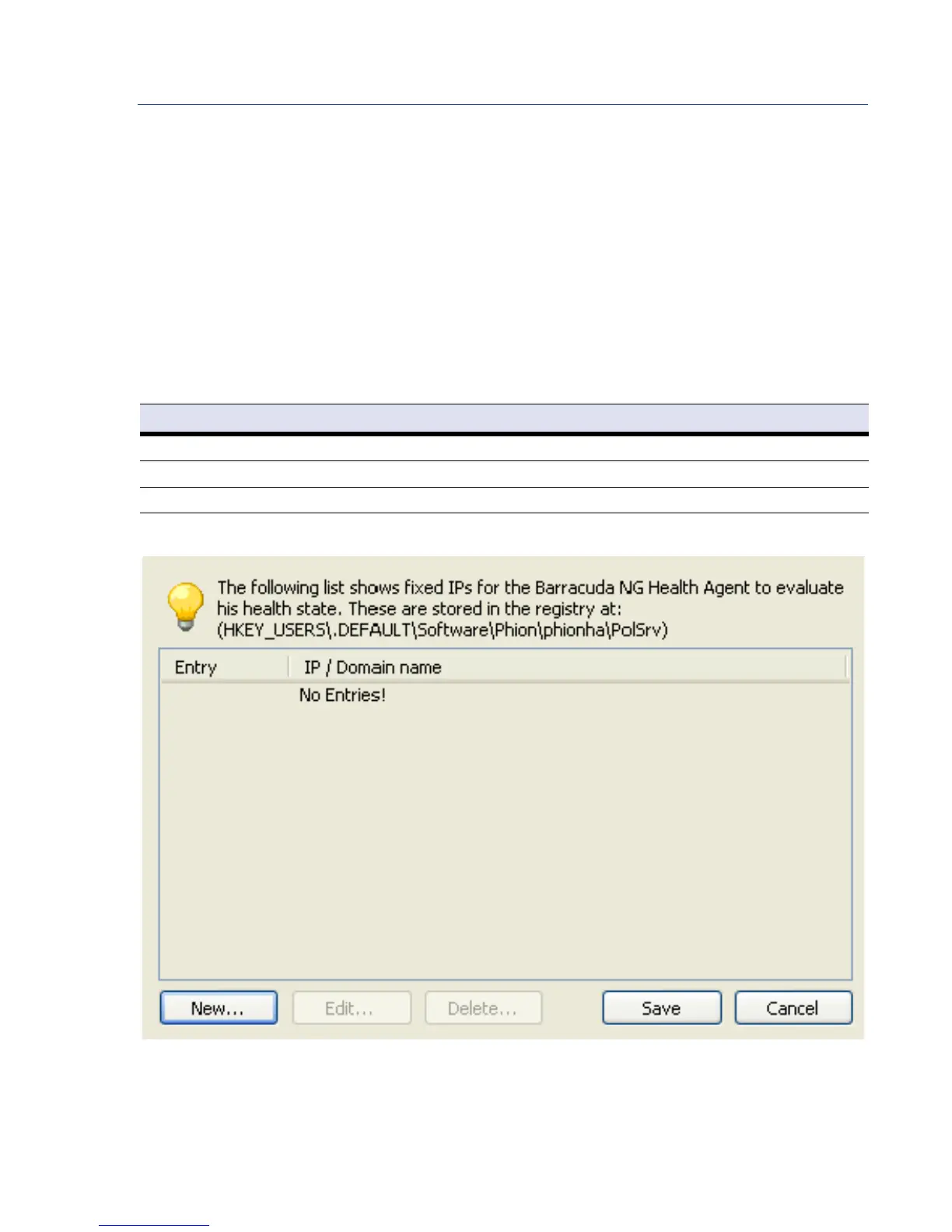
As shown in figure 11–11, the dialog allows creating, editing and deleting of Access Control Server IP
addresses, which are stored in the registry. It is possible to configure as many Access Control Server
IP addresses as required to ensure to ensure continuous connectivity.
As shown in figure 11–11, these IPs can be configured locally using the dialog, and then they are
stored in the registry. These can be found as follows:
11.3.3 Access Control Server IPs from DHCP
When the Barracuda Networks DHCP server is configured to distribute the Access Control Server IPs
using DHCP, these are listed in an advanced dialog, see figure 11–12. To open the dialog click the
Table 11–5 Registry entry for Access Control Server IPs
Item Description
Path
HKEY_USERS\.Default\Software\phion\phionha\PolSrv
Key N (enumeration)
Value IP or Hostname of a Access Control Server
Fig. 11–11 Edit Access Control Server IPs in registry.



 To Next Page