131 Barracuda NG Network Access Client - Administrator’s Guide
• NG Access Monitor …
Opens the Barracuda NG Access Monitor which provides information concerning the health
state of the system.
• Secure Mode
• Disable Firewall (Allow all Traffic)
Allows you to change the operational modes of the Barracuda NG Personal Firewall. Secure
Mode
enables it, while Disable Firewall disables it. After installation, the firewall is disabled by
default ( Barracuda NG Personal Firewall, page 87).
• NG Personal Firewall …
Opens the user interface of the Barracuda NG Personal Firewall ( Barracuda NG Personal
Firewall, page 87).
• NG VPN Client …
Opens the Status dialog of the Barracuda NG VPN Client (10.4 Status Dialog, page 134).
10.2.2 The Barracuda NG VPN Client’s Menu Bar
The following items are available in the Barracuda NG VPN Client’s menu bar:
• File Download (Update) …
This item is only available when a connection to a VPN Server has been established. Use
it to download updates from the VPN server and install them on the client.
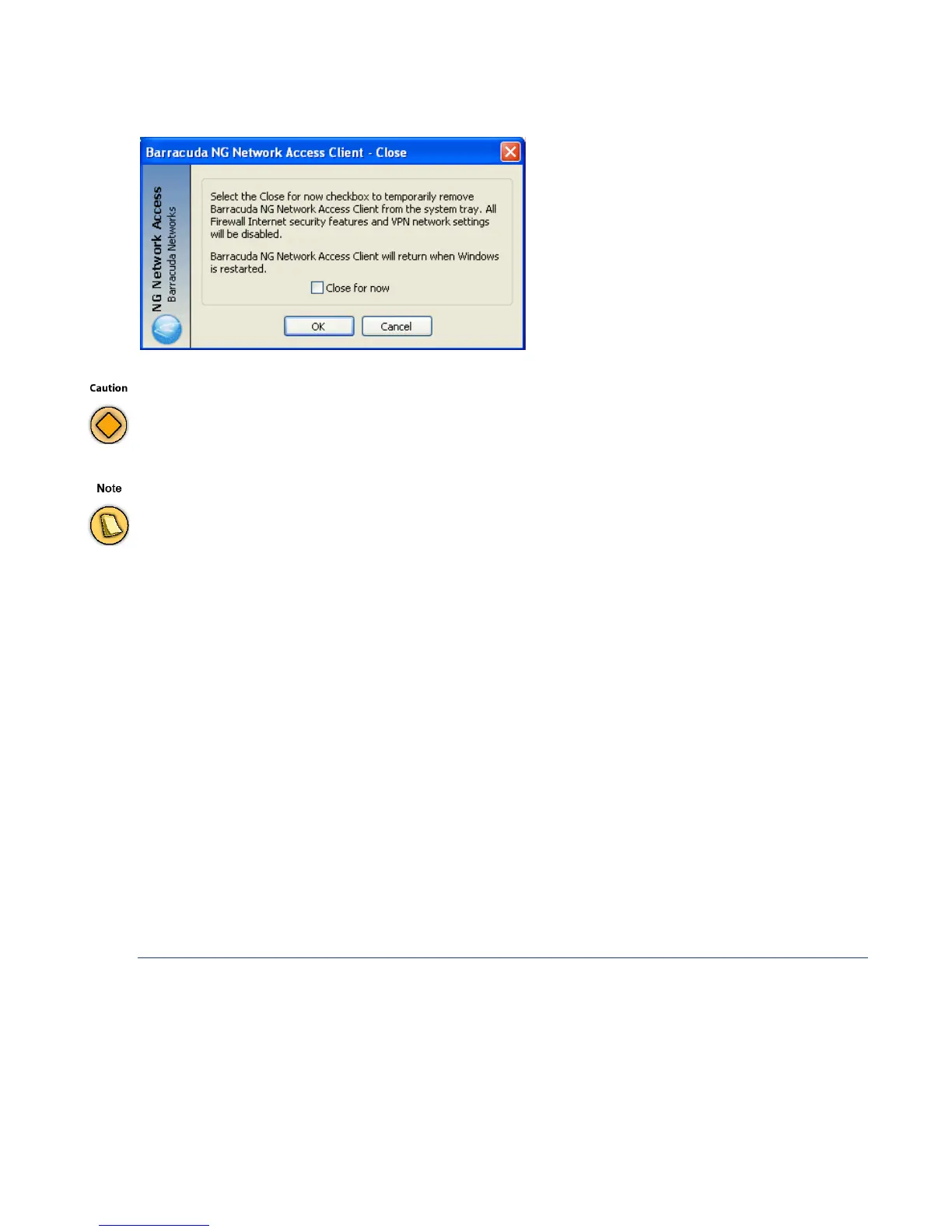
Fig. 10–13 Close NG VPN Client informational window
Shutting down the client will also disable the personal firewall, Take that into account especially if this is the only local
firewall you’re using.
The whole Windows system needs to be restarted in order to restart the services.



 To Next Page