174 Example Configuration
• Allow HTTP/HTTPS connections to the internet. Some antivirus products use
HTTP/HTTPS to download up-to-date engines and patterns.
Next create and edit the unrestricted rule set:
• For the unrestricted rule set, the Outgoing rules allow connections to the
whole internal network. Add a pass rule using "LocalIPs" as source and
"10.0.0.0/8" plus "172.16.0.0/24" as destination.
• Additional remote desktop connections are allowed in the "Incoming" rule set.
13.3 Introduce an Access Control Service Trustzone
As mentioned above, the hierarchical structure of a Barracuda NG Control Center allows introduction
of Access Control Service Trustzones at different levels (Global, Range, and Cluster). Thus, a decision
about the proper place for a company's trustzone is required.
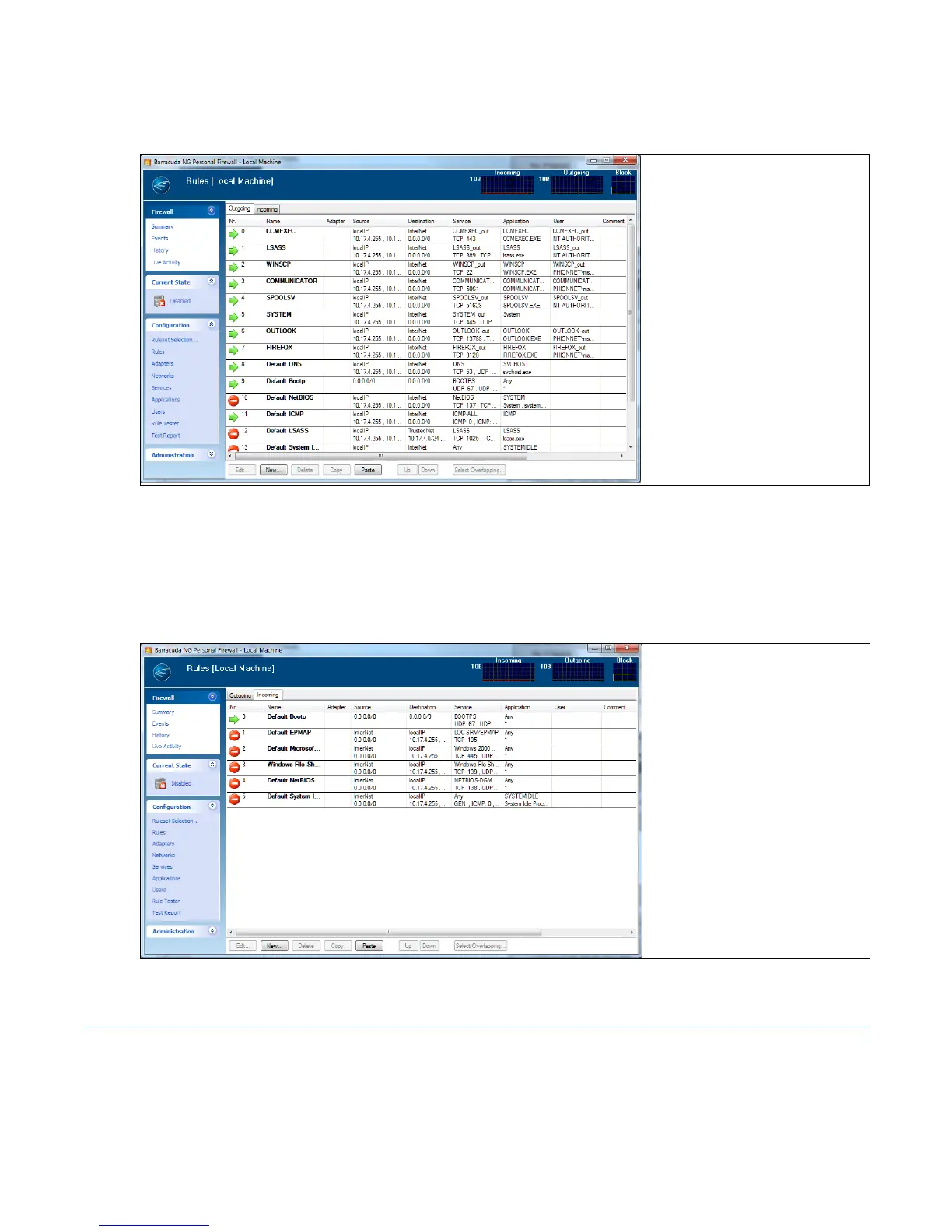
Fig. 13–2 Example configuration – Personal Firewall rule set – Access Control Service - Rules – Outgoing tab example view
Fig. 13–3 Example configuration – Personal Firewall rule set – Incoming tab example view



 To Next Page