147 Barracuda NG Network Access Client - Administrator’s Guide
Behavior of a DHCP client.
Possible options are:
2 IP address is assigned directly (using Windows Management Instrumentation)
1 IP address is assigned dynamically (DCHP)
0 IP address is configured statically
•
connectmode [corresponds to Tunnel Mode dropdown list in the Advanced
Settings tab]
This parameter specifies the used connection mode. By default, this parameter is set to
tcp.
The alternatively available modes are shown in brackets (
[]). Please remove the bracket and
its entries in order the get a working setup file.
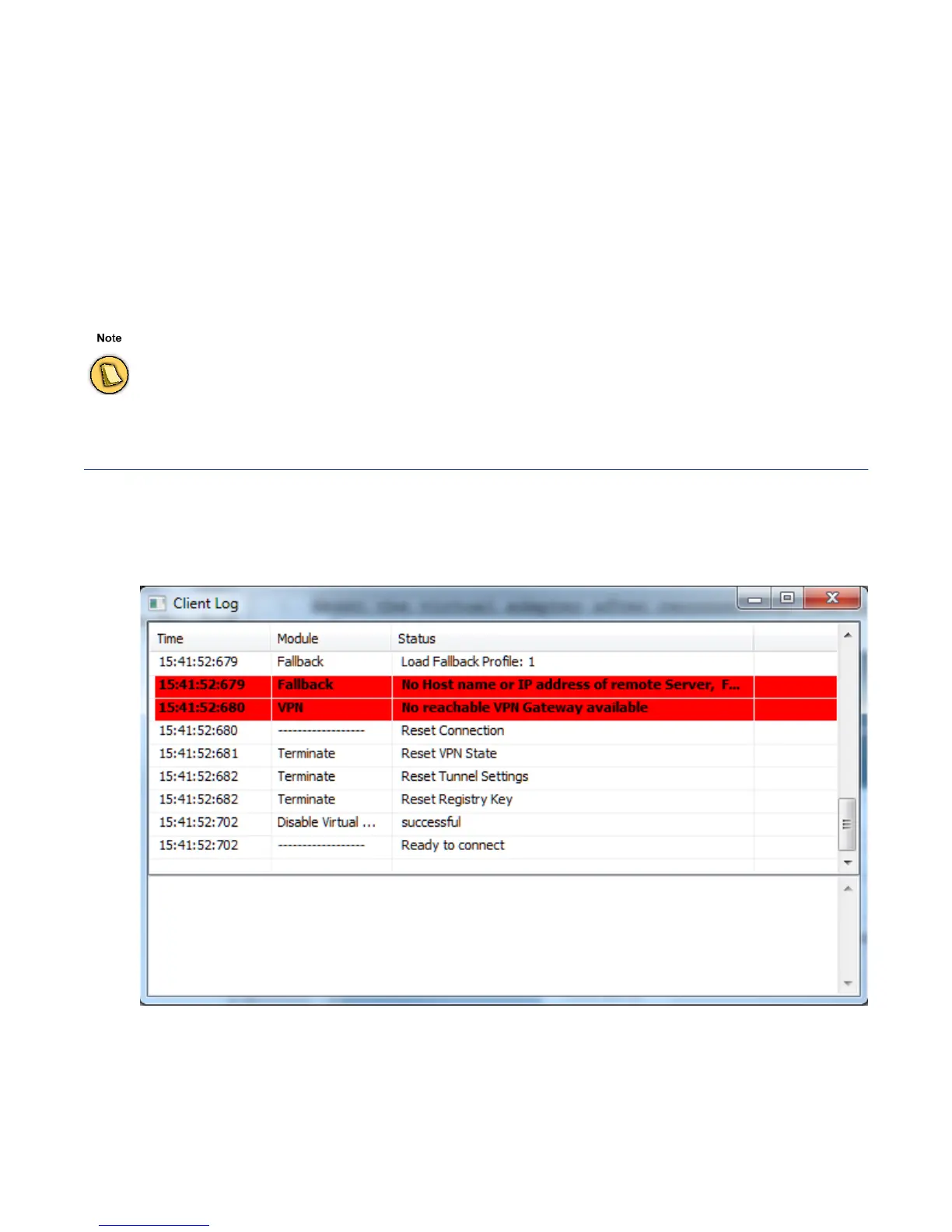
10.7 Log Window
The log information screen displays information collected from the initiation of a connection attempt
until disconnecting. Purely informational messages are logged conjointly with messages related to
connection errors or other errors.
•
Time row
The log entry’s time stamp.
When changing the protocol to udp, be sure to delete all parameters related to the proxy.
Fig. 10–21 Log window



 To Next Page