130 VPN Component Configuration
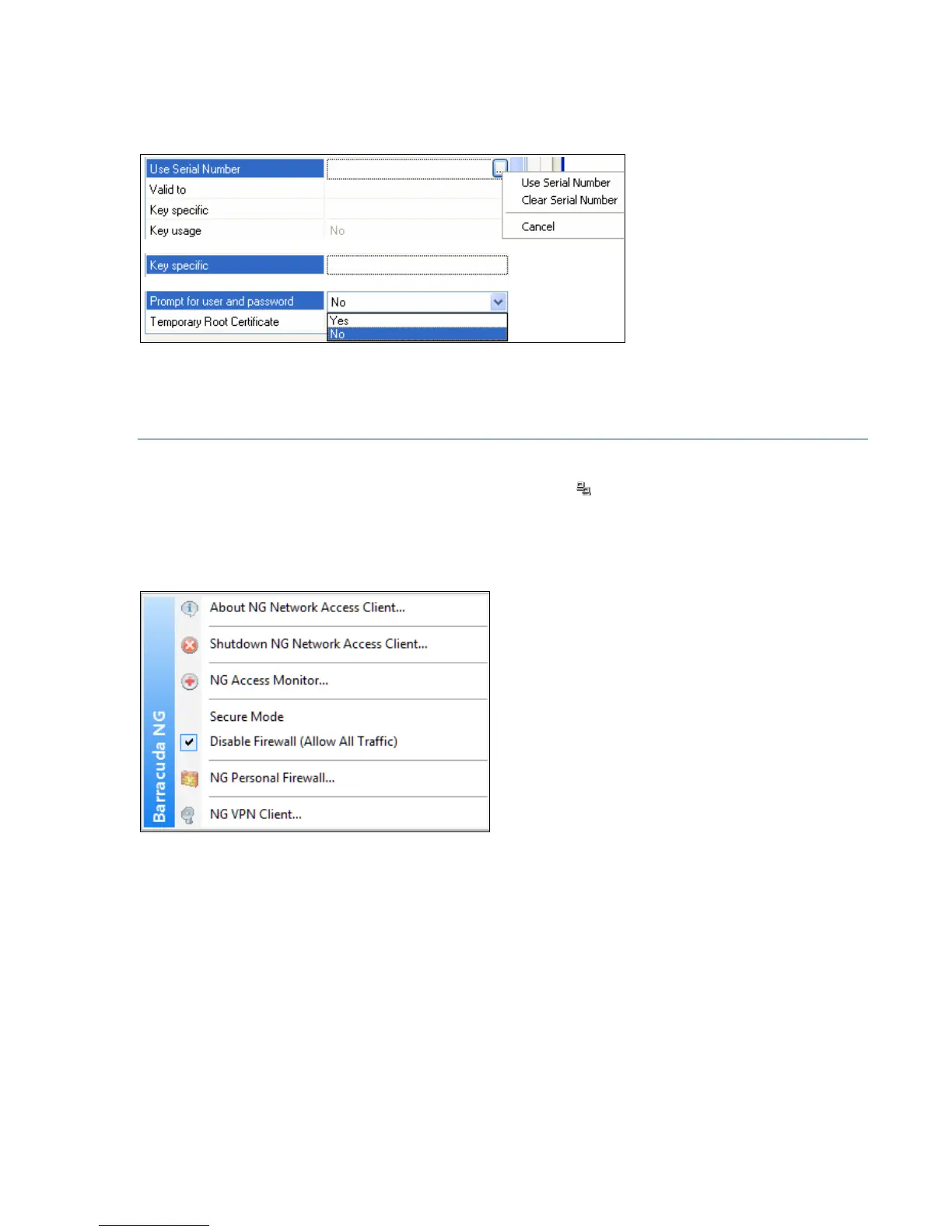
• a browse button including a context menu
• a dropdown list (figure 10–11)
10.2.1 Functional Elements of the Barracuda NG Network Access Client’s
System Tray Icon
Installing Barracuda NG Network Access Clients adds a new icon to the system tray providing quick
access to the main elements of VPN client and Barracuda NG Firewall R8. Double-click the icon to
open the VPN client Connection dialog (10.3 Connection Dialog, page 132). Right-click the icon to
make the following menu items available:
• About NG Network Access Client …
Shows the version information.
• Shutdown NG Network Access Client …
Shuts down the VPN for the current Windows session. The Barracuda NG Network Access
Client will be available again after a system restart. Select the
Close for now checkbox to
proceed.
Fig. 10–11 Editing options of the VPN client dialog
Fig. 10–12 Context menu of the NG VPN Client system tray icon



 To Next Page