134 VPN Component Configuration
10.4 Status Dialog
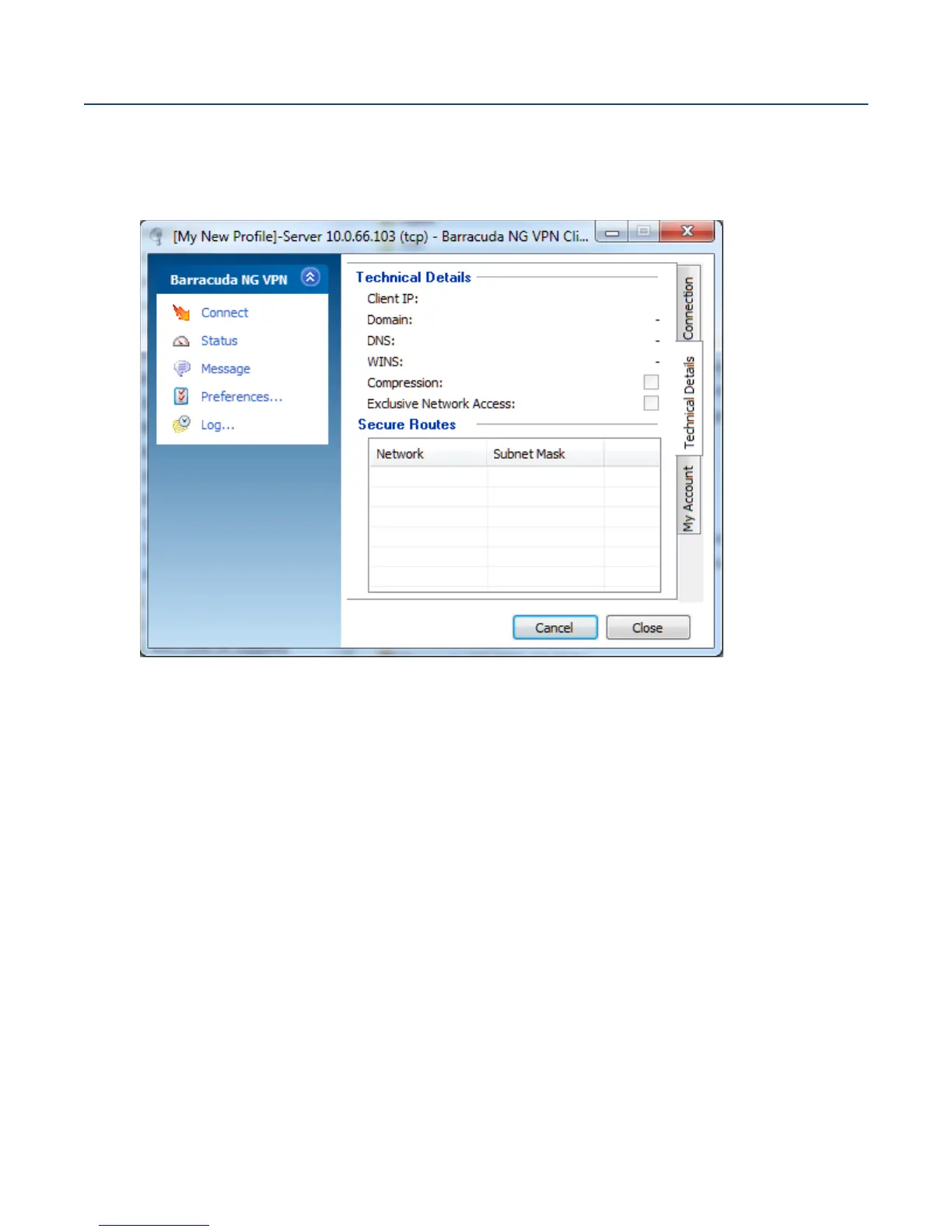
Use the Status dialog window to view properties of an established connection. Click Connect to
establish a connection through the Status dialog. A profile for the connection needs to be chosen in
the Connection dialog (10.3 Connection Dialog, page 132), though.
Technical Details tab:
Technical Details section:
• Client IP
The assigned VPN client IP address (Source) and gateway IP address.
• Domain
The assigned domain.
• DNS
The assigned DNS IP address for the VPN connection
• WINS
The assigned WINS address.
•
Compression checkbox
Selected if traffic between VPN server and client is compressed (
Compression, page 144).
•
Exclusive Network Access checkbox
If Exclusive Network Access (ENA) has been activated on the VPN Server, then this
checkbox is displayed selected.
Fig. 10–15 Status Dialog



 To Next Page