127 Barracuda NG Network Access Client - Administrator’s Guide
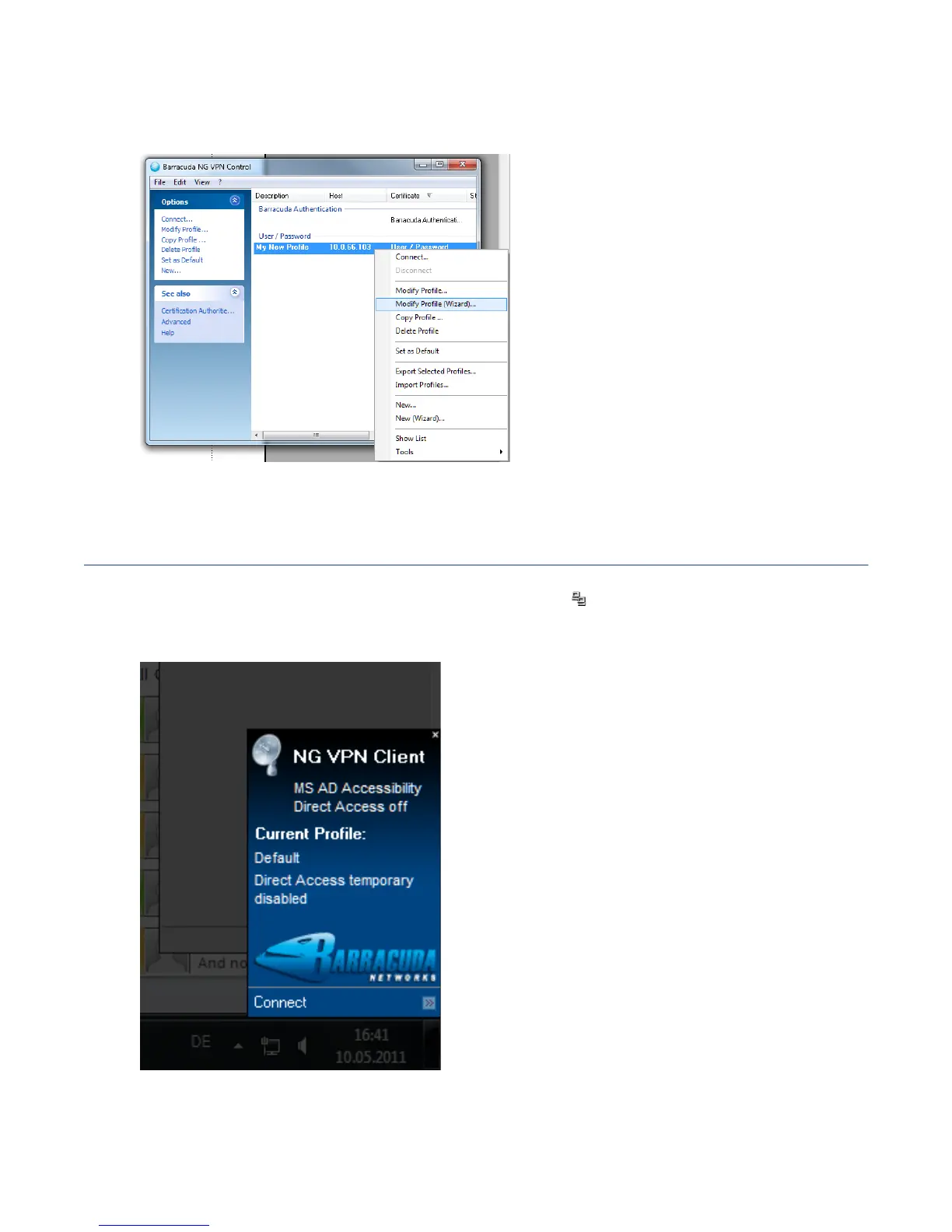
You can later call the wizard again by right-clicking Modify Profile (Wizard) ... at the respective VPN
profile entry.
10.2 Configure a New Profile Manually
Double-click the Barracuda NG Network Access Client icon ( ) in the system tray to open the VPN
component. This will bring up the client’s status window which is attached to the tray.
Clicking
Connect (altered by Disconnect, if already connected) will open the client’s configuration
window.
Fig. 10–6 VPN Profile Wizard - Modify Existing Profile Using the Wizard
Fig. 10–7 VPN client – tray status window



 To Next Page