88 Barracuda NG Personal Firewall
• Modify objects and rules that have been created in the History view by selecting
Add Pass/Block - Traffic Policy … from the context menu (9.6.3 History, page 97)
9.1.1 Integration within Windows 7
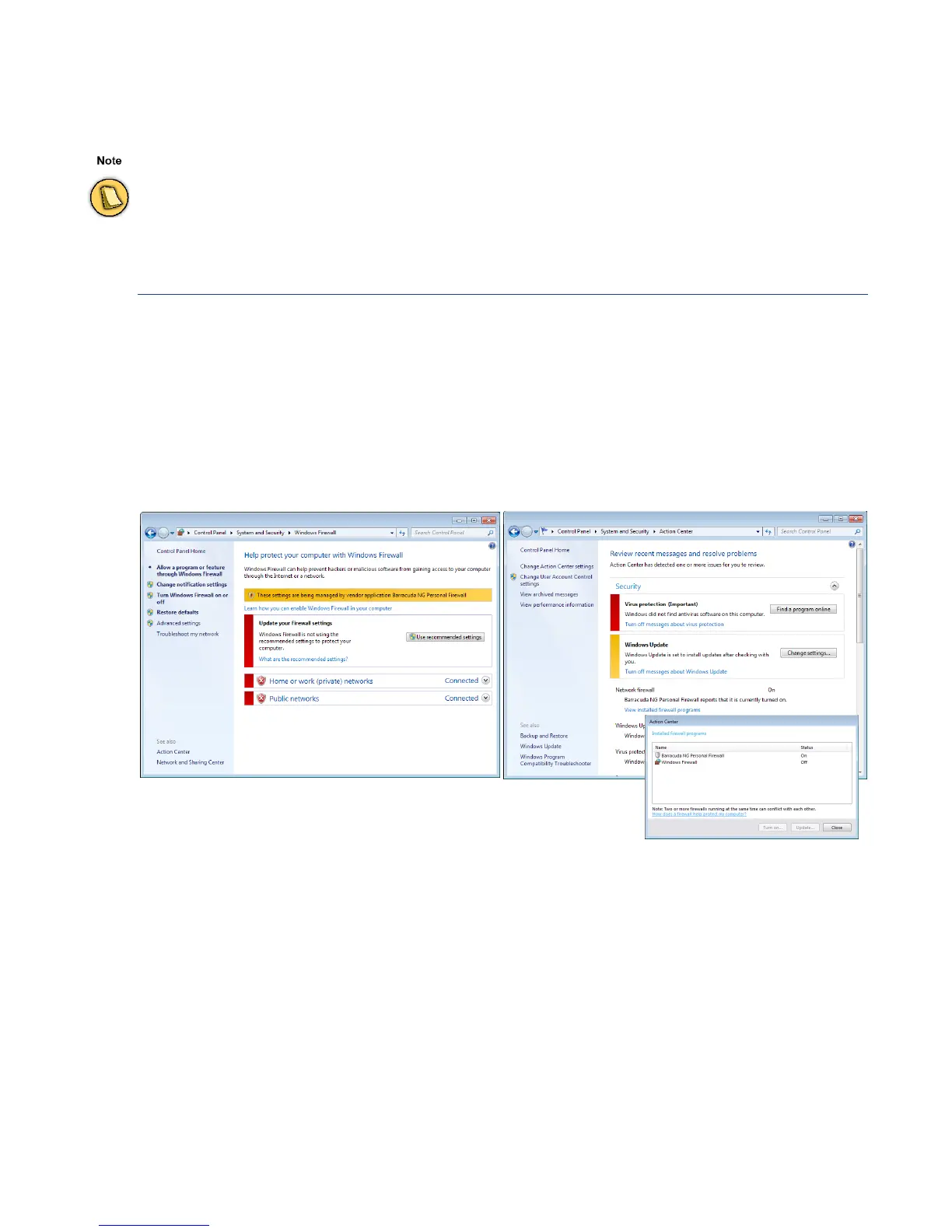
The Barracuda NG Personal Firewall integrates with Windows 7’s intrusion control system. If
configured to do so in
Firewall Settings > Firewall Settings > Disable Windows Firewall, it will properly
replace the built-in Windows Firewall as long as it is enabled.
Disabling the Barracuda NG Personal Firewall will automatically re-enable the Windows Firewall.
You can view the current protection status in your Windows 7 system within
Control Panel > System and
Security > Windows Firewall
and within Control Panel > System and Security > Action Center:
Firewall administration experience is recommendable before manipulating the Barracuda NG Personal Firewall
manually.
Fig. 9–1 Windows 7 Windows Firewall and Action Center screens



 To Next Page