141 Barracuda NG Network Access Client - Administrator’s Guide
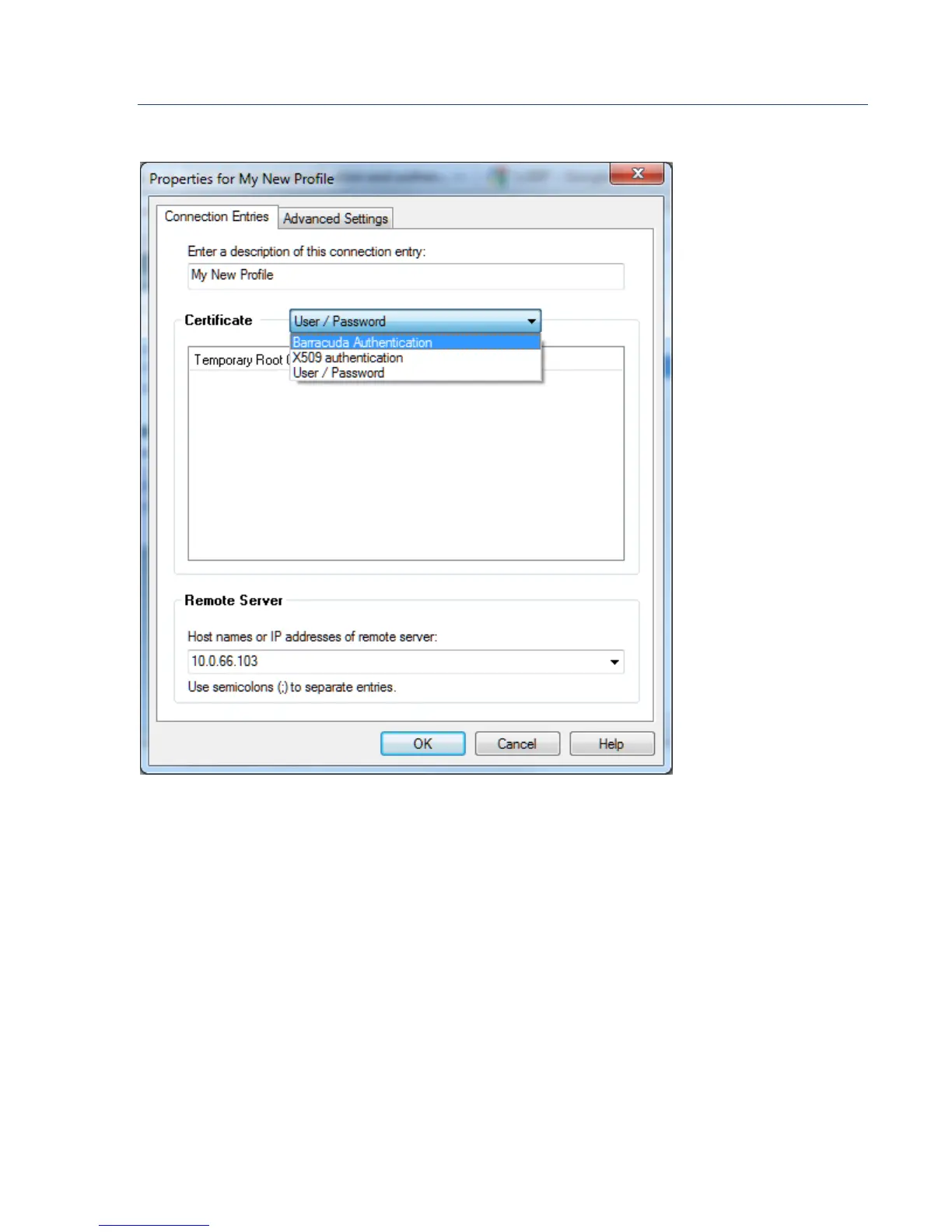
10.6.4 Connection Entries Tab
• Enter a description of this connection entry field
Insert a profile name into this field. The name entered will be displayed as profile name in
the Connection dialog window.
Certificate section:
Choose the authentication method required by the VPN server. The chosen authentication type
appoints further configuration parameters.
Remote Server section:
•
Host names or IP addresses of remote server:
The VPN server’s address. If entering a host name, make sure that this host name is
DNS-resolvable. Separate multiple entries using semicolons (";").
Fig. 10–19 Connection Entries tab



 To Next Page