136 VPN Component Configuration
• Tunnel Mode
The currently used transport mode for the VPN tunnel. Can display a value of TCP, UDP or
Hybrid.
Cancel button:
Use this button to terminate a connection. Only shown if a connection is currently active.
Connect button:
Click this button to initiate a connection.
Close button:
Click this button to close the VPN client window. The VPN control window will remain open.
Change Server Password … link:
This link is only available as long as an active connection to the VPN server is established (
Barracuda
Networks authentication
only). It enables you to change your password on the server. Open the
configuration dialog, insert a new password, confirm it and attest authenticity by inserting the current
server password.
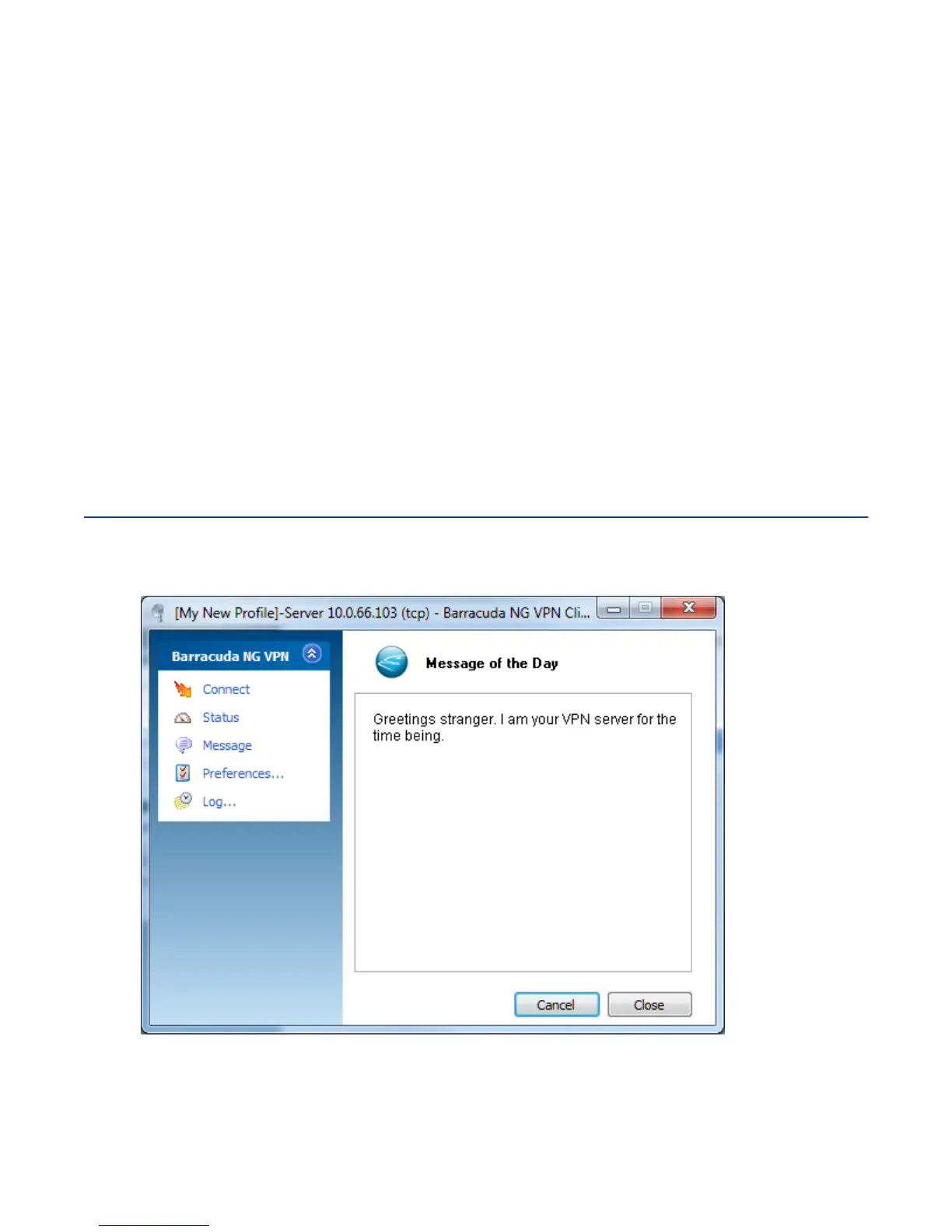
10.5 Message Dialog
This window displays the initial welcome message configured on the VPN server.
Fig. 10–16 Message dialog window



 To Next Page