51 Barracuda NG Network Access Client - Administrator’s Guide
3.3 Adapters
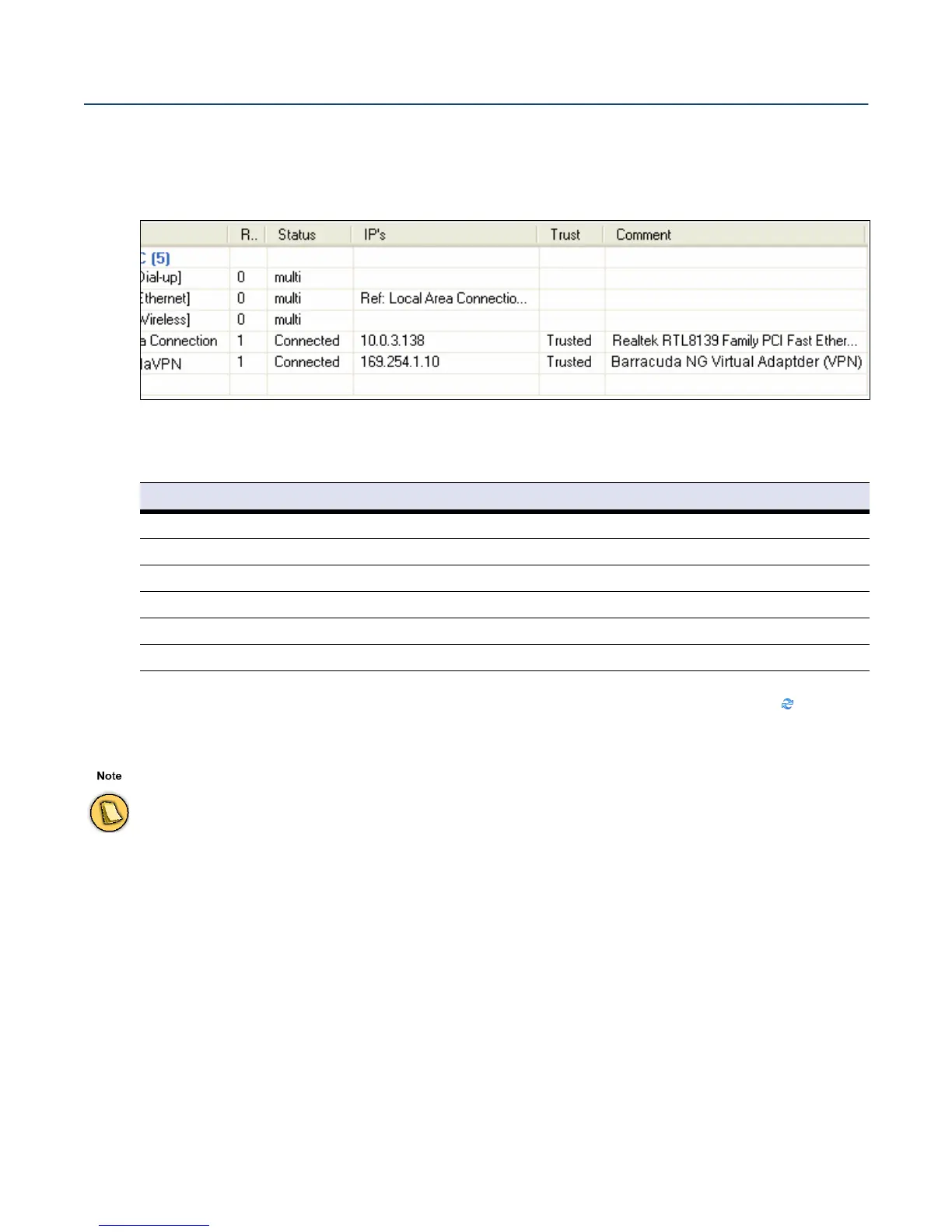
The Adapters tab allows you to view and configure network adapters available on the system. Adapters
may be employed in firewall rules, in order to restrict rule processing to a specific adapter or a set of
adapters only.
The listing is divided into the following columns:
In the Adapter Objects view, several
dynamic adapter objects (flagged with the icon) are
preconfigured.
The following objects (assigned with status
multi) are available:
• Adapter [Dial-up]
This object summarizes all dial-up adapters available on the system (for example, UMTS,
ISDN, and modem cards).
• Adapter [Ethernet]
This object summarizes all Ethernet adapters available on the system (for example, LAN de-
vices).
• Adapter [Wireless]
Fig. 3–8 Adapter view
Table 3–4 Adapter view details
Column Description
Name Name of the adapter object.
Referenced by Number of references pointing to the adapter object
Status Current connection status of the adapter object (connected / disabled / multi)
IP’s IP addresses and/or references assigned to the adapter object
Trust Trust type assigned to the adapter object (trusted / untrusted)
Comment Optional adapter object description
Dynamic objects are updated at runtime when adapter configuration changes and cannot be edited manually. In order
to work, Automatic Adapter Assignment must be selected in the Firewall Settings (9.4.1 Firewall Menu, page 91).



 To Next Page