115 Barracuda NG Network Access Client - Administrator’s Guide
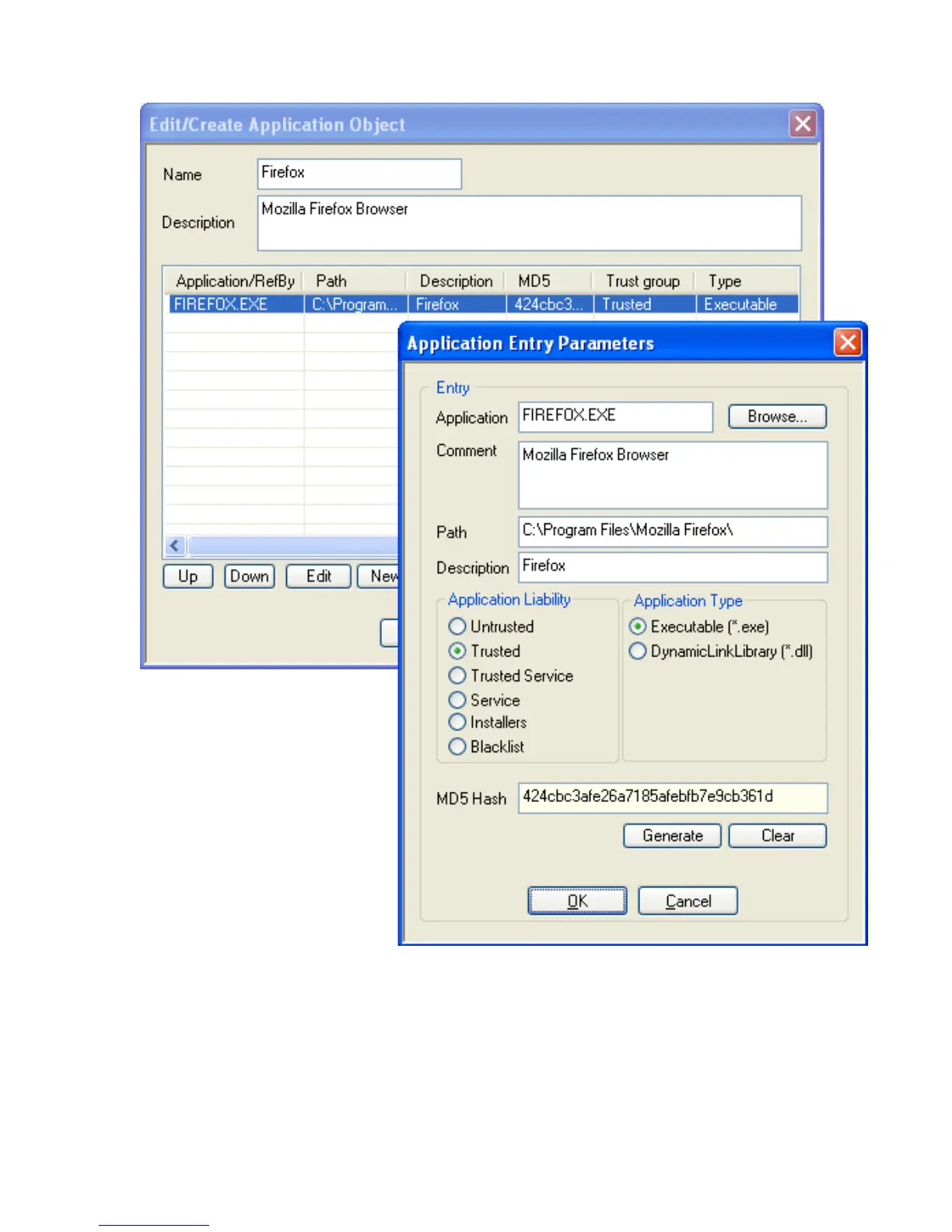
• Insert Name and Application Object Description for easier identification.
• Again, click
New … to specify an application. The Application Entry Parameters
window opens.
• Click
Browse and select the file you want to create the object for. After
selection, the path to the file and its inherent file description will be displayed
in the
Path and Description fields below.
• Optionally, insert a file description into the
Comment field.
• Specify
Application Liability and Application Type. Momentarily, the classification is
purely informational.
Fig. 9–24 Application Object dialog



 To Next Page