125 Barracuda NG Network Access Client - Administrator’s Guide
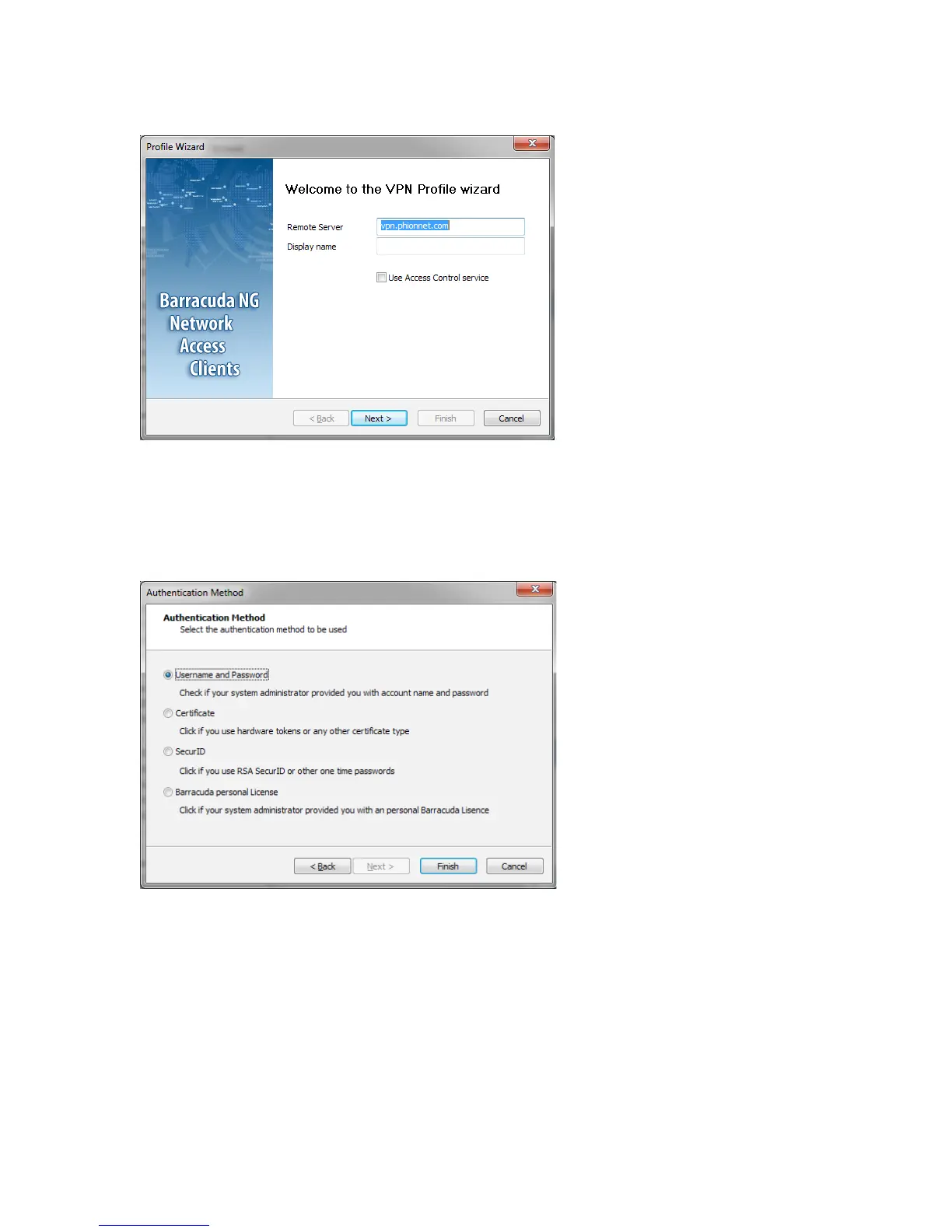
The next window is titled Authentication Method. You can later change a different method for
authentication in case you have chosen the wrong one.
Choosing
Username and Password or SecurID will enable the Finish button, allowing you to complete the
configuration process at this point.
However, if you selected one of the two remaining options,
Certificate or Barracuda personal License, you
will be taken to another configuration step.
Fig. 10–2 VPN Profile Wizard > Profile Wizard
Fig. 10–3 VPN Profile Wizard > Authentication Method



 To Next Page