157 Barracuda NG Network Access Client - Administrator’s Guide
11.2.8 Advanced Status Information
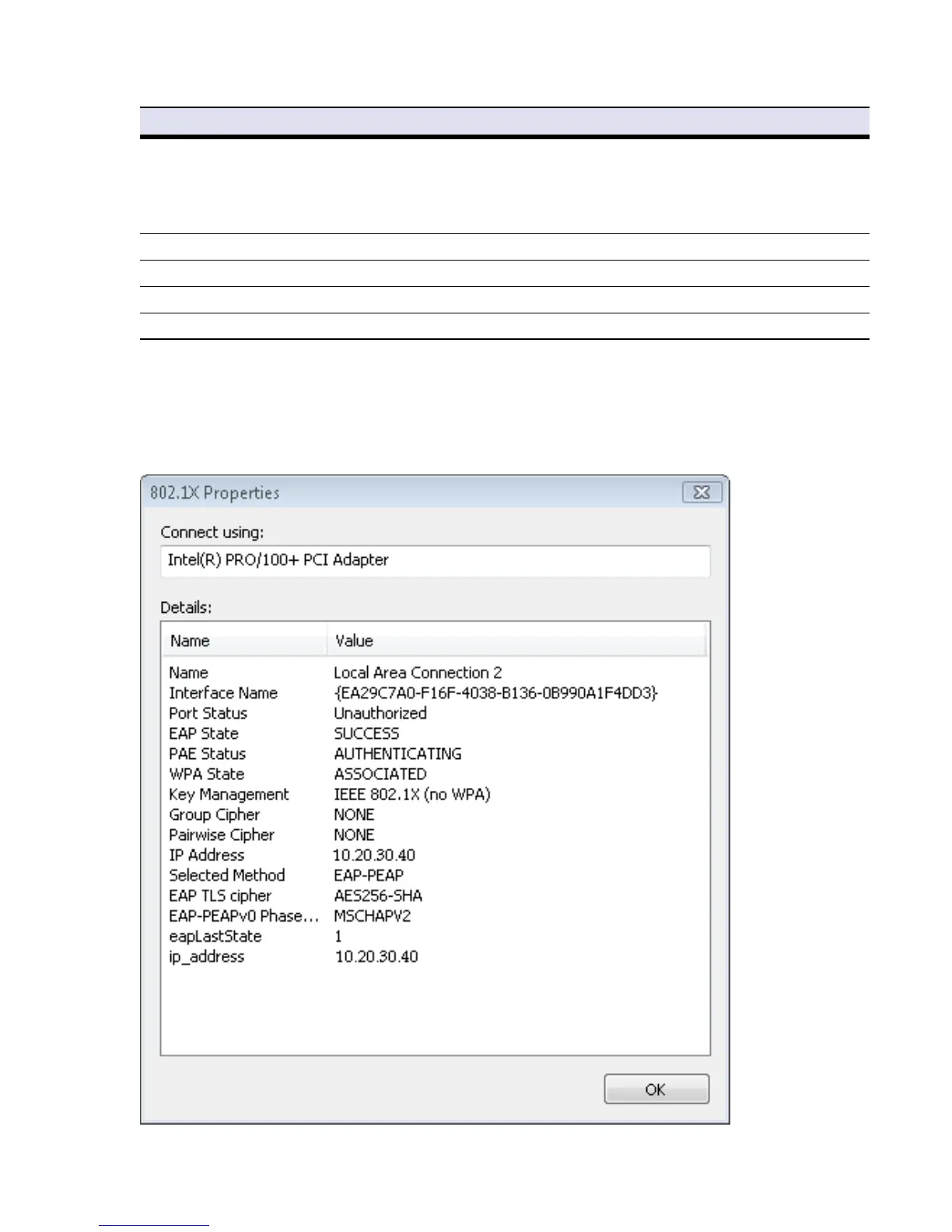
For more detailed information about a network interface, double-click it to open the 802.1X Properties
dialog, or right-click the desired network interface and choose Details… from the context menu.
Status Shows the device status of the network interface, these include:
• Network cable unplugged
• Not connected
• Disconnected
• Connecting
• Connected
PAE state Port Access Entity status
EAP state Extensible Authentication Protocol status
Device Name The name of the device made up by the manufacturer.
IP Address IP Address the network interface is using.
Fig. 11–8 Advanced network interface information
Table 11–4 Barracuda NG Access Monitor information for unmanaged network interfaces
Column Description



 To Next Page