57 Barracuda NG Network Access Client - Administrator’s Guide
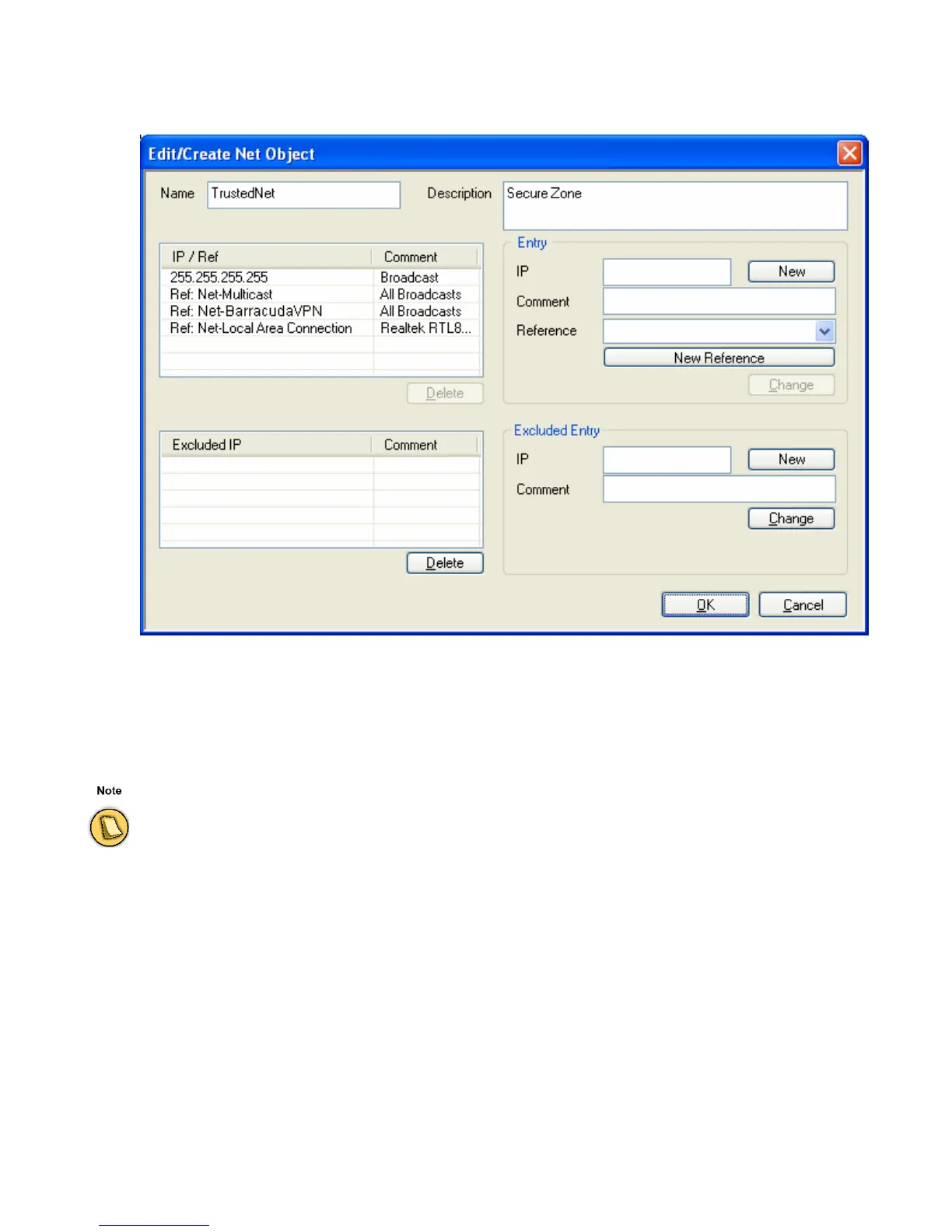
Click New … to open the Net Object dialog.
Insert
Name and Description of the Net Object for easier identification.
In the
Entry section insert IP/network address(es) of the new Net Object and/or specify a Reference to
the Net Object, for example select an existing Net Object to refer to a new one.
The
Excluded Entry section allows excluding specific networks from a network object.
Fig. 3–12 Net Object dialog
For transparency and consistency reasons, references are not available in this section.



 To Next Page