92 Barracuda NG Personal Firewall
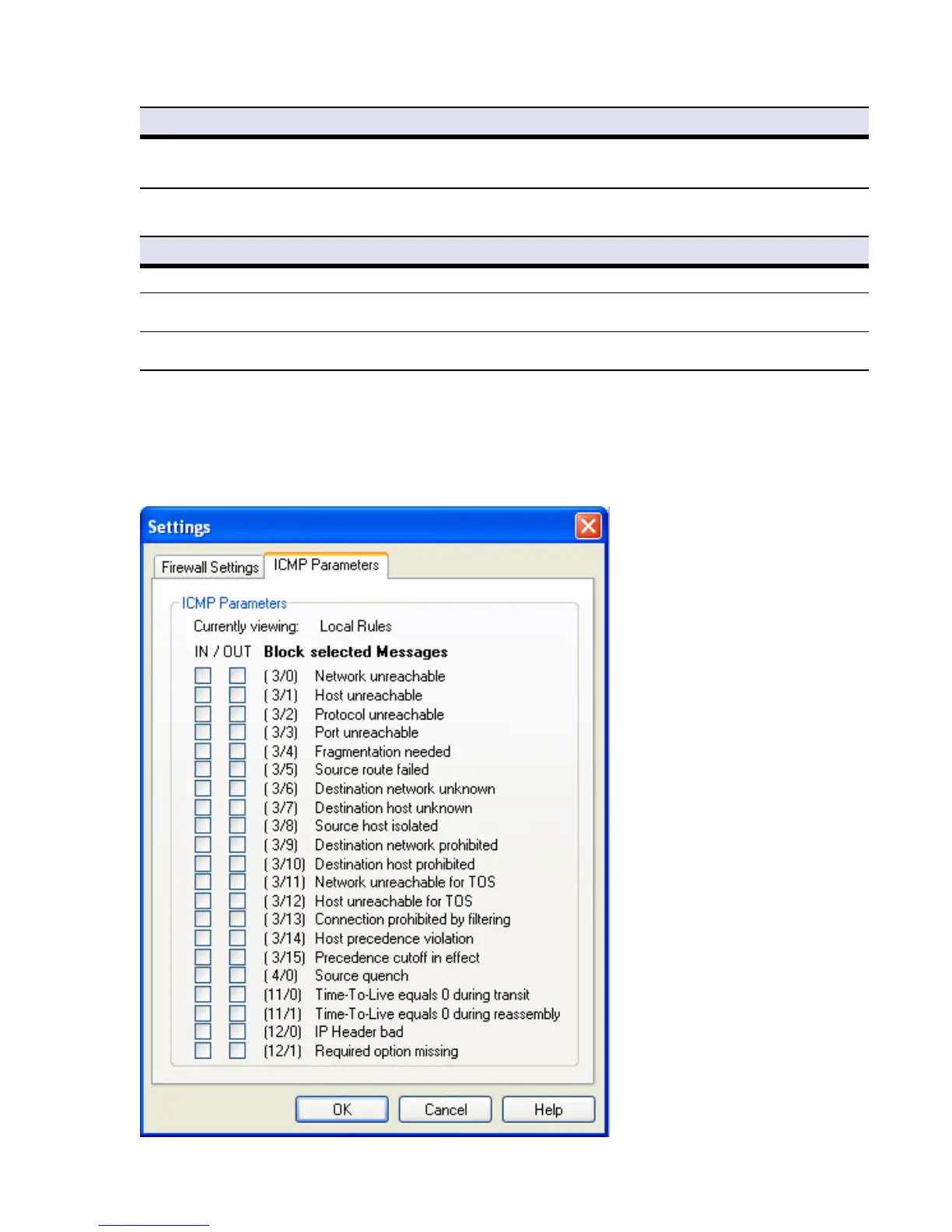
ICMP Parameters Tab:
This tab allows you to configure blocking of ICMP packets.
Automatic Adapter Assignment Selecting this checkbox (default: selected) activates dynamic update of network interface adapters. When
active, network adapters are automatically added to the Adapter Objects configuration area, when they
are used the first time (9.8.6 Adapters, page 108).
List 9–4 Firewall Settings > Firewall Settings
Parameter Description
Disable Windows Firewall Selecting this checkbox disables the Windows Firewall if it is installed (default: selected).
Block all IP Fragments By default, IP fragments may generally pass the firewall notwithstanding the configured rule set. Select this
checkbox to block IP fragments.
Passthru all IPv6 Packets By default, IPv6 packets may generally pass the firewall notwithstanding the configured rule set. Select this
checkbox to block IPv6 packets.
Fig. 9–4 ICMP Parameters
List 9–3 Firewall Settings > Network Objects
Parameter Description



 To Next Page