Configuring and operating the system Syscompact 2000 M pro
/ 98 822-175-2
10.6 Displaying system information
Prerequisite
The system is switched on.
Further information: Chapter Switching on the system (on page 40)
Procedure
1. Press the MENU key on the display.
2. Select the INSTRUMENT SETTING menu item and press the ENTER key.
3. Select the INFO menu item and press the ENTER key.
The firmware version, the version of Card A and the date of the last calibration are
displayed.
10.7 Switching the high voltage on and off
Switching on the high voltage
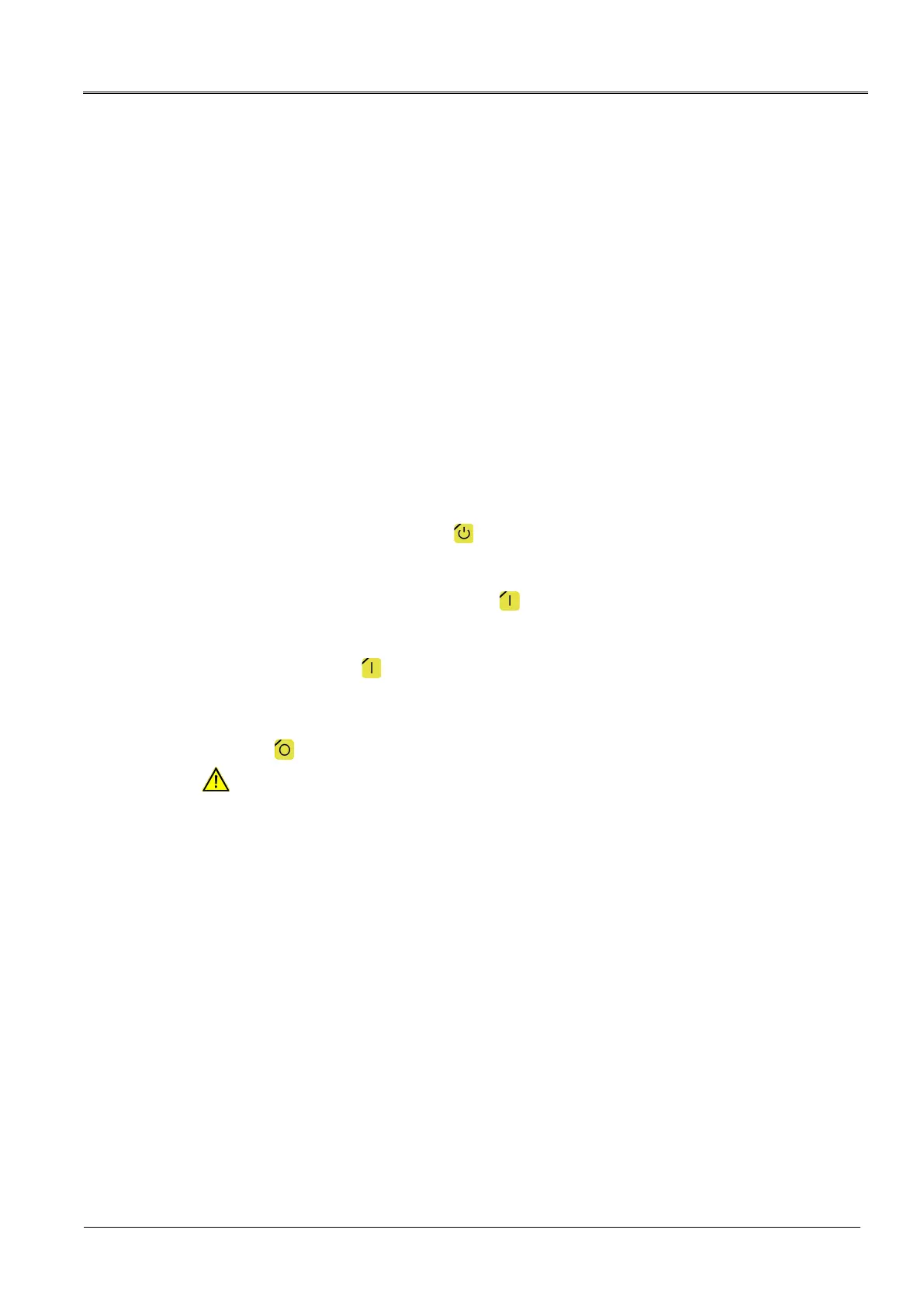
1. Release the high voltage: Press the key for at least one second.
The system status changes to the Ready to switch on operating state. The red indicator
light flashes for approx. 6 seconds.
2. Switch on the high voltage by pressing the key within 6 seconds (while the red
indicator light flashes).
3. The system status changes to the In operation operating state.
If you do not press the key within this period of time, the system will be switched back
to the Ready for operation operating state.
Switching off the high voltage
1. Press the key.
DANGER
Dangerous voltage on the test object and other live machine parts. Danger to life,
risk of injury from high electric voltage.
2. Before touching test object, discharge, earth and short-circuit the same: at the connection
point and at the far end.
You may touch the plant parts that were under voltage only if they are visibly earthed and
short-circuited.


 To Next Page