Faults and corrective measures Syscompact 2000 M pro
/ 98 822-175-2
16.2.2 Error messages in the system display
When an error message appears in the system display, proceed as follows:
1. Ensure that:
the supply voltage is correct;
all connection cables of the system are undamaged and connected properly;
the emergency off button is unlocked;
the operating conditions are met.
Further information: Chapter Technical data (on page 29)
2. Acknowledge the error message by pressing the CONT. key in the display.
If the fault occurs again:
Contact BAUR After Sales Service and provide the displayed error code and error
message.
If possible, describe the steps that caused the fault to occur.
16.3 Faults on the IRG 2000
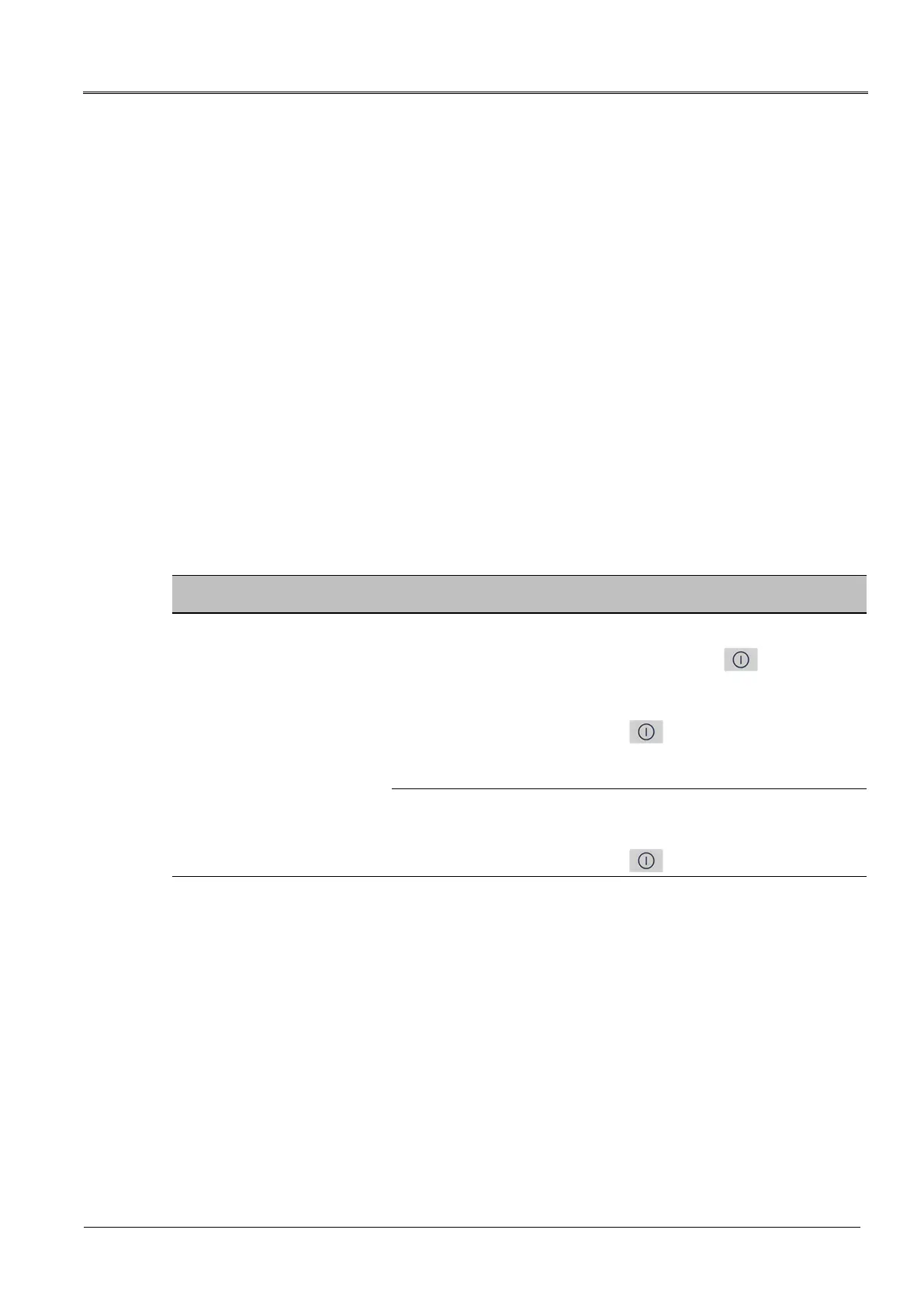
Fault Possible causes / Corrective measures
The user interface has stopped
responding. It is no longer
possible to switch off the IRG
2000.
1. Disconnect the IRG 2000 from the mains voltage.
2. At the same time, press the rotary knob and the key for approx.
3 seconds.
The IRG 2000 will switch off.
3. Switch on the IRG 2000 with the key.
The user interface will be displayed and the device should once again
respond to the operation of the keys and the rotary knob.
If the IRG 2000 still fails to respond:
1. Briefly remove and replace the rechargeable batteries.
2. Switch on the IRG 2000 with the key.


 To Next Page