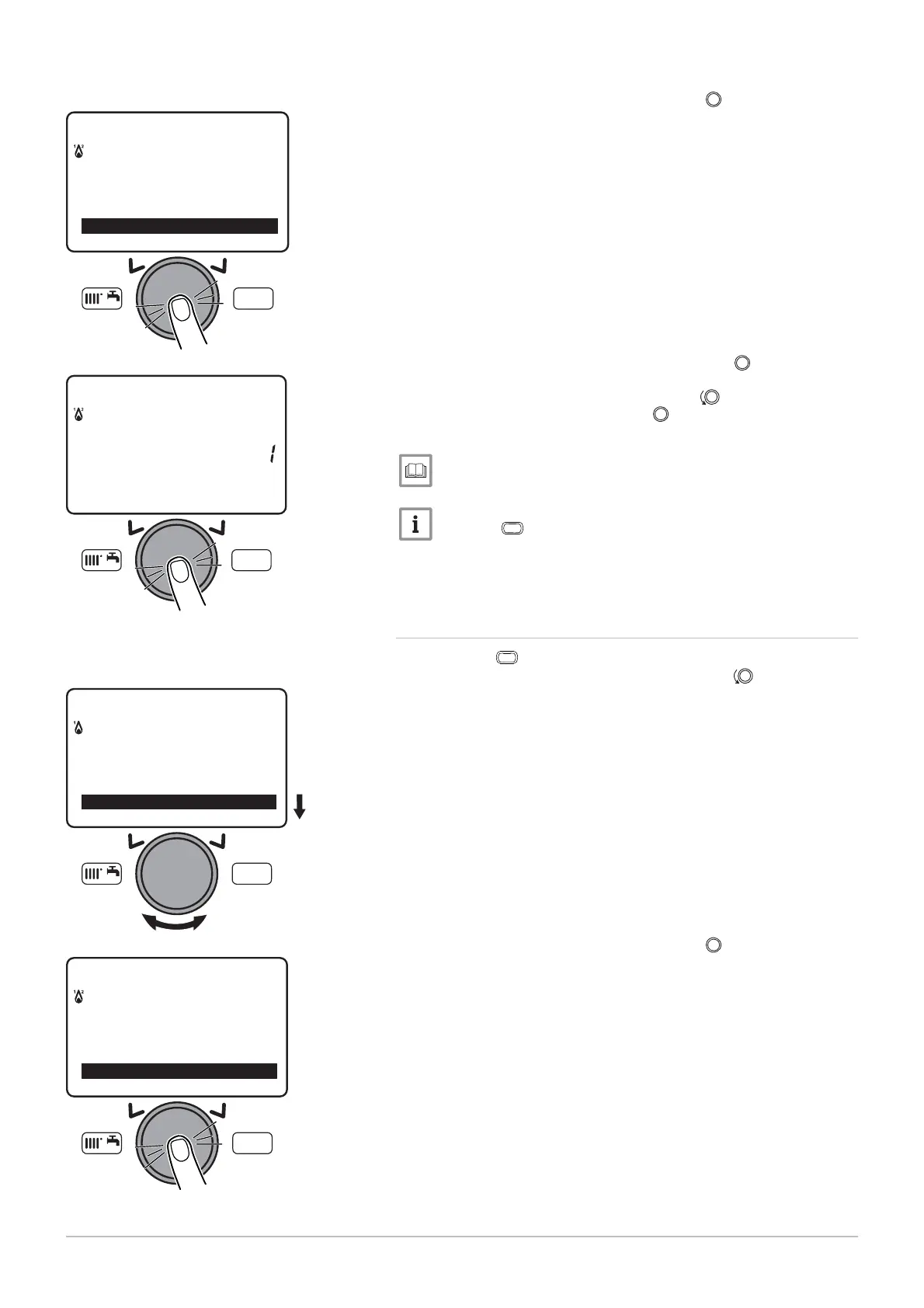
3. Confirm the menu selection by pressing the button.
The parameter H
is displayed.
4. Confirm the parameter selection by pressing the
button.
The parameter flashes, it can be modified.
5. Modify the parameter by turning the button
.
6. Confirm the setting by pressing the
button.
7. Set the other setting parameters if necessary.
List of user parameters, page 72.
Press the
MENU
key to return to the main display.
1. Press the
MENU
key to access the parameters.
2. Select the O
menu by turning the button.
3. Confirm the menu selection by pressing the
button.
The parameter C
is displayed.
Fig.79
MENU
Information
Set time and date
O
erator section
MW-3000054-EN-02
Fig.80
MENU
12:00Hours / minutes
Set time and date
MW-3000055-EN-02
Fig.81
MW-3000056-EN-02
MENU
---------------------------------------------------
Information
Set time and date
Fig.82
MW-3000057-EN-02
MENU
Set time and date
O
erator section
Time central heatin
CH1
9 Settings
7609474 - v02 - 04092014 87



 To Next Page
 Loading...