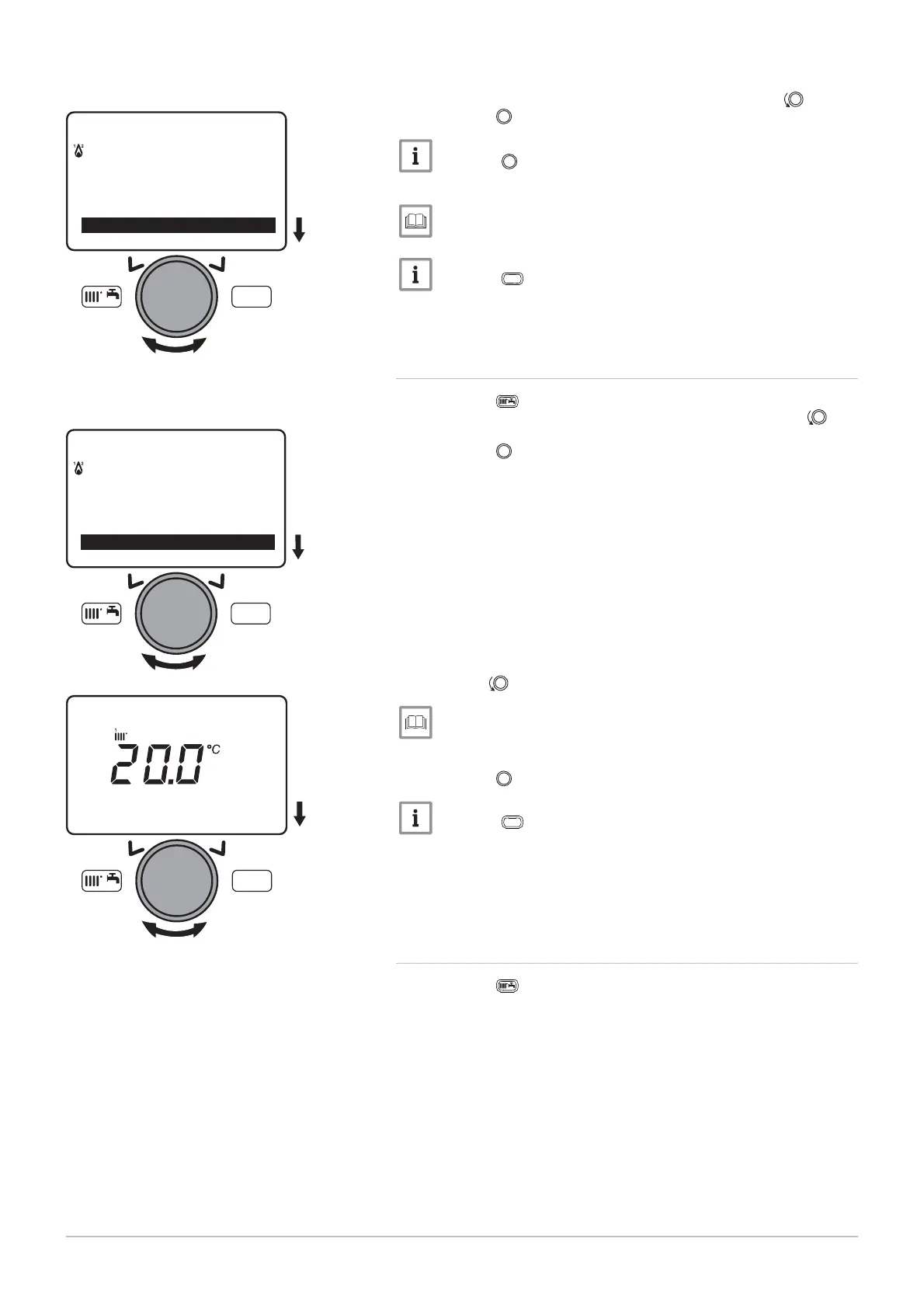
2. Select the 3
parameter by turning the button.
3. Press the
button to start forcing domestic hot water.
Press the button a second time to stop forcing domestic hot
water.
Shortcuts menu, page 71
Press the
MENU
key to return to the main display.
9.2.5 Setting the room temperature set point (On mode)
1. Press the key to access the shortcuts menu.
2. Select the R
parameter by turning the but
ton.
3. Press the
button to confirm.
4. Turn the
button to modify the temperature set point.
Shortcuts menu, page 71
5. Press the
button to confirm.
Press the
MENU
key to return to the main display.
9.2.6 Modifying the domestic hot water production mode
1. Press the key to access the shortcuts menu.
Fig.86
MW-3000061-EN-02
MENU
---------------------------------------------------
Standb
/o
eration
Hot water boost
Fig.87
MW-3000062-EN-02
MENU
---------------------------------------------------
Standb
/o
eration
Hot water boost
Fig.88
MW-3000063-EN-02
MENU
Room tem
erature CH1
9 Settings
7609474 - v02 - 04092014 89



 To Next Page
 Loading...