1. From the home screen, turn the button to select one of the three
heating circuits.
2. Press the
button to confirm.
3. Turn the
button to temporarily modify the temperature set point
on the heating circuit selected.
4. Press the
button to confirm.
The heating circuit selected is active.
9
9.2.12 Locking / Unlocking parameter modification
It is possible to lock all functions associated with the
MENU
key to prevent
unauthorised persons modifying the parameters.
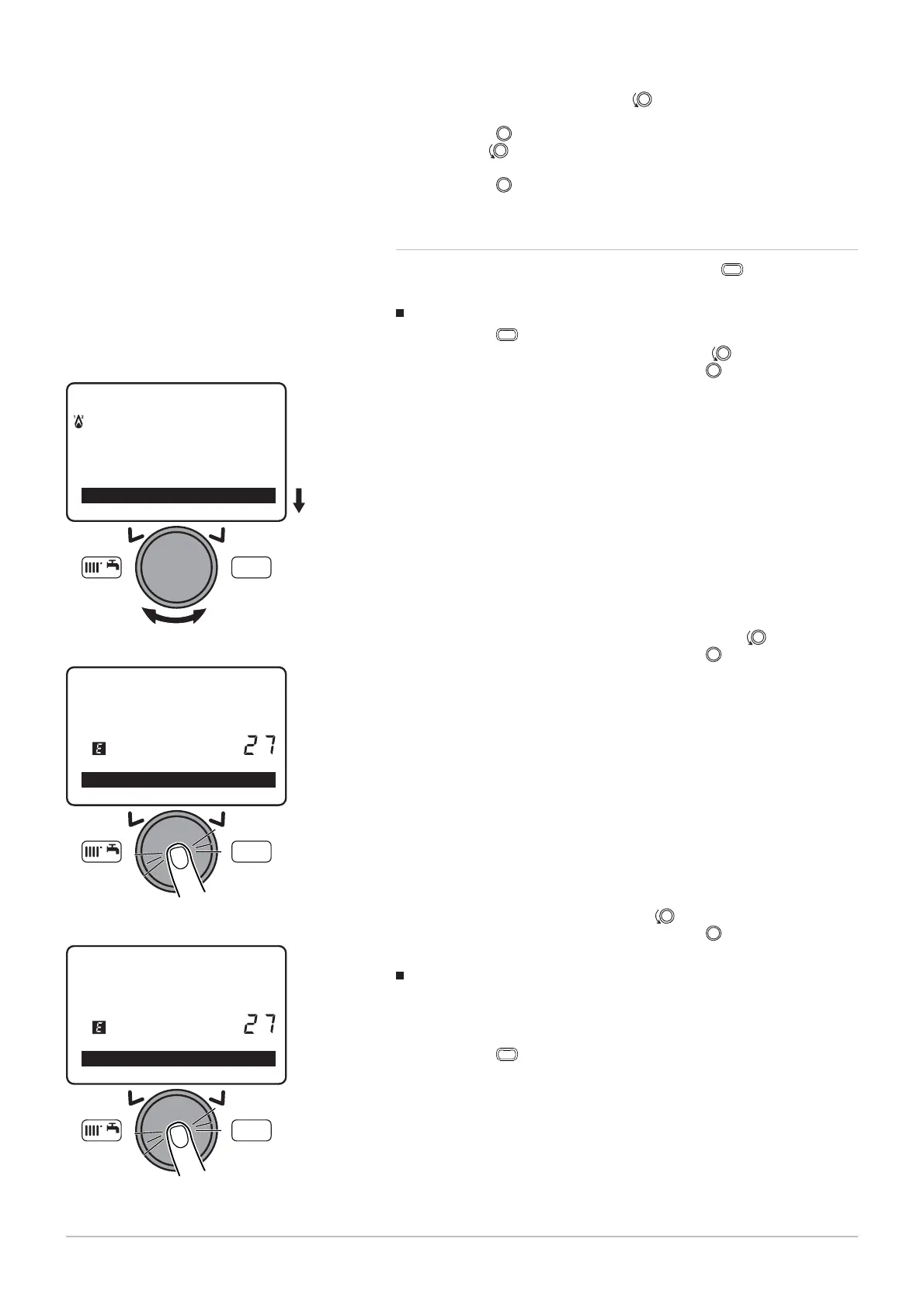
Locking parameter modification
1. Press the
MENU
key to access the user parameters menu.
2. Select the O
menu by turning the button.
3. Confirm the menu selection by pressing the
button.
4. Select menu 27, P
by turning the button.
5. Confirm the menu selection by pressing the
button.
6. Select the O
setting by turning the button.
7. Confirm the menu selection by pressing the
button.
The parameters can be displayed but cannot be modified.
Unlocking the parameter modification
It is necessary to proceed via a temporary unlocking phase to modify the
parameter which is used to lock / unlock parameter
modification.
1. Press the
MENU
key to access the user parameters menu.
Fig.
107
MW-3000090-EN-02
MENU
Set time and date
O
erator section
Time central heatin
CH1
Fig.
108
MW-3000091-EN-02
MENU
Operator unit
Programming lock
Off
Fig.
109
MW-3000092-EN-02
MENU
Operator unit
Programming lock
Off
9 Settings
96 7609474 - v02 - 04092014



 To Next Page
 Loading...