a) SPDIF format: set-up of digital audio output
options.
Options: RAW, PCM
When you select the RAW option, the not
decoded signal is sransferred to the DVD
receivers digital outputs, the decode signal is
transferred to analog outputs. Decoding is
performed by the built-in decoder of the DVD
receiver. This feature is meant to ensure that
signal decoding at digital outputs is performed
by an external device(e.g.an amplifier)
If you select the PCM option, a PCM coded
signal will be transferred to the DVD receivers
digital outputs.
b) LPCM: Set-up of digital audio output options
to comply with different amplifiers and
receivers.
Options: 48 kHz 16 bit, 96kHz 24 bit.
Defacelt option: 48kHz 16bit.
3.Sound correction
a) Max volume: max volume limiting.
Using the jog Dial, adjust the max volume level.
Press the LEFT key of the cursor joystick to
return to sound correction setup menu.
b) Equalizer: equalizer modes.
Options: Rock, Pop, Live, Dance, Techno,
Classic, Soft.
Default option: Off.
c) Echo: echo effects
Options: Off, Concert, Living room, Hall,
Bathroom, Cave, Arena, Church.
Default option: Off.
d) Tone balance: adjustment of tone balance
level.
Adjust the tone balance level using the jog Dial.
Press the LEFT key of the cursor joystick to
return to sound correction setup menu.
2.3.5 Playback settings
1.DVD
Advertisment skip: skip the unskippable
block while playing a DVD disc.
Options: Yes, number
Edfault option: number
#
#
#
#
#
#
#
#
#
#
#
#
#
#
#
2.VCD/SVCD
PBS menu: PBC menu on/off
Options: On, Off.
Default option: On.
#
#
#
#
#
#
#
#
#
#
#
#
#
If on option is set, while reproducing discs, a
menu will appear, in which you can select the
or order of playing the disc content. If the off
option is wet, the reproducing of content is
performed is the order, in which it is recorded
of the disc.
3.Flids” Selection of reproduced files on the disc.
Options: Audio, Pictures, Video, All types.
Default option: All types.
4.Repeat: file repeat mode.
Options: Off, Single, All
Default option: Off.
5.Load effect: type of transition from one JPEG
file to another.
Options: Off, from top, from bottom.
Default option: Off.
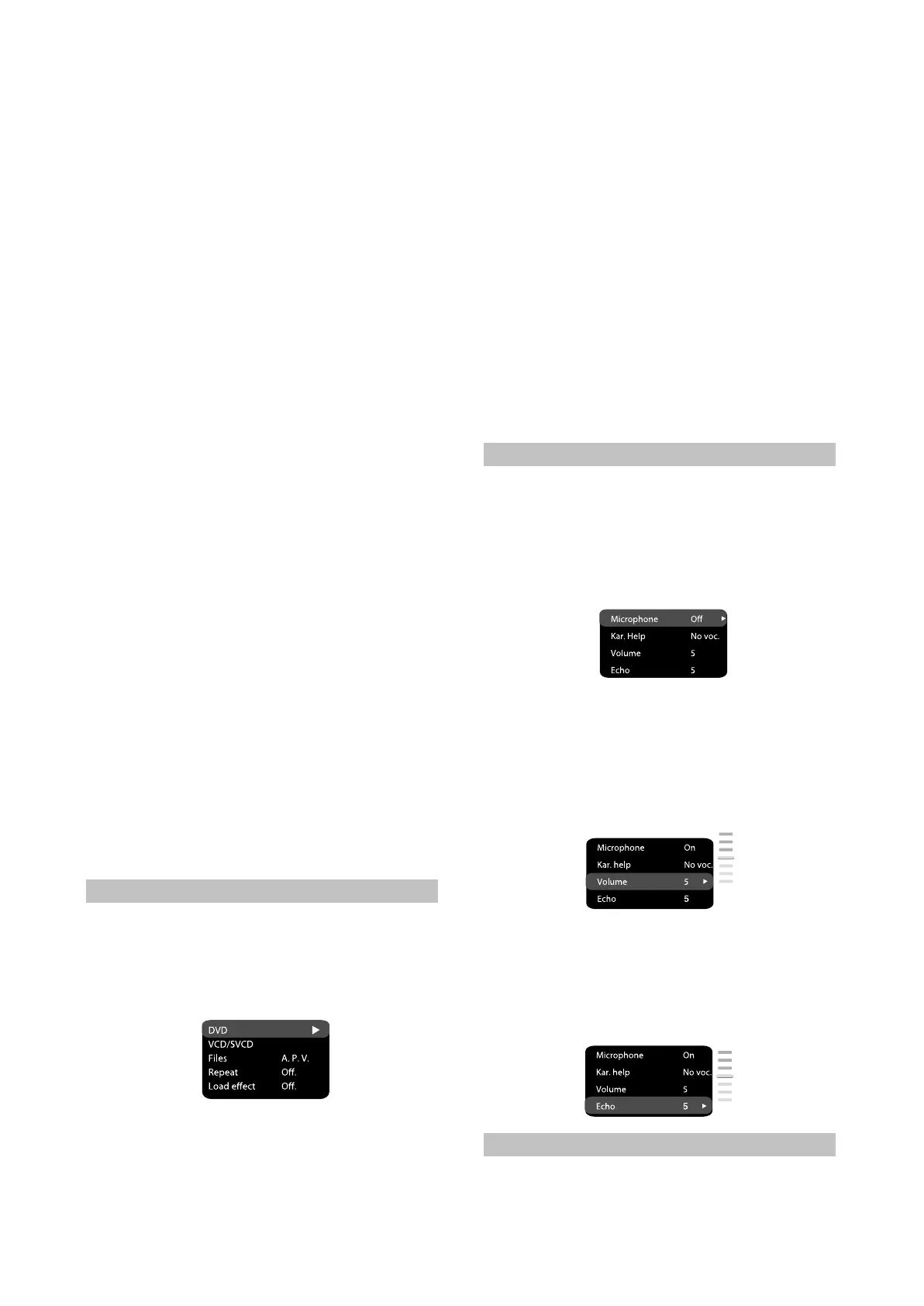
2.3.6 Karaoke settings menu.
1.Microphone: MICROPHONE ON/OFF.
Options: On, Off.
Default option: Off.
2.Kar. Help: karaoke-disc playback mode
Options: L channel, R Channel, No ast, NO vol.
Default option: No vocal mode.
3.Volume:
Microphone: microphone sound volume level.
Using the jog Dial adjust the microphone
volume level.
Press LEFT key to the cursor joystick to return
to karaoke settings menu.
#
#
4.Echo: echo level while playing the karaoke-
disc.
Adjust the echo level Using the jog Dial.
Press LEFT key of the cursor joystick to return
to karaoke settings menu.
#
#
2.3.7 Preference settings
1.Gr.Equalizer: Spectrum analyzer.
Options: On, Off.#
- 10 -



 To Next Page