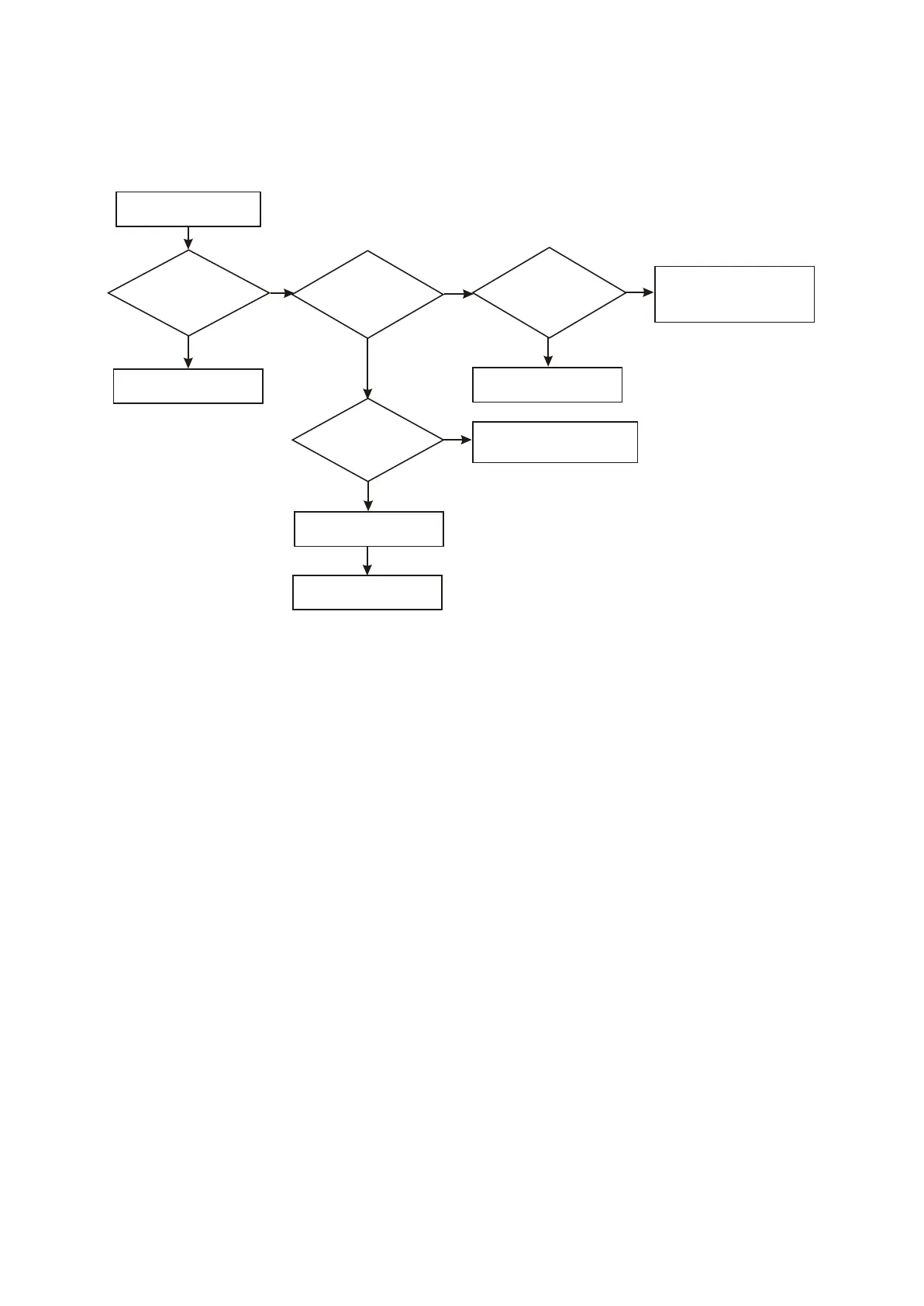
5. Troubleshooting process for “No output for composite video” is shown as the following figure
3.3.2.5:
Figure 3.3.2.5 Troubleshooting flow chart of “No output for composite video”
N
No output for composite
video signal
Whether it is normal
after restoring into
default settings
OK
Change U201 (MT1389)
Whether Y3 has video
waveform output
Whether VIDEO_
COMP has waveform
Check filter circuit
Whether U201 (MT1389)
power supply and crystal
oscillator circuit is normal
Check whether matching filter
circuit has capacitance electric
leakage or inductor circuit opening
Check Xs2061 flat
cable and socket
1. Check power supply circuit
2. Check clock signal
check and correct flow
Y
Y
Y
Y
N
Y
N
N
- 42 -



 To Next Page