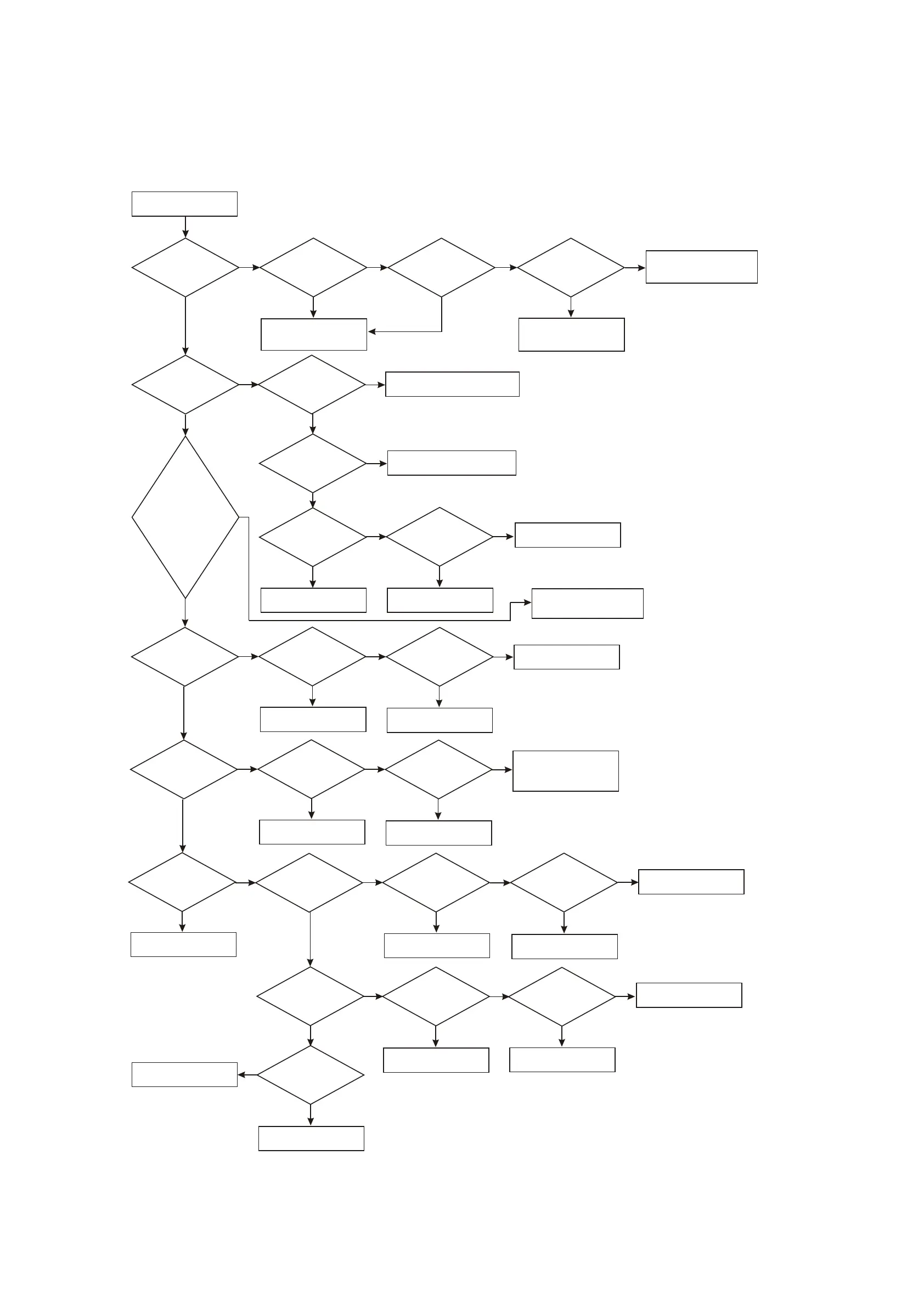
19. Troubleshooting process for power not on is shown as the following figure 3.3.2.20:
Figure 3.3.2.20 Troubleshooting process for power not on
Power not on
Y
N
Y
Y
N
Y
Y
N
N
OK
Y
Y
N
N
OK
Y
Y
N
Y
N
N
N
N
OK
YY
N
Y
N
N
OK
Y
OK
Y
N
Y
N
OK
Y
N
OK
Y
Check
whether voltage
of pin 7 (5), pin 4 (3.5V)
and pin 11 (5V) of
XS203 is
normal
Y
Whether
each path output is
abnormal
Unplug
X203 flat cable,
test on power board and
check whether this path
voltage has
output
For power board trouble,
refer to troubleshooting
process of power board
Change the corresponding resistor
Check
whether resistance
of R244 and R245
is normal
Check
whether pin 2 of U206
1.8V voltage
Change the corresponding
element
1. Check
whether pin 37
of U207 (FLASH)
has 3.3V.
2. Whether pin 1
of U208 (SDRAM) has 3.3V.
3. Check whether pin 14 of
U205 (HCU04) has 3.3V.
4. Whether pin 8 of U202
(24LLC02) has 3.3V
N
Check
whether pin 2
of U206 has short circuit
to ground or resistance
changes small
Change U206 (LM1117MP-ADJ)
Change U201 (MT1389)
Change U206
and check whether it is
ok
1.C281,
TC218. 2. Whether
C231\C232\C233\
C234C235 has electric
leakage or short
circuit
Change U205
Check
whether pin 6
of U205 (0HCU04)
has 3.3V
Check
whether pin 5 of
U205 (HCU04) is
low level
1. Change
Q320 and check
whether it is ok
2. Change Vd2151 and check
whether it is
ok
Refer to troubleshooting
process of reset circuit
N
N
Y
Y
N
Y
Use
oscillograph to
test whether two ends
of X201 are 27MHZ
frequency
Check
whether capacitor
C275\C276 has electric
leakage or short
circuit
Change
crystal oscillator
X201 and check
whether it is
ok
1. Change U205 and check
whether it is ok
2. Check relevant element
of reset circuit
Change the corresponding
capacitor
OK
Whether
power is in
after reset by force
Use
oscillograph to
check whether pin 9
of U207has
pulse
Change
U207 (flash) and check
whether it is ok
Change
U201 (MT1389) and
check whether
it is ok
Change U208 (SDRAM)
Refer to reset circuit
troubleshooting process
Check
whether pin 2
of U208 (SDRAM) has
pulse
Change
U208 (SDRAM)
and check whether
it is ok
Change
flash and check whether
it is ok
Change U201 (MT1389)
Change
U201 (MT1389)
and check whether it
is ok
Change U202 (24LLC02)
Note 1: use a lead to
ground any end of
R256 for about 1 second
N
Unplug
X203 flat cable
and test whether resistor
to ground of decode board
voltage pin is big
enough
Y
Y
Power supply loop on decode
board has short circuit to the
ground or filtering capacitor has
electric leakage
N
Output power of power supply
of this path is not enough
Refer to troubleshooting process
of power board
Y
Check whether conductor
on 3.3V power supply circuit
is normal
- 56 -



 To Next Page