Chapter 2: Introduction 21
System status is also displayed on the Status screen. See Status
screen (page 23) for a description of the Status screen.
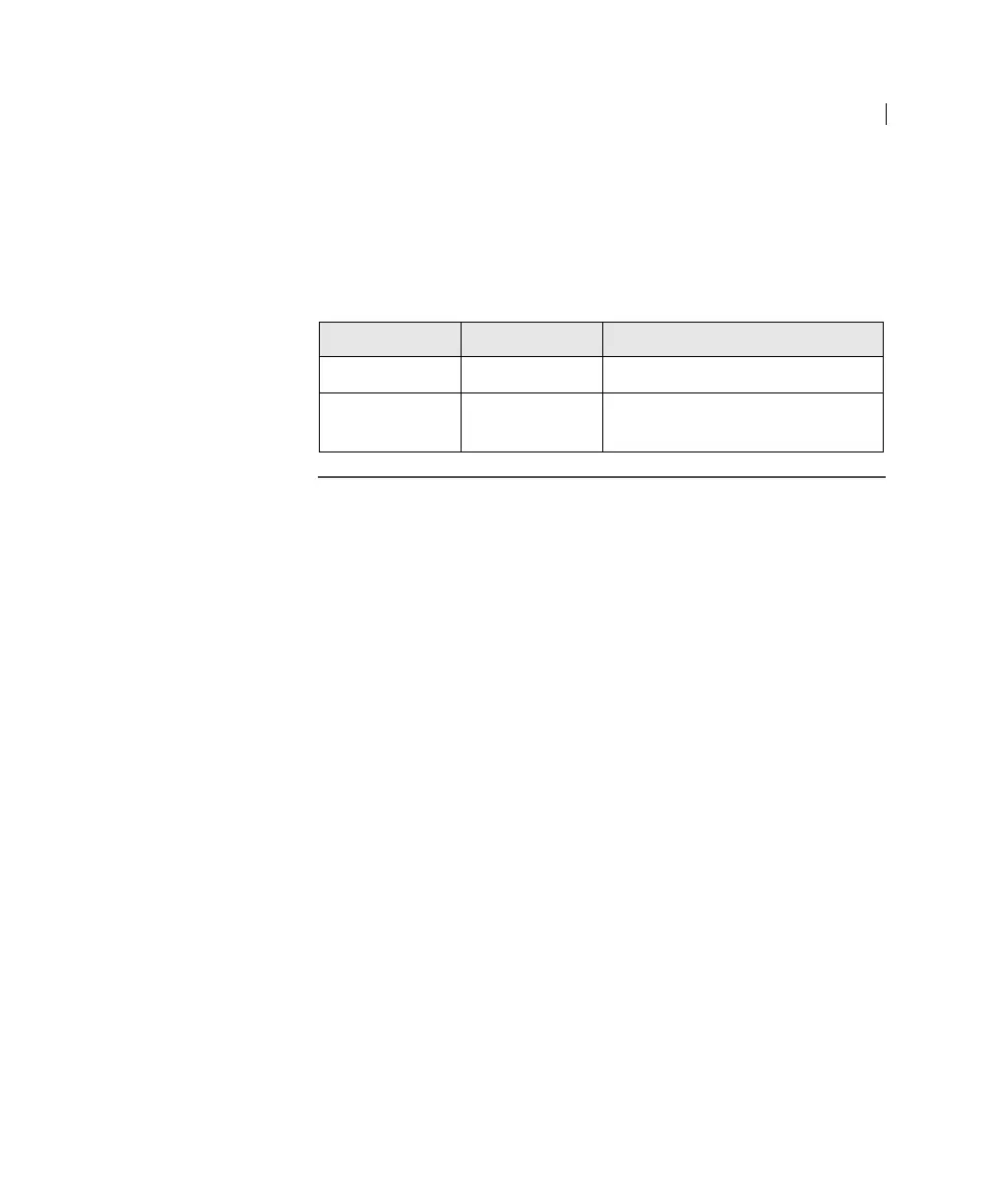
• Activity. Shows whether the cytometer power is on and the
status of acquisition. The following table describes the
indicator LEDs, and status that triggers them.
Fluid control The three fluid control buttons (RUN, STANDBY, and PRIME) set
the cytometer operation.
•RUN. Pressurizes the sample tube to transport the sample
through the sample injection tube and into the flow cell.
The RUN button is green when the sample tube is on and the
support arm is centered. When the tube support arm is moved
left or right to remove a sample tube, the cytometer switches to
an automatic standby status to conserve sheath fluid, and the
RUN button changes to orange.
The RUN button will also turn orange if the sample tube is
cracked or the BAL seal is bad. See
Troubleshooting
(page 117).
•STANDBY. Stops fluid flow to conserve sheath fluid.
When you leave the cytometer for more than a few minutes,
place a tube containing
less than 1 mL of deionized (DI) water
on the sample injection port (SIP) and press STANDBY.
•PRIME. Prepares the fluidics system by draining and filling the
flow cell with sheath fluid.
Note: Remove sample tubes during the prime cycle.
The fluid flow initially stops, and pressure is reversed to force
fluid out of the flow cell and into the waste container. After a
Indicator LED color Status
Steady pulse blue Cytometer is powered on
Fluctuates blue Cells are passing through the
flow cell



 To Next Page