Chapter 5: Optimizing cytometer settings 79
6. Verify that the positive populations are on scale.
If a positive population is off scale, lower the PMT voltage for
that parameter until the positive population can be seen
entirely on scale.
7. Unload the multicolor sample.
8. Place a tube containing less than 1 mL DI water on the SIP and
put the cytometer on standby.
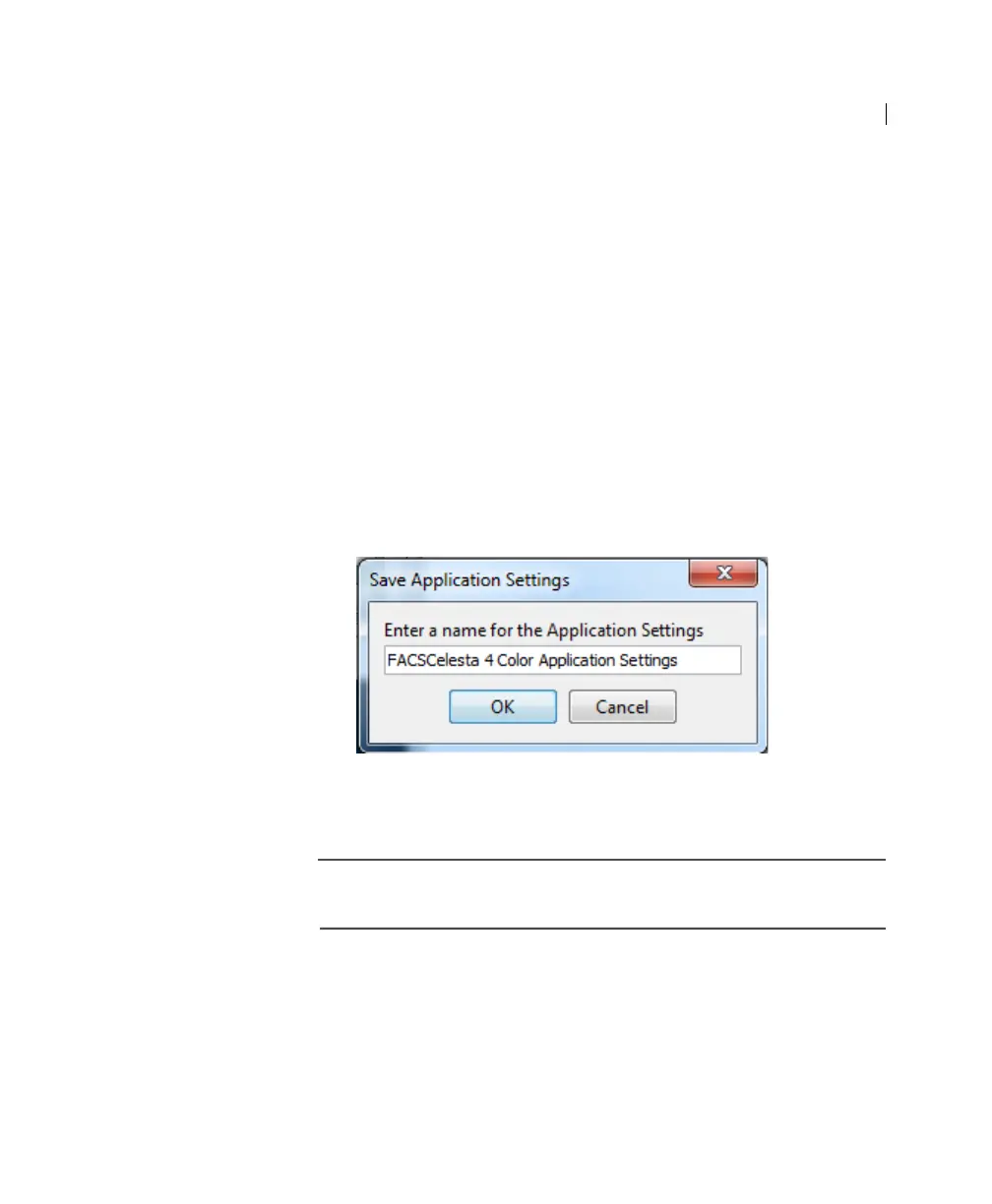
9. (Optional) Save the application settings by right-clicking
Cytometer settings in the Browser, then selecting Application
Settings > Save.
10. In the Save Application Settings dialog, enter a descriptive
name for the application settings.
11. Click OK.
The application settings are saved to the catalog.
Next step Recording compensation controls (page 80)



 To Next Page