Browse Active Alarms
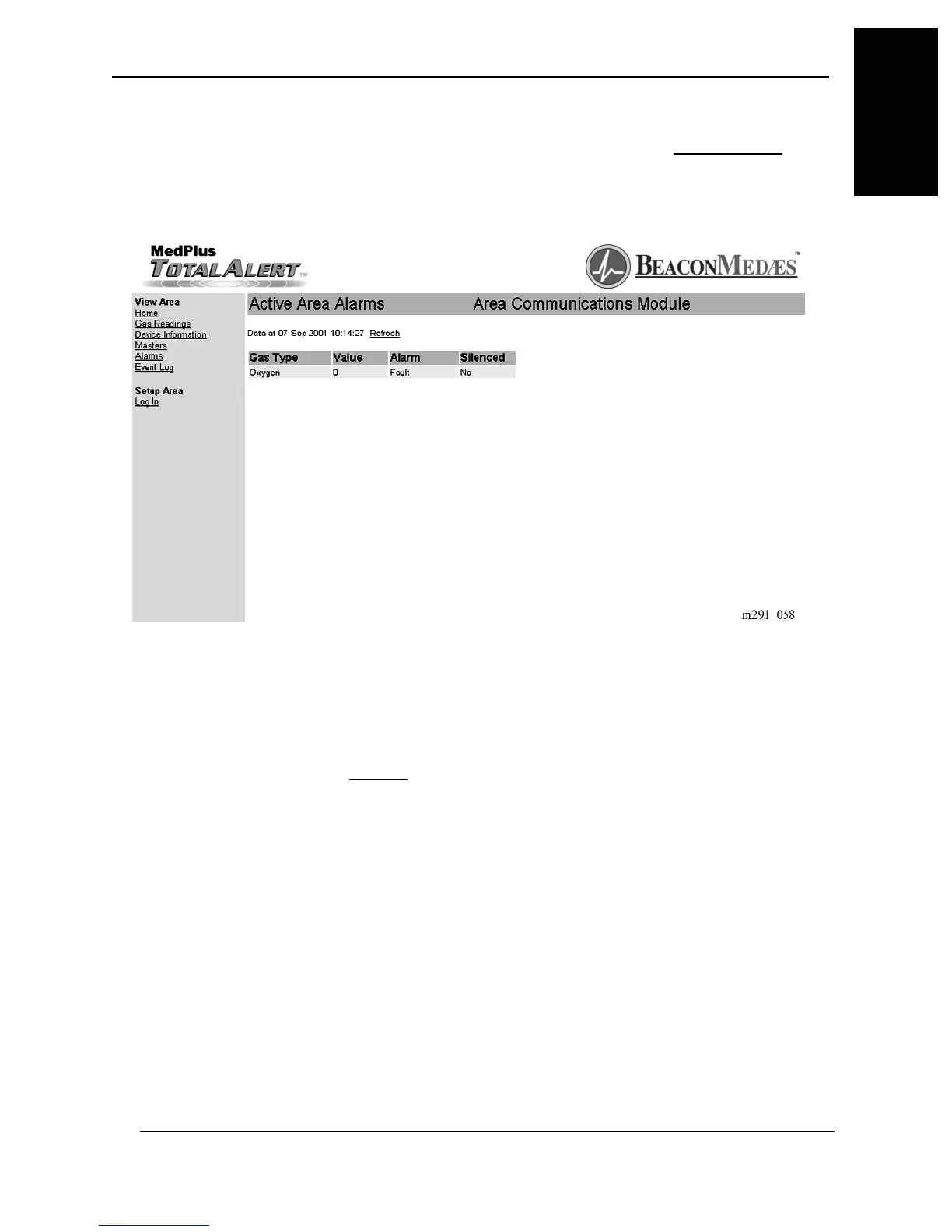
1. To browse the active Area Alarm Modules, click on the Active Alarms link.
The Active Area Alarms page displays (see figure 1-61 on page 1–123).
Figure 1-61. Active Area Alarms
2. Use this page to monitor all of the Area Alarm Modules.
3. Click on the Refresh link to view the most recent information.
MedPlus TotalAlert® Alarm Network Operation and Maintenance Manual (205728) Page 1-123
Browsing the Area Alarm by Using the Web Pages
Chapter 1: Introduction
1



 To Next Page