Configuring Options Available for the Area Alarm
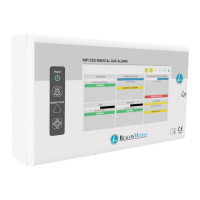
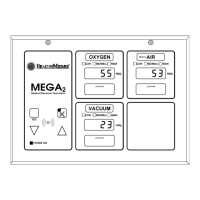
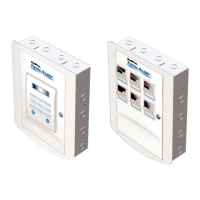
By using the front panel keys, you can configure or view the following options
(refer to table 1-5 on page 1-33 and table 1-6 on page 1-33).
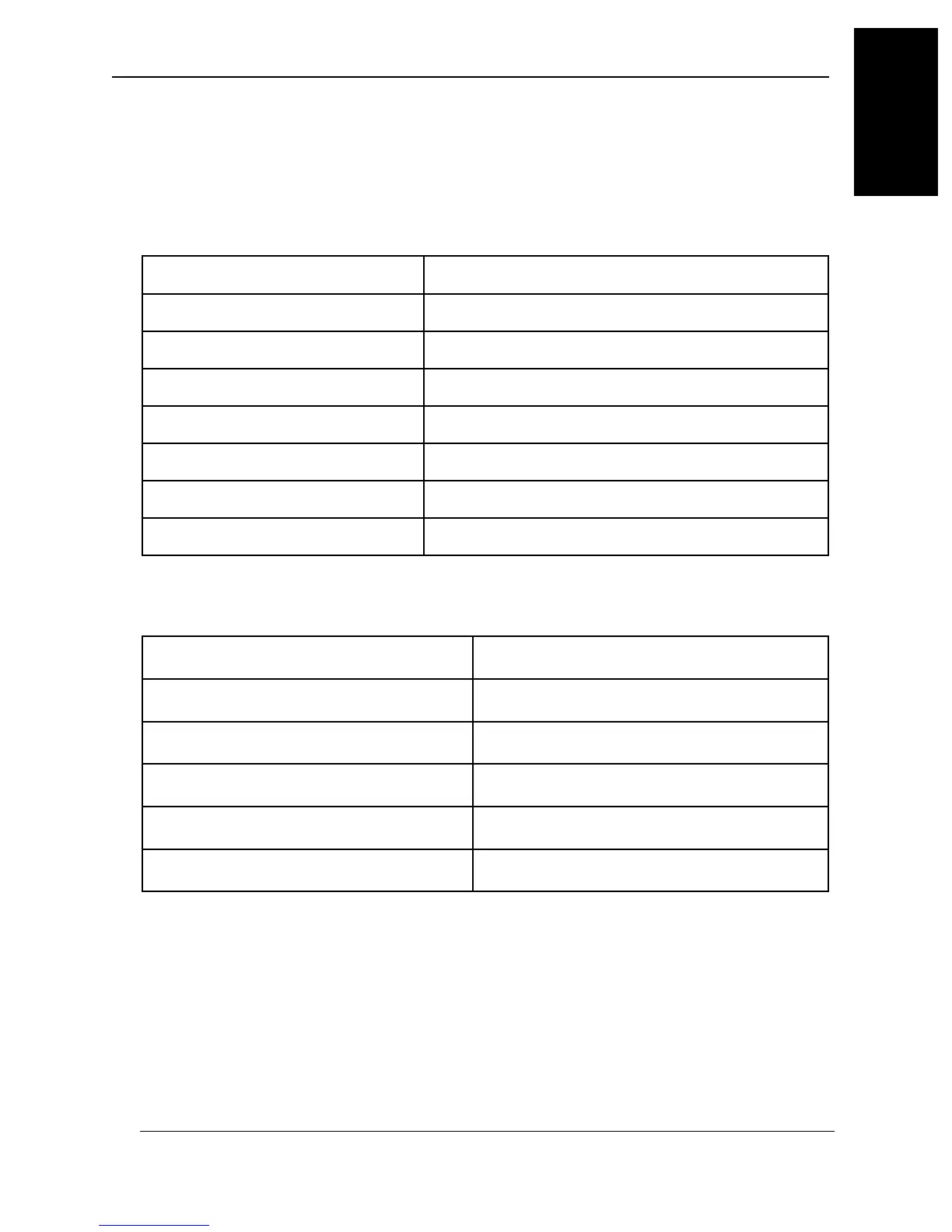
Table 1-5. Configuring Options Available for the Area Alarm by Using the
Front Panel
Table 1-6. Viewing Options Available for the Area Alarm by Using the Front
Panel
Option Description
dFLt
Sets alarm to default values
9ASt
Gas type
ScAL
Measuring scale
trEu
Transducer firmware revision
ArEu
Area Alarm Module firmware revision
Option Description
A hi
Alarm high setpoint
A lo
Alarm low setpoint
A rt
Alarm repeat time
d ir
Alarm wing direction
FLor
Alarm floor level
ArEA
Alarm area
2onE
Alarm zone
MedPlus TotalAlert® Alarm Network Operation and Maintenance Manual (205728) Page 1-33
Detailed Component Descriptions
Chapter 1: Introduction
1


 To Next Page