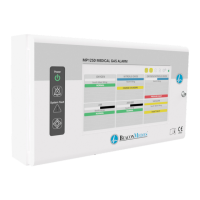
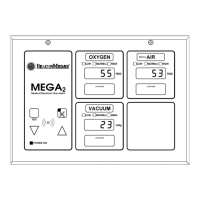
Page 2-36 MedPlus TotalAlert® Alarm Network Operation and Maintenance Manual (205728)
No Display on One Area Alarm Module
Chapter 2: Troubleshooting Procedures
2.27 No Display on One Area Alarm Module
1. The displays on the other Area Alarm Modules are ON.
Yes No
LJ
Go to RAP 2.24 on page 2-30. If this solves the problem, go to
“Final Actions” on page 2-7. Otherwise, go to step 2.
2. The ribbon cable from the Area Alarm Connector P.C. Board to the Area
Alarm Module is connected.
Yes No
LJ
Connect the ribbon cable from the Area Alarm Connector P.C.
Board to the Area Alarm Module (refer to procedure 4.9 on page
4-26). If this solves the problem, go to “Final Actions” on page
2-7. Otherwise, go to step 3.
3. Replace the ribbon cable (refer to procedure 4.19 on page 4-48). The problem
is solved.
Yes No
LJ
Call BeaconMedæs Technical Support.
4. Go to “Final Actions” on page 2-7.
2.28 Audible Signal Does Not Silence
1. Pressing the Silence key cancels the audible signal.
Yes No
LJ
Replace either the Master Alarm Module (refer to procedure 4.2
on page 4-10) or the Area Alarm Module (refer to procedure 4.9
on page 4-26) on the alarm panel that will not silence. If this
solves the problem, go to “Final Actions” on page 2-7.
Otherwise, call BeaconMedæs Technical Support.
2. Go to “Final Actions” on page 2-7.


 To Next Page