NOTE:
Version is the current software version, and SN is the serial number for this
Master Alarm.
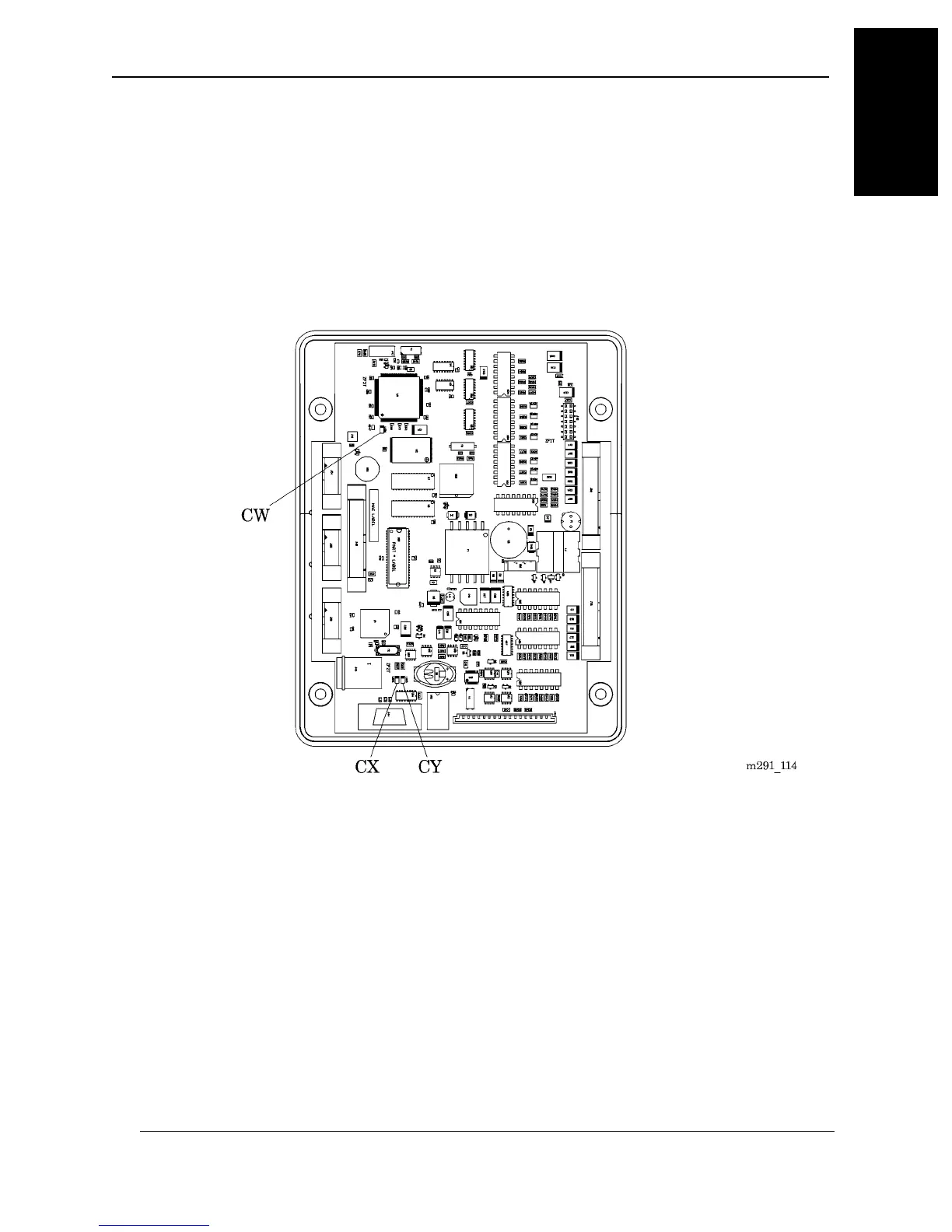
3. Locate the Master Alarm Module (DD).
4. Check the three LEDs located on the Master Alarm Module (see figure 1-18
on page 1–61).
Figure 1-18. Master Alarm Module
a.. The first LED (CW) indicates whether the software is operating correctly.
– Steady flash indicates proper operation.
– Solid ON or solid OFF indicates that the module has failed.
– Rapid flashing indicates a software error.
MedPlus TotalAlert® Alarm Network Operation and Maintenance Manual (205728) Page 1-61
Master Alarm Power-Up
Chapter 1: Introduction
1



 To Next Page