Page 1-64 MedPlus TotalAlert® Alarm Network Operation and Maintenance Manual (205728)
Configuring the Master Alarm Using the Front Panel
Chapter 1: Introduction
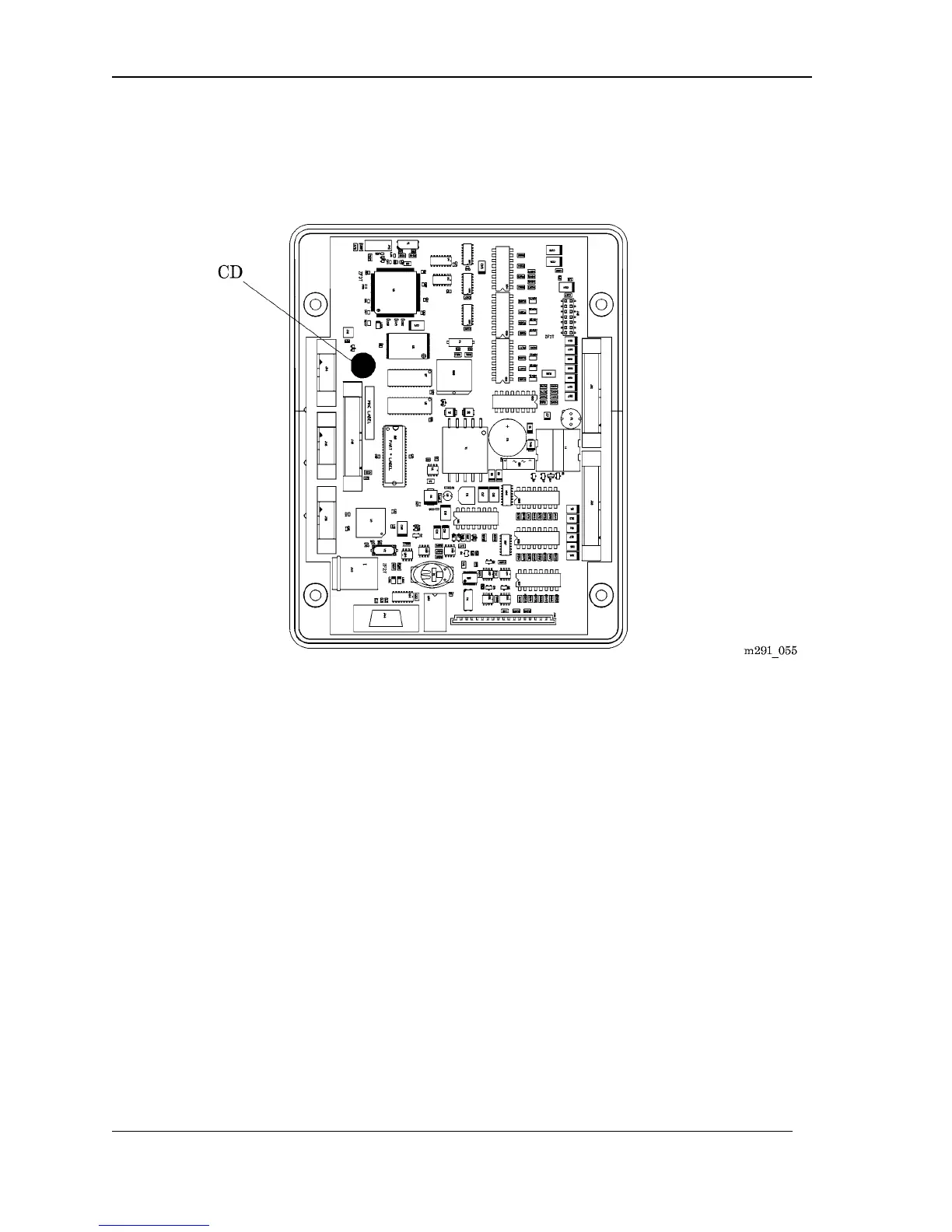
d. Press the configuration button (CD), located on the Master Alarm Module
(see figure 1-20 on page 1–64).
Figure 1-20. Master Alarm Configuration Button
NOTE:
Immediately upon entering the configuration mode, the Master Alarm display
scrolls the following:
*** Device ***
*** Setup ***
BeaconMedæs
TotalAlert System
Press ‘Silence’ for
the next item
Press ‘Test’ to
change the value



 To Next Page