62
Radio mode
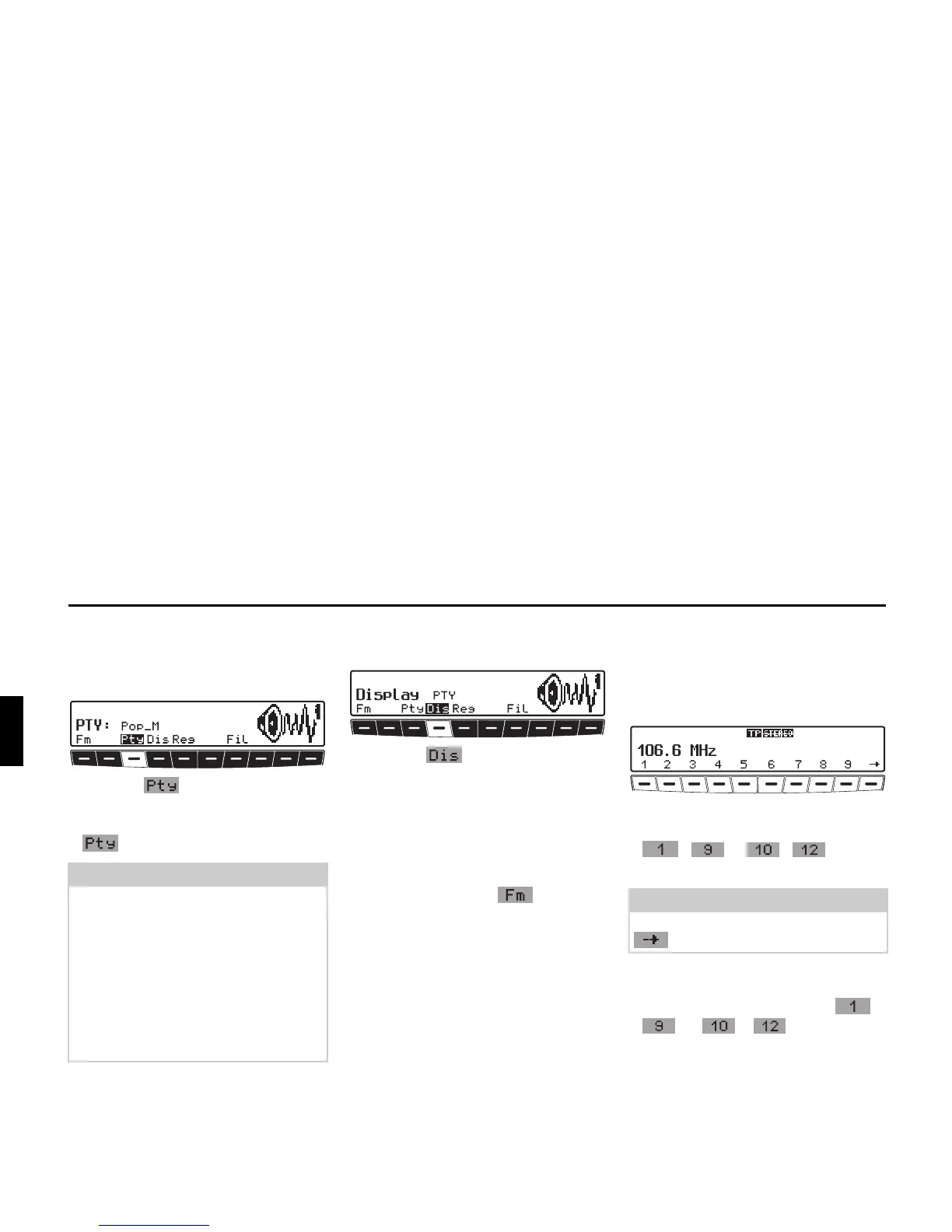
Programme type selection
(PTY)
X Request FM menu mode.
X Press the multifunction button.
X Then select the desired PTY (see also
page 91) using multifunction button
.
Turning PTY display on / off
X Select FM menu mode.
X With the multifunction button,
select either
PTY (PTY display on) or
Frequency (PTY display off).
Calling up / storing FM stations
X In the FM menu mode, select the
Stations RDS or Stations
Fix
level using the multifunc-
tion button.
•
Stations RDS (see also page 91)
•
Stations Fix (see also page 91)
Storing:
12 frequencies or programmes can be
stored per waveband.
X Find desired station.
X To store the desired station or pro-
gramme, press multifunction button
- or - until you
hear a signal tone.
Calling up a preset:
X Press multifunction button -
or - and the stored
station will be called up.
Note
Only the currently available PTYs can
be selected.
Once a PTY has been selected, only
those stations can be selected in FM-
DAS mode that are provided with this
PTY.
By selecting
NO PTY whilst in FM-
DAS mode, all stations will once again
be displayed.
Note
To reach presets 10 – 12, press the
multifunction button.















 To Next Page