64
Radio mode
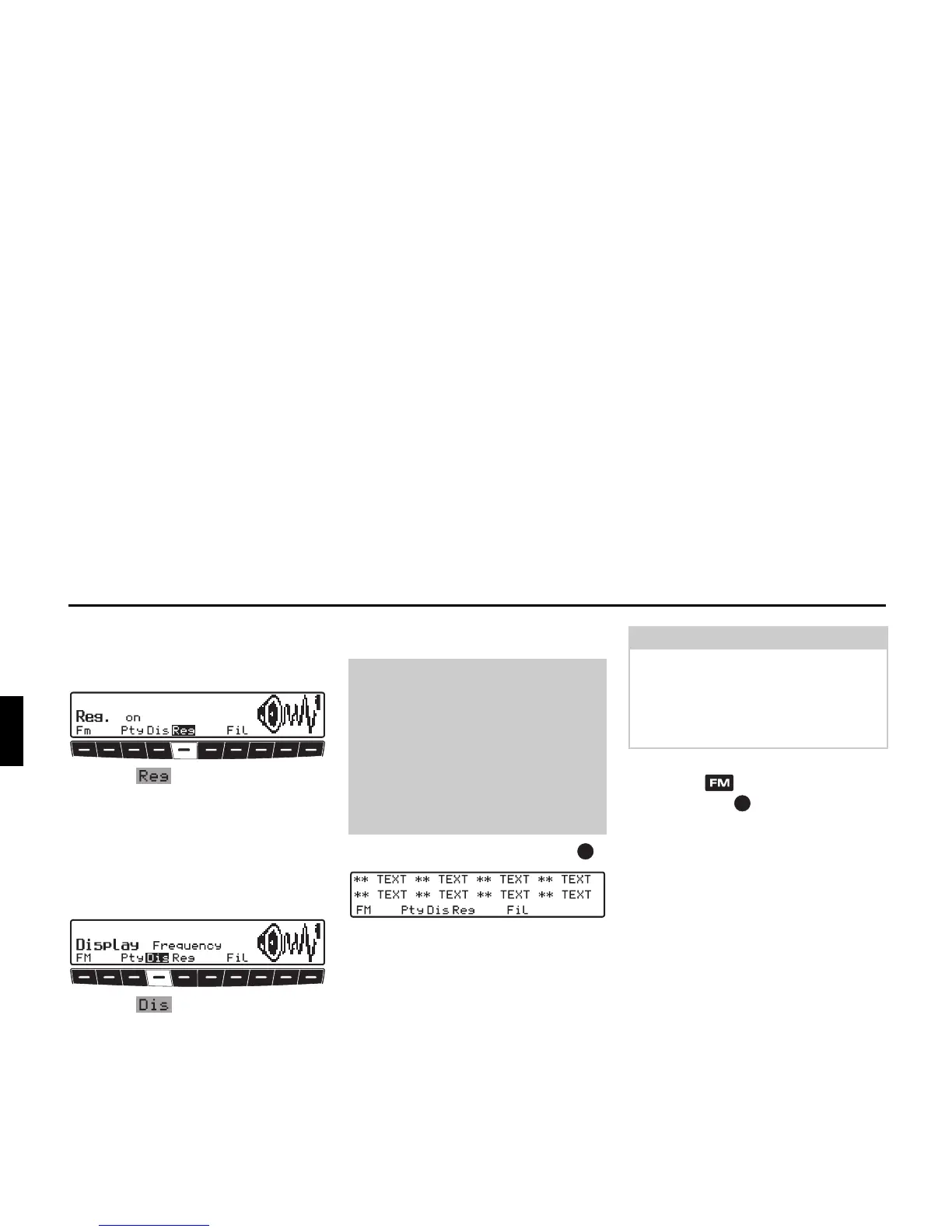
Switching regionalisation on /
off
X Select FM menu mode.
X Use the multifunction button to
turn regionalisation on (
on) or off
(
off).
Turning frequency display on /
off
X Select FM menu mode.
X Use the multifunction button to
select either
Frequency (frequency
display on) or
PTY (frequency display
off).
Switching radio text on / off
X Press the left-hand rotary control .
The car radio filters data transmitted by
the radio station and displays it in the
form of radio text.
X In order to quit the radio text level,
press the button or the left-hand
rotary control .
Warning
Accident hazard
Since information transmitted via radio
text is constantly changing, we recom-
mend displaying the radio text only
when the vehicle is stationary to avoid
unnecessary distraction for the driver.
This is a necessary precaution for acci-
dent prevention.
G
Note
Radio text cannot be displayed unless
the selected station transmits radio text.
Poor reception or interference may dis-
tort the radio text or completely prevent
it from being displayed.















 To Next Page